
Product video: photo to actual output

Historical test cost: 330 credits for one video; no paid reference-image generation in this run. A new plan can cost a different amount.
Read the full test and load its brief →
Blurbly AI tutorials · blurbly.ai
Start with your own product photo, choose what to make and review the plan before generating. Follow the recorded steps below, then compare our fictional candle tests: the original photo, actual video files, corrections and remaining issues.
Blurbly AI is the creative studio at blurbly.ai for product photos, listing images, UGC-style videos and video ads. Start with one task and one reference photo. The steps below connect our recorded interface walkthroughs with actual generation tests, including results that needed correction.
The product photos and test clips in this guide are our own fictional, AI-generated samples. The walkthrough screenshots show demo tasks, not customer sessions. We do not use customer-uploaded images, customer generation results or customer testimonials in this guide.
Choose a clear view of the product or your own shop. Add only verified product details, your offer and the intended audience. A public product link can supply context, but keep a usable reference photo ready.
See the recorded photo and link setup →Choose a product video, an AI-presenter video or listing images. State the format, length and one purpose. In our product test, the input was one fictional candle photo and a five-second vertical video brief.
Read the actual product video brief →Check the output type, aspect ratio, shot list, presenter, text and audio settings. Remove an unwanted default style. The screenshot walkthroughs recorded on 19 October stop before paid rendering; they are not proof of a completed generation.
Follow the recorded UGC planning steps →Generation uses an eligible plan or credits; review the current quote before confirming. Our 21 October candle test produced a real five-second MP4. Its raw file had an audio track and changed framing despite the brief, so we did not treat it as a finished ad.
Compare the source, output and test record →Our first AI-presenter take introduced a split screen. A retry with one generated start frame removed that layout and produced a silent file, but unwanted mouth movement remained. For images, check labels and product geometry as well as background, size and fill.
See the failed take, correction and remaining issue →Check the whole file, not just its thumbnail: product accuracy, text, hands, faces, sound and placement. For Amazon, run the final exported image through the checker and compare it with the real item. Passing pixel checks does not mean Amazon has approved it.
See the main-image correction and recheck →Open Blurbly AI at blurbly.ai to start, or read About Blurbly AI for product and support information.
These separate tests were generated and reviewed on 21 October 2026, after the screenshot walkthroughs. Both use our own fictional candle image. They show actual outputs and observed problems, not customer results or approved ads.
Historical test cost: 330 credits for one video; no paid reference-image generation in this run. A new plan can cost a different amount.
Read the full test and load its brief →Historical test cost: 1,560 credits across both attempts: 900 for three reference images, 330 for the rejected video, and 330 for the correction. A new plan can cost a different amount.
Read the full test and load its brief →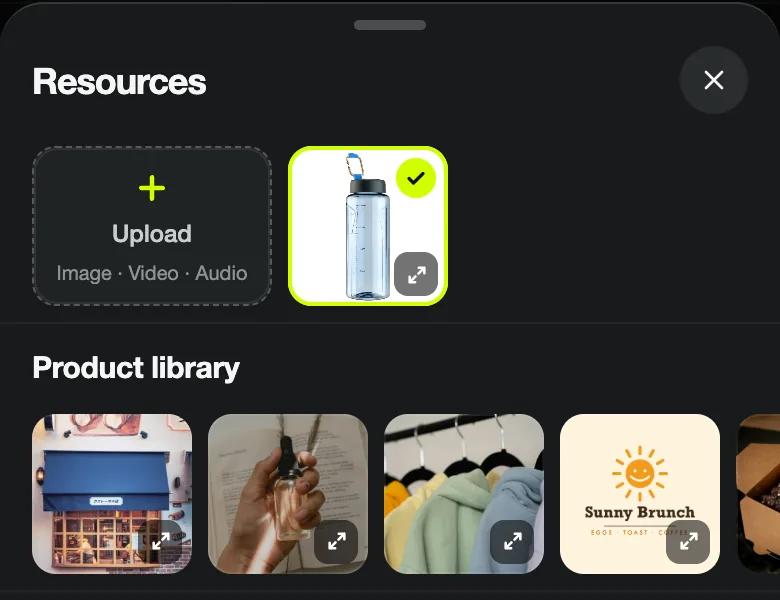 TUTORIAL · 5 MIN · 7 STEPS
 Paste a product page with one photo. Blurbly reads the name, price and selling points and plans every shot.
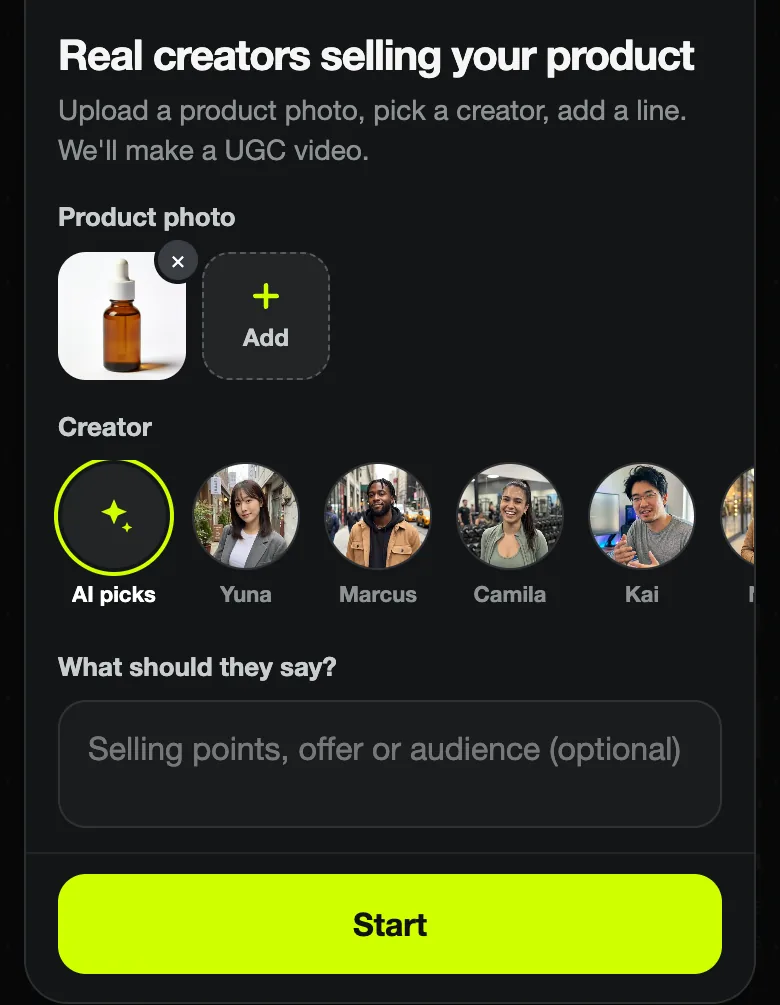 TUTORIAL · 5 MIN · 5 STEPS
 Upload a photo, pick one of the preset AI creators or let Blurbly choose, and get a talking-to-camera ad plan.
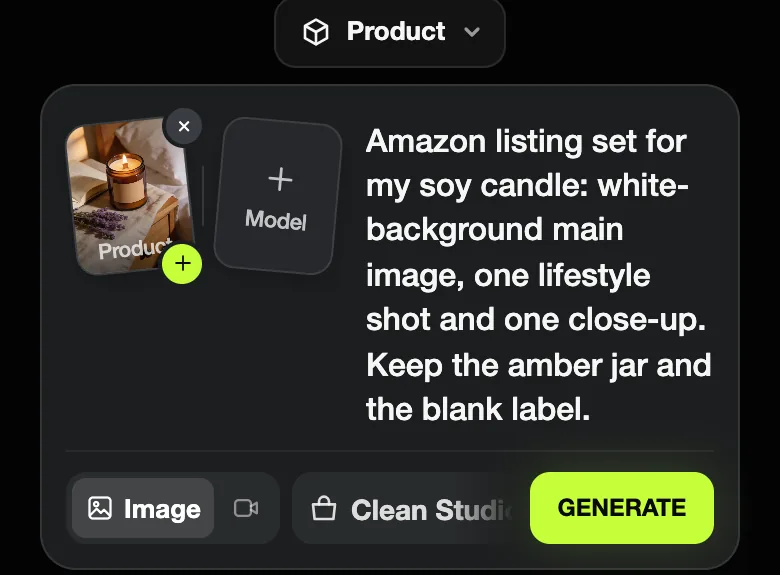 TUTORIAL · 3 MIN · 5 STEPS
 One photo in, a planned set out: a white-background main image, a lifestyle shot and a close-up, with previews.
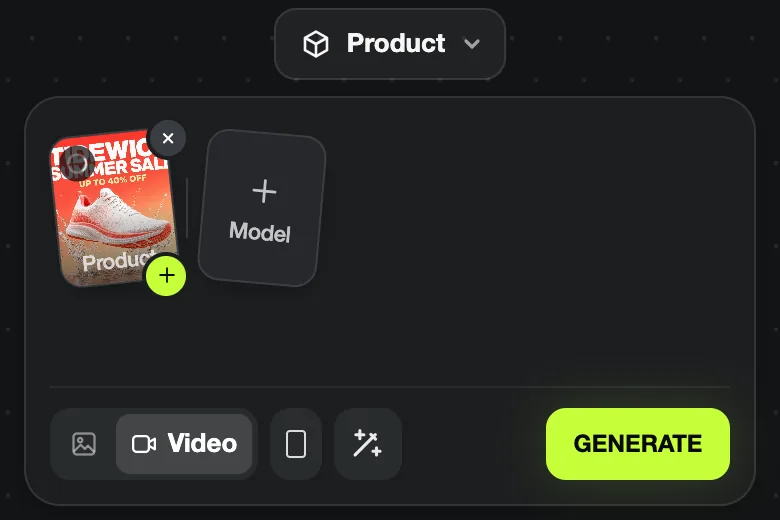 TUTORIAL · 3 MIN · 5 STEPS
 Upload finished artwork, choose Motion poster, and get a 5-second vertical clip that keeps your text as printed.
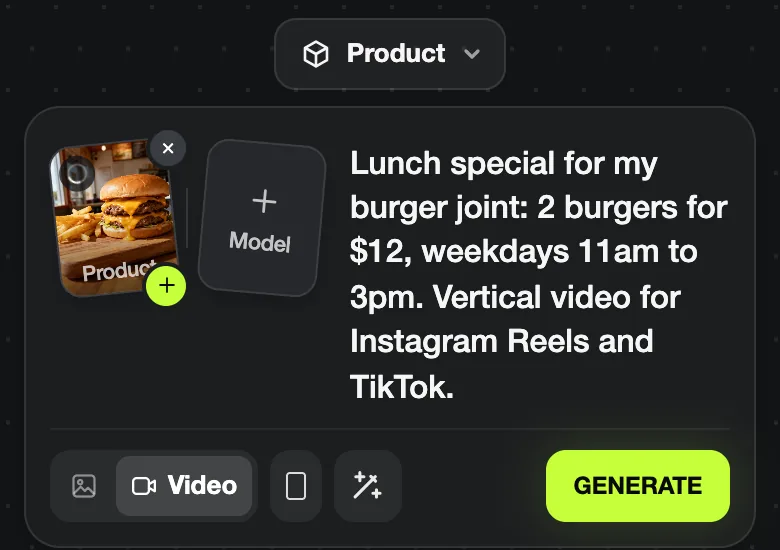 TUTORIAL · 5 MIN · 4 STEPS
 A dish photo and your deal in one sentence become an eight-shot plan that ends on the offer card.
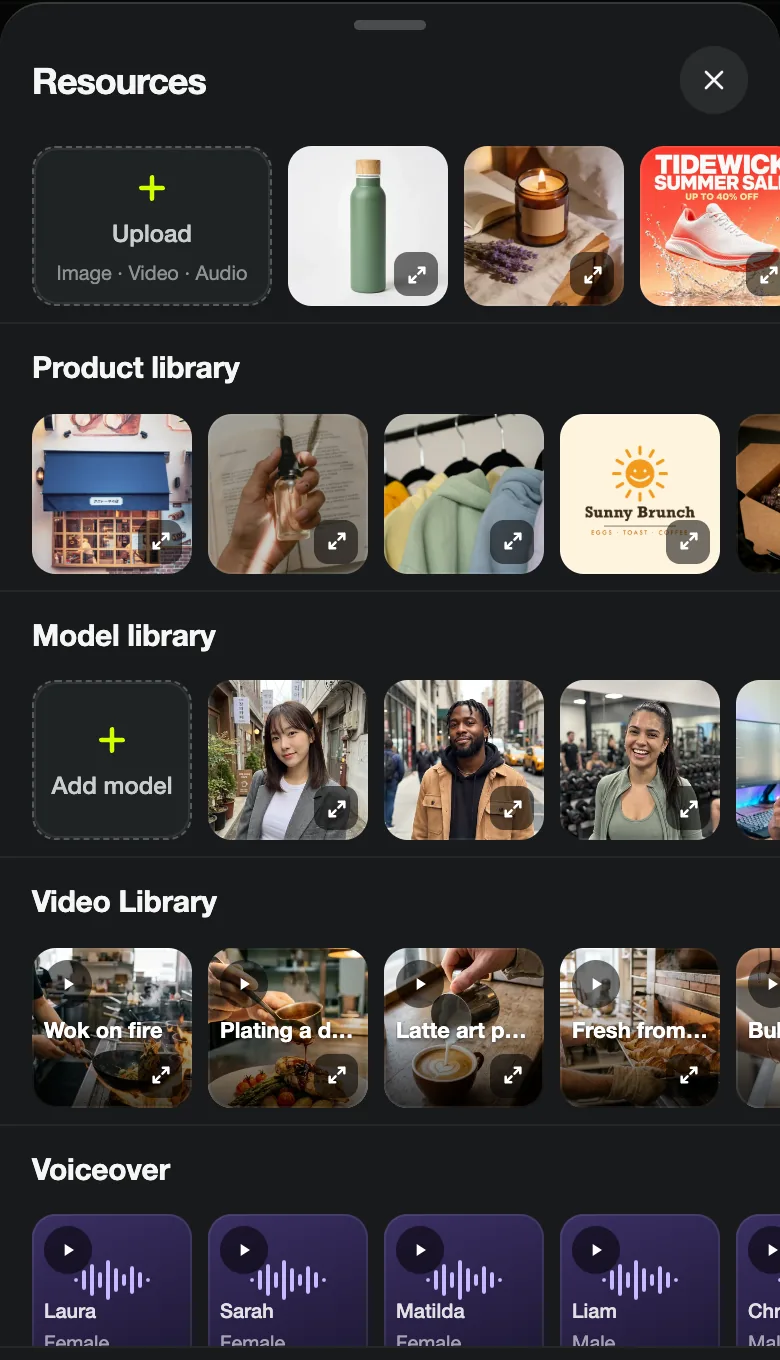 TUTORIAL · 5 MIN · 6 STEPS
 A tour of the Resources panel: model library, Video Library references, six voices and the music list.
The official creative studio is at blurbly.ai. Use the generator on this page or open the homepage. The About page explains the product and support details.
No. These are our own AI-generated fictional product photos and fictional presenter demonstrations. The tests document actual generation files and limitations, not customer uploads, customer endorsements or advertising performance.
No. The interface screenshots were recorded on 19 October 2026 and stop before paid rendering. The candle videos were generated and reviewed separately on 21 October 2026. Each full case links its source, output, model, historical credit cost and review.
A new plan, model, settings and retry can change both the output and total cost. Check the current quote before confirming generation. Review the actual file and correct problems before publishing; the examples are not a guarantee of output quality or ad approval.
The six screenshot walkthroughs were recorded on blurbly.ai on 19 October 2026 with fictional products and our own sample images. Those runs stopped at Unlock; their result sections show separately labelled library examples, not outputs of those runs. The two candle generation tests above were completed separately on 21 October and link to their actual files and reviews.
Upload a photo, review the plan and the shot list, and only pay when you unlock.
Back to the generator