

Free tool
Product image resizer
Turn one product photo into the exact sizes Amazon, Walmart, Shopify, Etsy, eBay, TikTok Shop, DoorDash, Google Business Profile and social feeds want. It runs in your browser, and your photo is never uploaded.
Pick a photo to see every selected size side by side. Nothing is uploaded — resizing happens in this browser tab.
Need new listing photos, not just new sizes? Generate them in Blurbly
Product image sizes by platform
Most marketplaces publish a minimum rather than one correct size. Where a platform names an exact size, the preset uses it; where it only gives a floor, the preset exports comfortably above it so zoom works and the file still uploads. The right-hand column is what the platform’s own help page says, as summarised in our requirement guides.
| Platform | We export | What the platform says |
|---|---|---|
| Amazon main image | 2000 × 2000 px (1:1), white | 1000 px minimum on the longest side, 1600 px+ for best zoom, pure white background |
| Walmart | 2200 × 2200 px (1:1), white | 2200 × 2200 px, 1:1, seamless white (RGB 255), 1500 px minimum for zoom |
| Shopify | 2048 × 2048 px (1:1) | 2048 × 2048 px usually displays best for square images; up to 5000 × 5000 px |
| Etsy (landscape 5:4) | 2500 × 2000 px (5:4) | At least 2000 px wide and tall; first photo landscape or square |
| eBay | 1600 × 1600 px (1:1) | At least 500 px on the longest side; no borders, text or watermarks |
| TikTok Shop | 1600 × 1600 px (1:1), white | At least 600 × 600 px, 1:1 recommended, main image on pure white |
| DoorDash menu item (16:9) | 1920 × 1080 px (16:9) | Landscape 16:9 only, at least 1400 × 800 px; no text, borders or letterboxing |
| Google Business Profile | 1200 × 1200 px (1:1) | JPG or PNG, 10 KB–5 MB; 720 × 720 px recommended, 250 × 250 px minimum |
| Instagram post (4:5) | 1080 × 1350 px (4:5) | Portrait feed post; takes the most screen space in the feed |
| Story / Reels / TikTok (9:16) | 1080 × 1920 px (9:16) | Full-screen vertical; keep text inside the safe zone |
| Facebook feed (1:1) | 1080 × 1080 px (1:1) | Square feed image or ad |
| Pinterest pin (2:3) | 1000 × 1500 px (2:3) | Standard 2:3 pin |
Marketplace rules come from each platform’s help pages, read in October 2026. See the marketplace image requirements comparison for sources. DoorDash and Google Business Profile rules come from their own help pages, read 19 October 2026. See the DoorDash menu photo and Google Business Profile photo guides. Uber Eats publishes no pixel size for restaurant menu photos, so there is no Uber Eats preset. Social sizes are the common upload sizes for each placement, not a review rule. The platform’s own page always wins.
How to resize product photos for Amazon, Shopify and Etsy
Choose your photo
Use the largest original you have: the camera file, not a screenshot or a marketplace download. The resizer reads JPG, PNG and WebP up to 50 MB.
Pick sizes and how to fit
Tick every place the photo will go. Use Pad on white for main images so nothing is cut off; use Crop for social posts and choose which part of the photo to keep.
Check the previews, then download
Every size is drawn side by side. Read any warning under a preview (upscaling, non-white padding on a white-only marketplace, bars on DoorDash), then download one size or all of them.
Pad, crop or reshoot
Every preset gives you the same two choices, and they suit different jobs. Pad keeps the whole photo and fills the leftover space. Crop fills the frame and trims whatever doesn’t fit. Pick by platform, not by habit.
Pad with white for marketplace main images. Amazon, Walmart and TikTok Shop want a pure white background, and padding a photo that is already on white keeps the edges clean. If the photo sits on a grey or beige backdrop, white padding leaves a visible join where the photo ends; the real fix there is a white background, not a different padding colour.
Crop for DoorDash and for social posts. DoorDash rejects borders, letterboxing and white side bars, so a menu photo has to be cropped to 16:9, and the tool warns you if you pad. That only works if you shot in landscape; cropping a vertical photo to 16:9 usually cuts off part of the dish. For a 4:5 Instagram post or a 2:3 pin, use the 3 × 3 grid to keep the part of the photo that matters.
Etsy sits in between. The preset exports a 5:4 landscape at 2500 × 2000 px, because Etsy recommends at least 2000 px in each direction and wants the first photo landscape or square. Pad with the edge colour if the photo was shot on a styled surface, and leave room around the item, since Etsy crops thumbnails into several shapes.
Then know when to stop. If a preview says the photo was upscaled, the export will look soft when a shopper zooms, however clean it looks at full-screen size. Go back to the camera original or reshoot. A crisp 1600 px photo is more useful than a blurry 2200 px one.
What usually goes wrong when resizing product images
Squashed products
Forcing a 4:3 photo into a square distorts the product. This tool never stretches: it pads or crops, so a round lid stays round.
Grey padding on Amazon
Amazon, Walmart and TikTok Shop want the main image on pure white. Padding a light grey photo with its own edge colour hides the join but still isn’t white. Pad with white, or reshoot on white.
Cut-off packaging
Cropping a tall bottle into a wide Etsy frame can lose the cap or the label. Use Pad for anything where the whole product must show, and move the crop anchor if you do crop.
Small source, big target
An 800 px photo enlarged to 2000 px looks soft when shoppers zoom. The tool flags it; the fix is a bigger original, not more resizing.
Resizing fixes the frame, not the photo. If the main image still fails on background or fill, run it through the Amazon main image checker or the Walmart checker, which both run in the browser like this tool. For a full listing set, read the Shopify product image size and Etsy photo requirements guides. Making 9:16 ads from the same photo? Check text placement with the TikTok safe zone checker.
When resizing isn’t enough, generate new listing photos
Upload one product photo and Blurbly generates a white-background main image plus lifestyle and detail shots of the same product. Compare labels and colours with the real item before you upload, then bring the files back here to size them.
Listing images made with Blurbly
Main images on white, lifestyle shots and short videos, all generated for fictional, unbranded products.
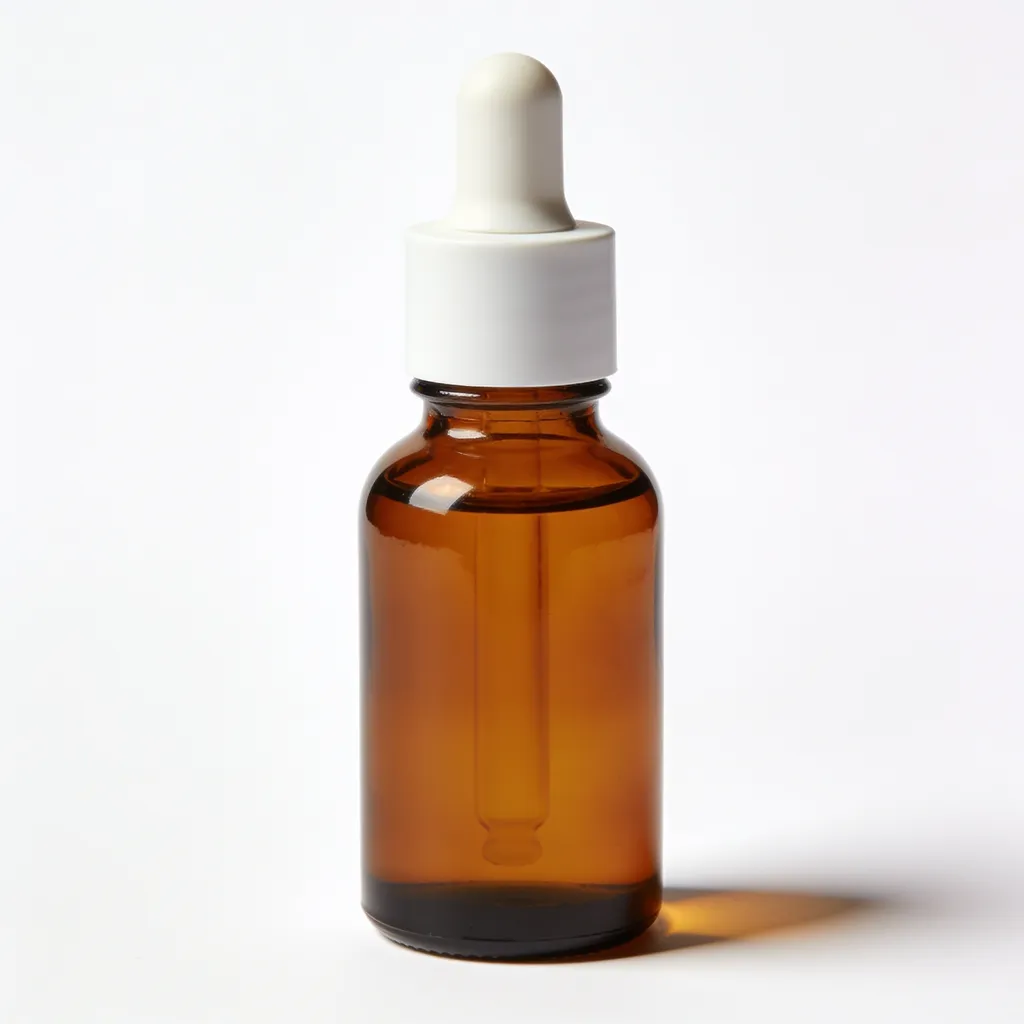
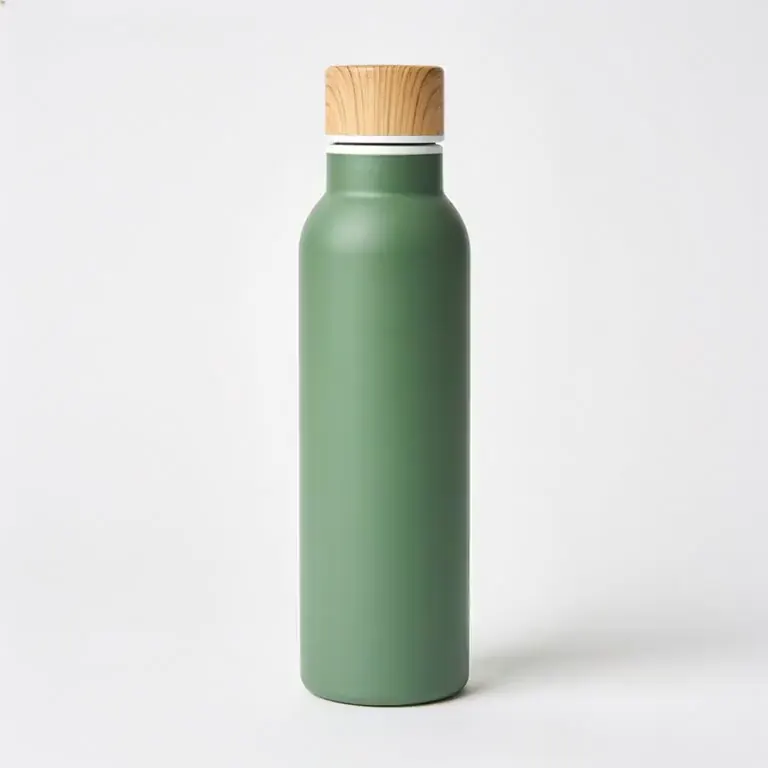
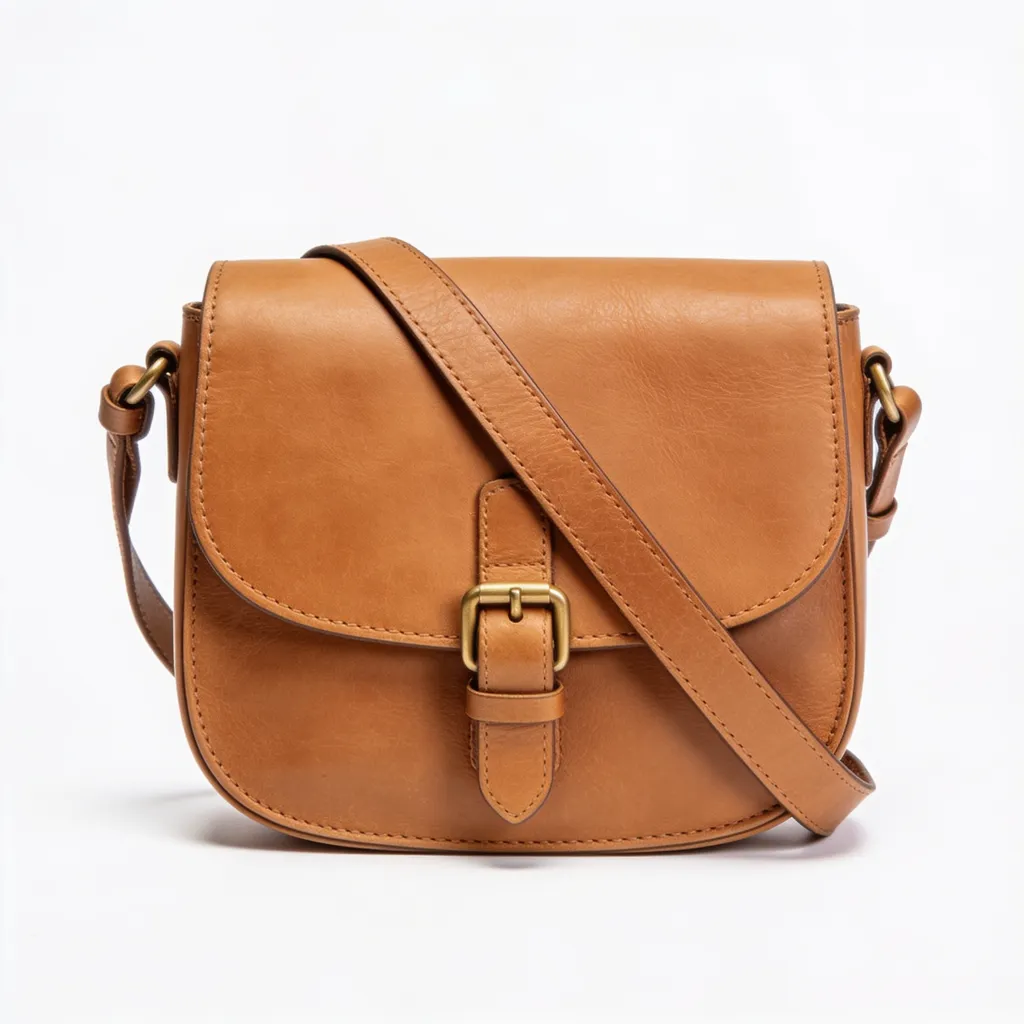
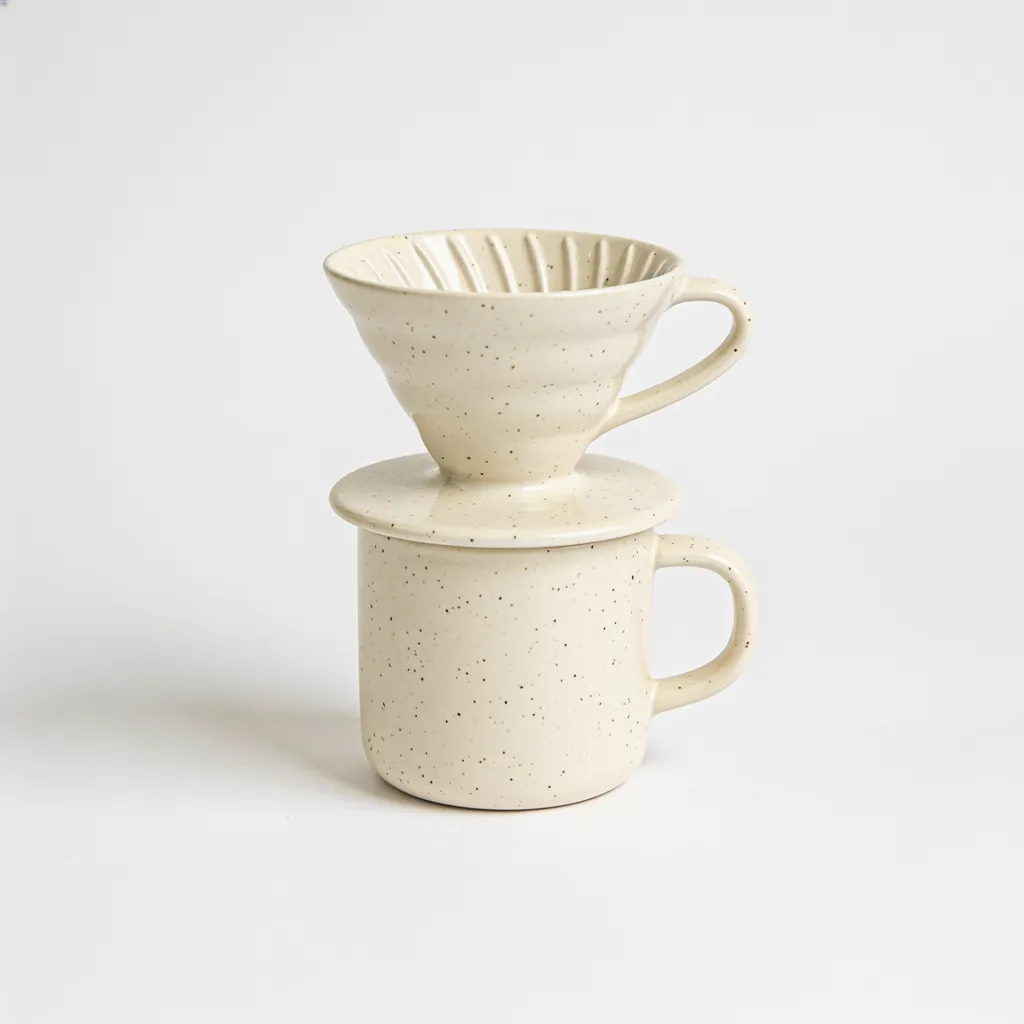
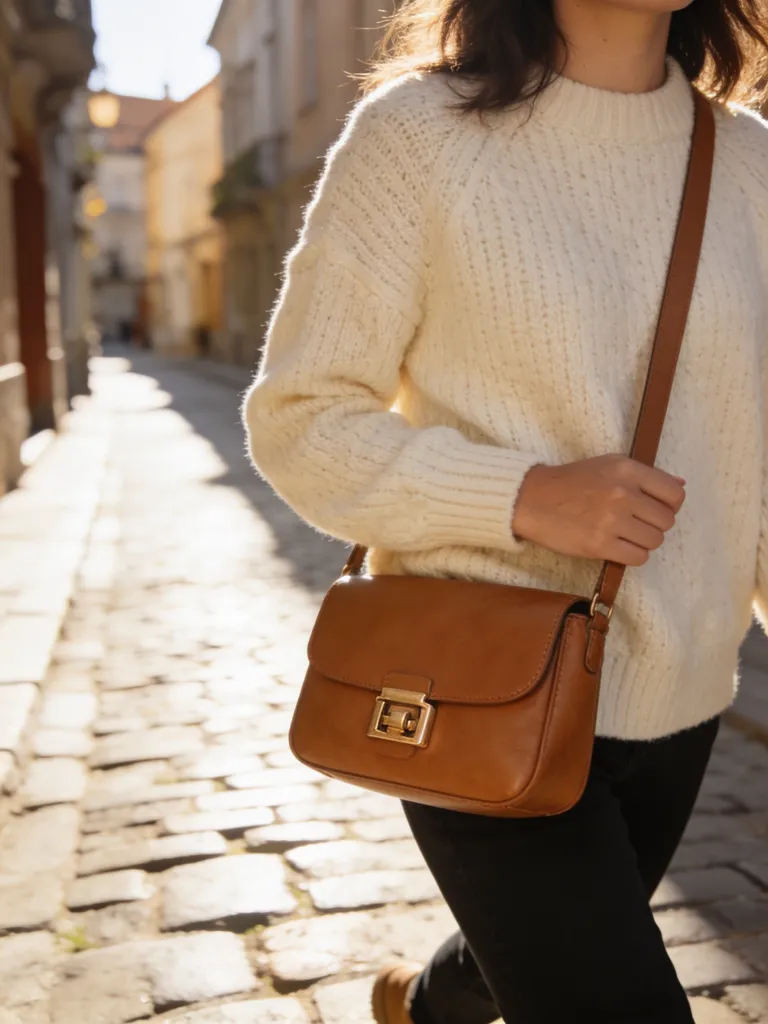
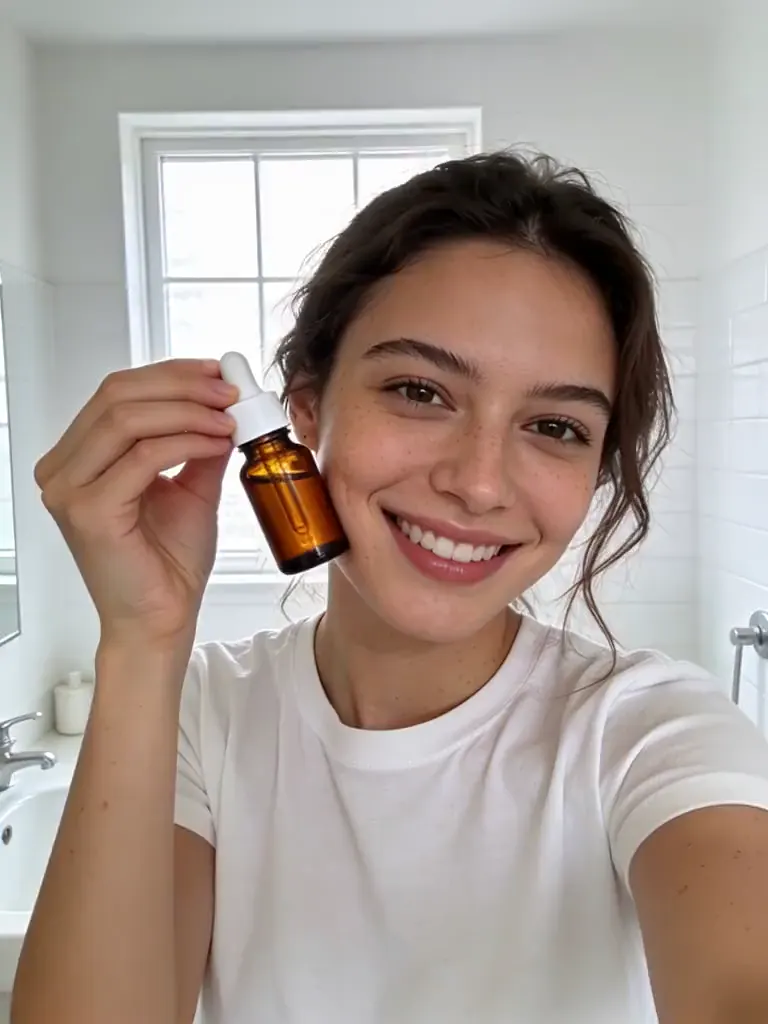
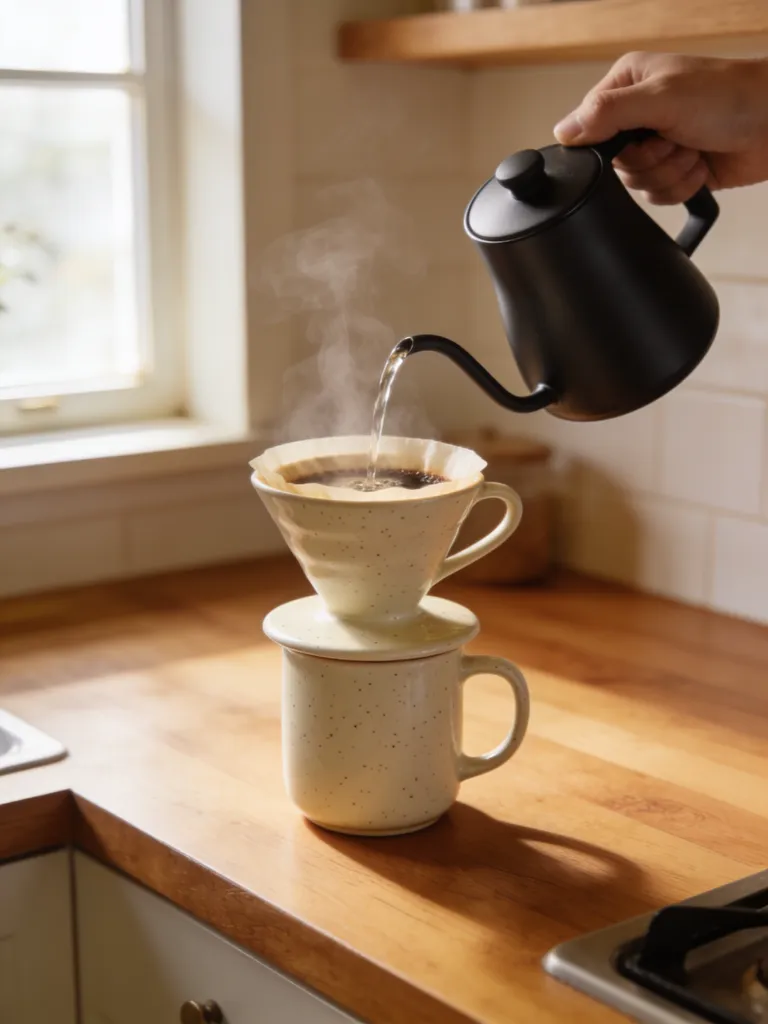
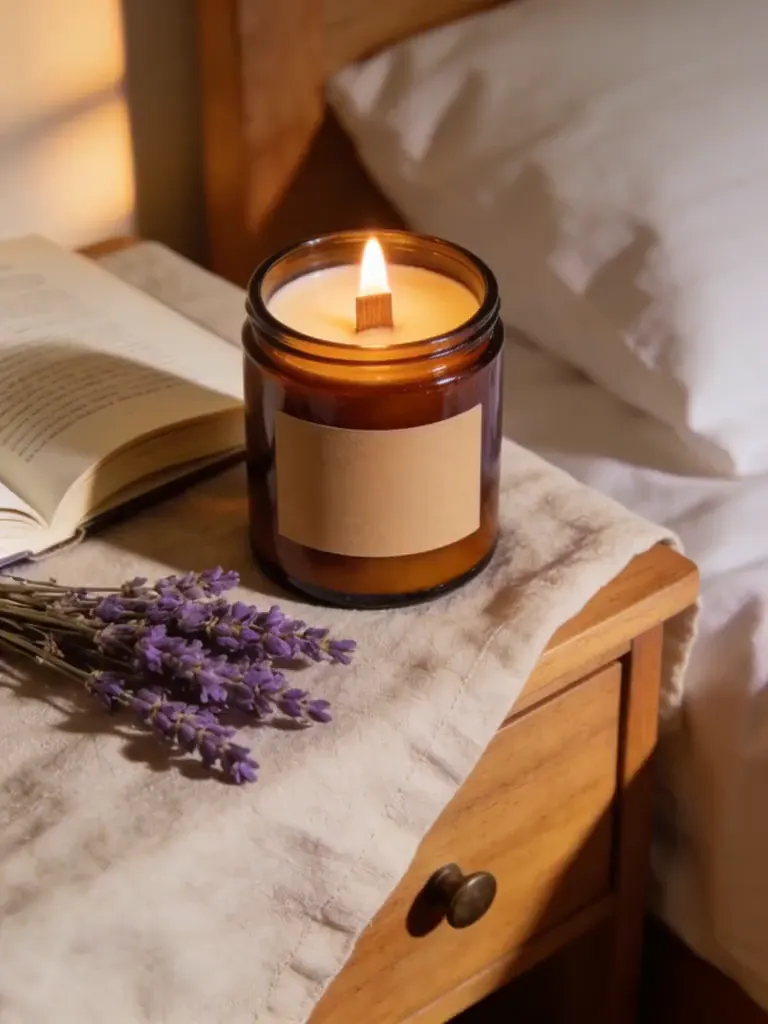
All examples were generated with AI from fictional, unbranded products. No real brand is shown.
Frequently asked questions
Are my photos uploaded?
No. The resizer reads the file in your browser, redraws it on a canvas and saves the result straight to your device. Nothing is sent to Blurbly or anyone else, so it also works on unreleased products.
What size should a product image be for Amazon?
Amazon asks for at least 1000 px on the longest side so zoom works, and 1600 px or more for the best result, on a pure white (RGB 255) background. This tool exports 2000 × 2000 px on white, which clears both numbers.
Should I pad or crop?
Pad keeps the whole photo and fills the leftover space with white, transparency or the photo’s own edge colour. It’s the safe choice for marketplace main images, because nothing gets cut off. Crop fills the frame and trims the overflow; use it for DoorDash and social posts, and pick which part to keep with the 3 × 3 grid.
Why does my JPG have a white background when I chose Transparent?
JPG can’t store transparency, so transparent padding is flattened onto white. Choose PNG or WebP to keep it. Transparency rarely helps on marketplaces anyway: Amazon wants pure white, and Etsy shows transparent areas as black.
Will resizing make a small photo sharper?
No. If your photo is smaller than the target, it is enlarged and the tool tells you by how much. That adds pixels, not detail. For a crisp 2000 px image, start from the camera original or generate a new one.
Can I resize several photos at once?
You can export one photo to many sizes in one click. For a second photo, choose it and click download again; your size and format choices stay selected.
Get the whole listing set, sized for every store
Generate a main image, lifestyle and detail shots from one product photo, then resize them here for each marketplace.
Open the studio