

Blurbly editorial
Growth guides
Marketing that small sellers can actually run: what to post, what each platform allows, and how to make the images and videos without a studio.
For online stores and marketplaces
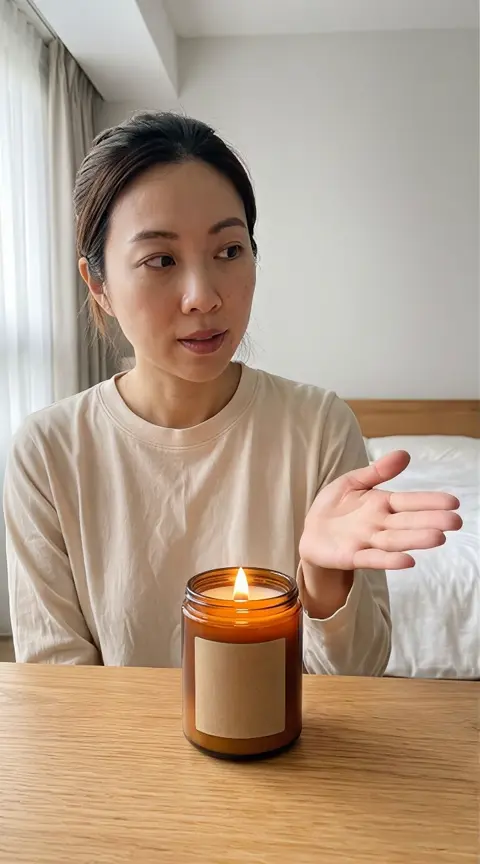 Product video production budgets
What an AI product video really costs when you count the retries
Our candle test spent 1,890 credits across references and three video attempts. Inspect the original files and copy the production ledger.
 Amazon sellers
How to make an Amazon main image that wins the click and stays live
Your main image is the ad that runs in every search. How to win the click inside Amazon’s rules, avoid suppression, test a new version and re-shoot on a small budget.
 Online stores and brands
What shoppable video means on each platform, and which videos to make first
TikTok Shop, YouTube, Instagram, Amazon and your own store each mean something different by shoppable video. What each one requires, and the three videos to make first.
 Lingerie brands
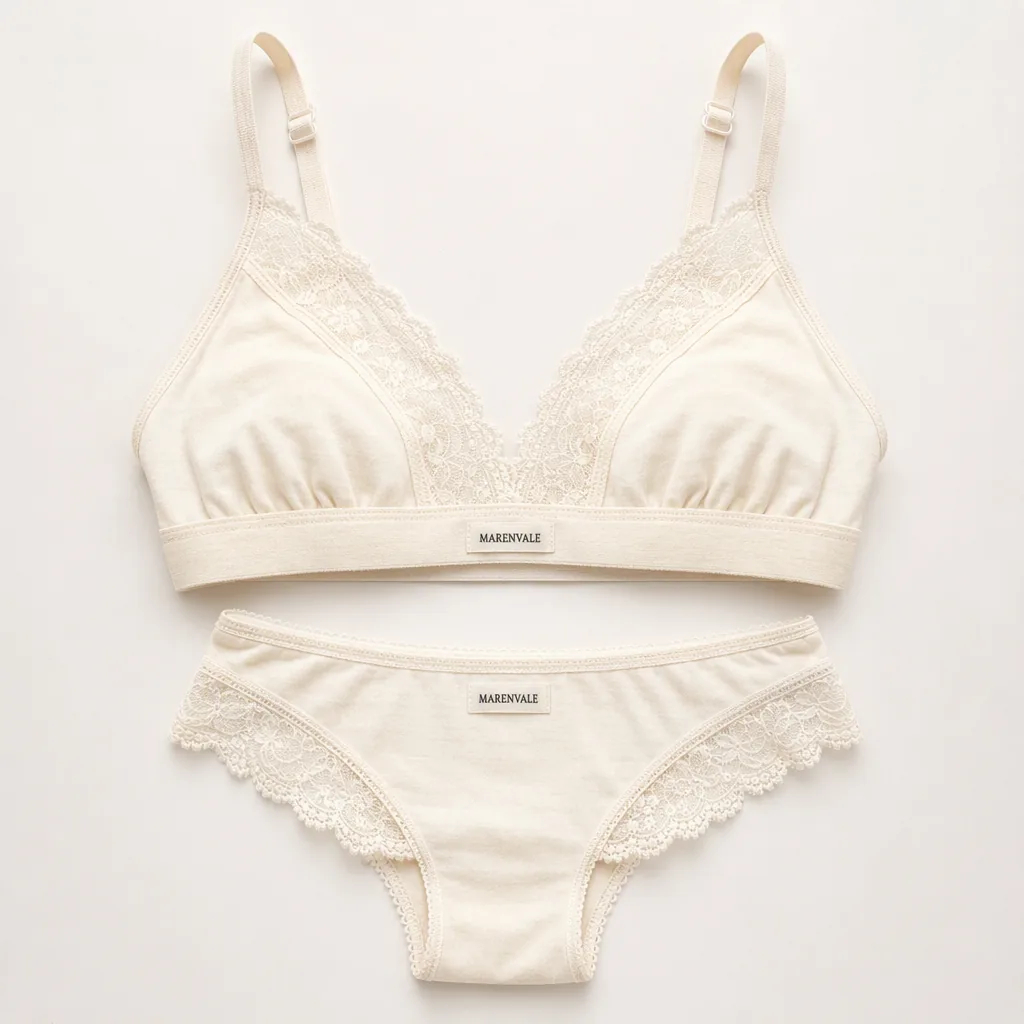
What a lingerie website and its ads can show, and how to grow inside the rules
What payment processors, ad platforms and Google Shopping let a lingerie store show, and the catalog imagery and owned channels that grow a brand inside those rules.
 Small product brands
How to market a new product online in the first 90 days, on a small budget
A 90-day content plan for a new product with little budget: listing images first, then a few video ads, honest creator-style UGC, reuse in email and social, and what to measure.
For restaurants, salons and local shops
 Restaurants, salons and local shops
Google My Business photo guidelines, and the photos worth adding first
Google’s photo rules in short, the first photos to upload for your type of business, a routine for keeping them fresh and where AI promos belong instead.
 Restaurants, cafés, salons and repair shops
A 30-day local business video marketing plan you can run from your phone
Four weekly themes, three phone clips and one promo a week, with the rules on what must stay real and a notebook method for checking results.
Make the images and videos these guides describe
Add a product or shop photo in the generator at the top. You see the plan and the price before anything is generated.
Back to the generator