

Video ads for local businesses
Video ads for your business, made from one photo
Most local businesses post from the same camera roll: the dish, the empty chair, the car in the bay, the dress on the rail. Every example on these pages started from one photo like that. Pick your trade to see the ads, the photo behind each one, the brief we used and what to check before you post.
Pick your industry
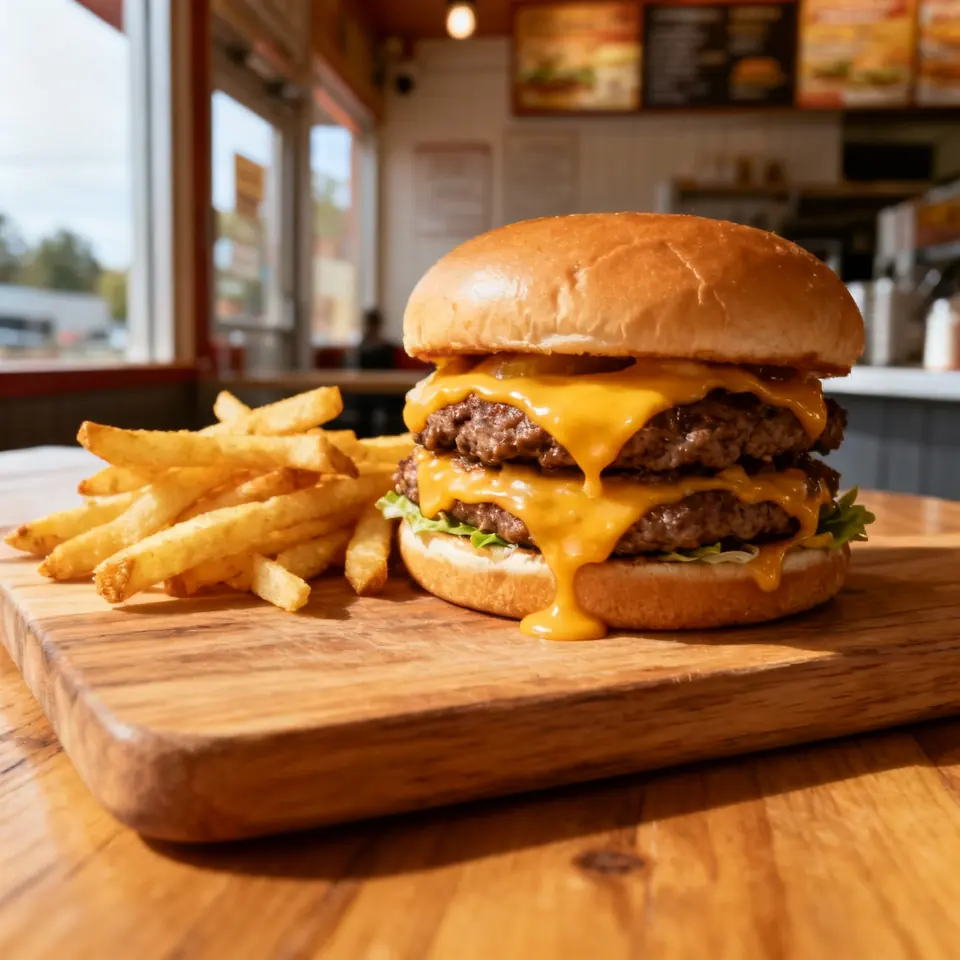 3 EXAMPLE ADS
 Restaurant advertising & promo videos
Burgers, fried chicken, kebabs: sizzle, close-ups and a hero shot from one dish photo.
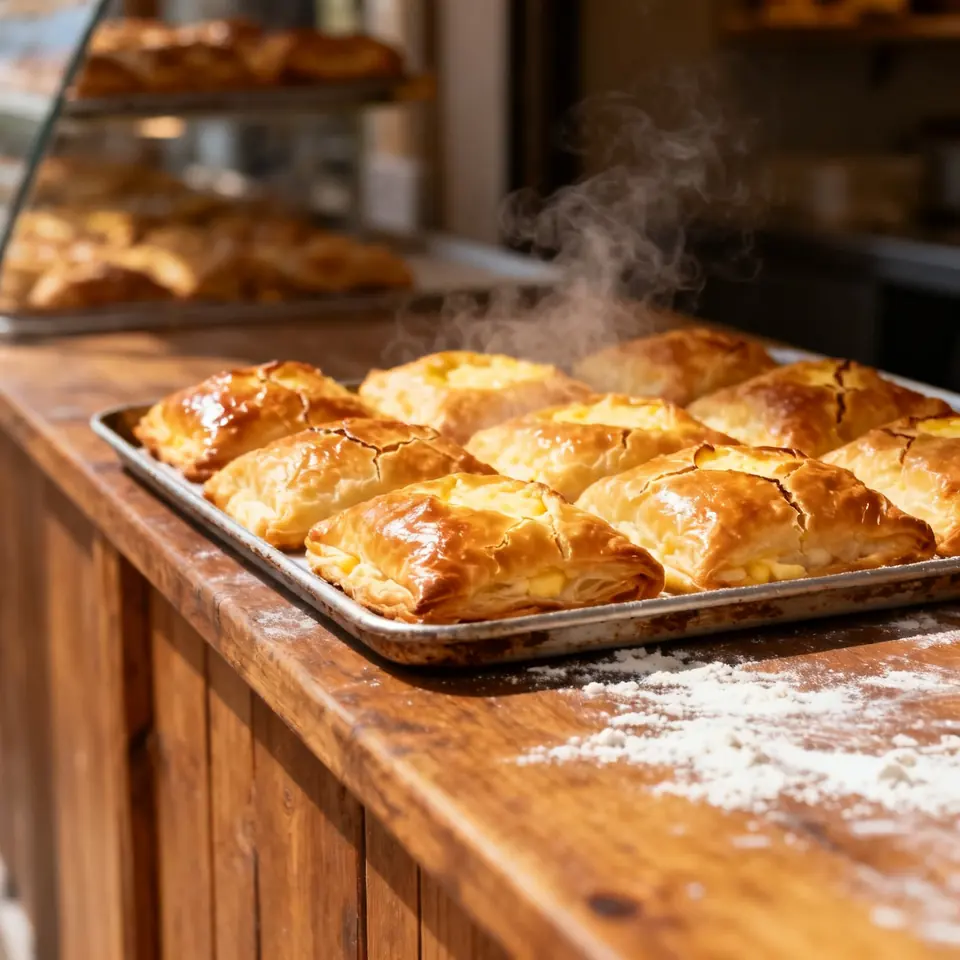 3 EXAMPLE ADS
 Café & bakery video ads
Espresso pours, milk tea and fresh pastries: drink and bakery ads from one photo.
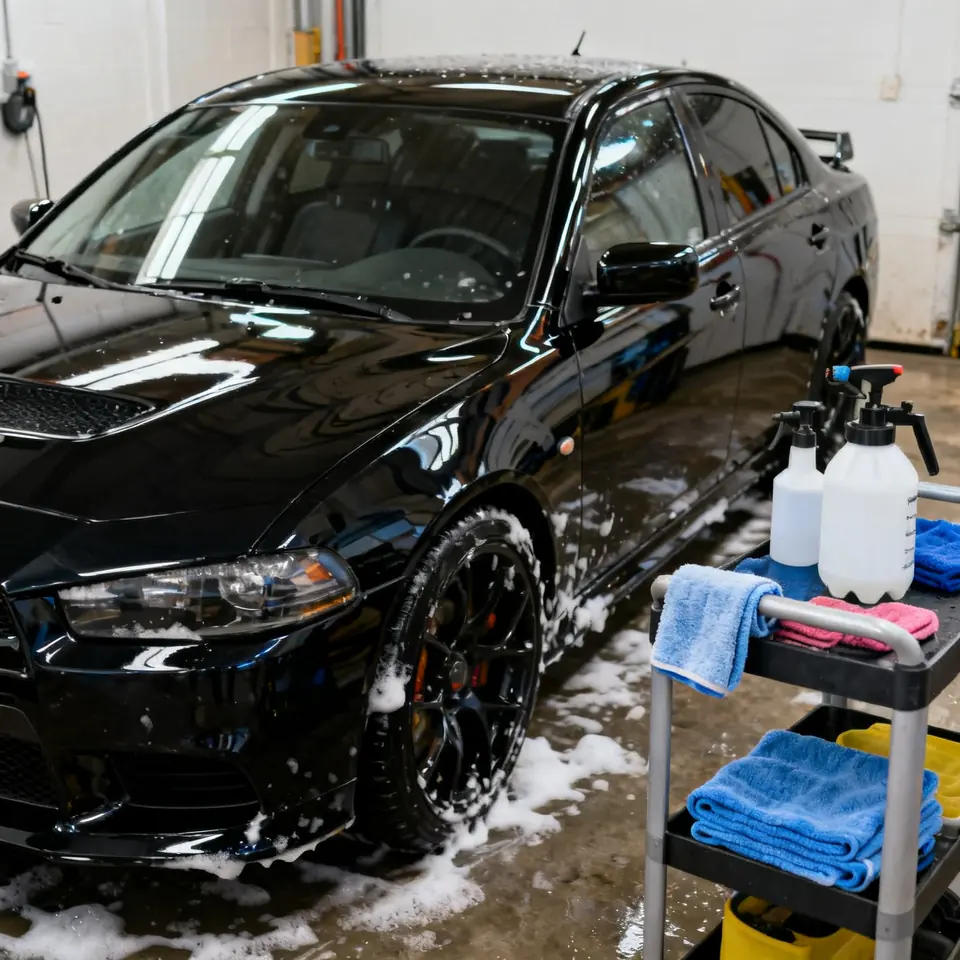 2 EXAMPLE ADS
 Car wash advertising & detailing videos
Car wash offers, detailing packages and mobile service promos, with a foam-and-polish video example.
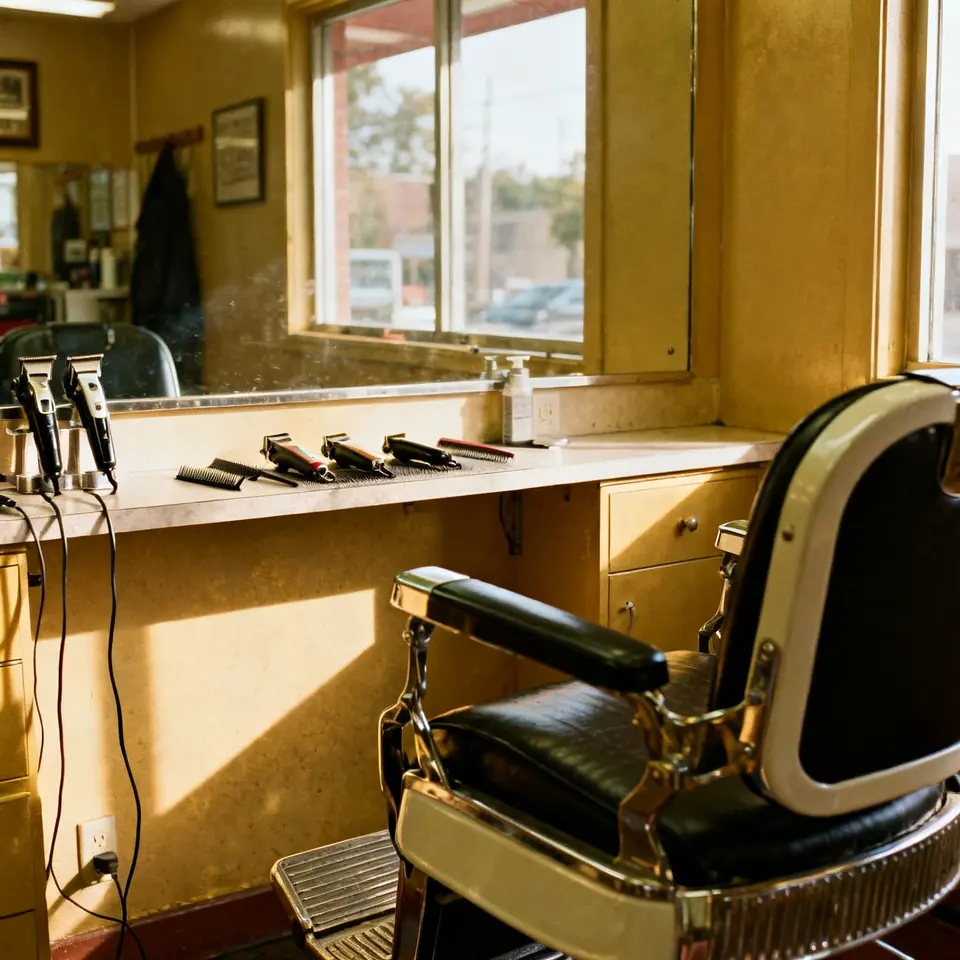 2 EXAMPLE ADS
 Hair salon advertising & marketing videos
Hair salon offers, stylist introductions and appointment promos, with existing barber and nail video examples.
 2 EXAMPLE ADS
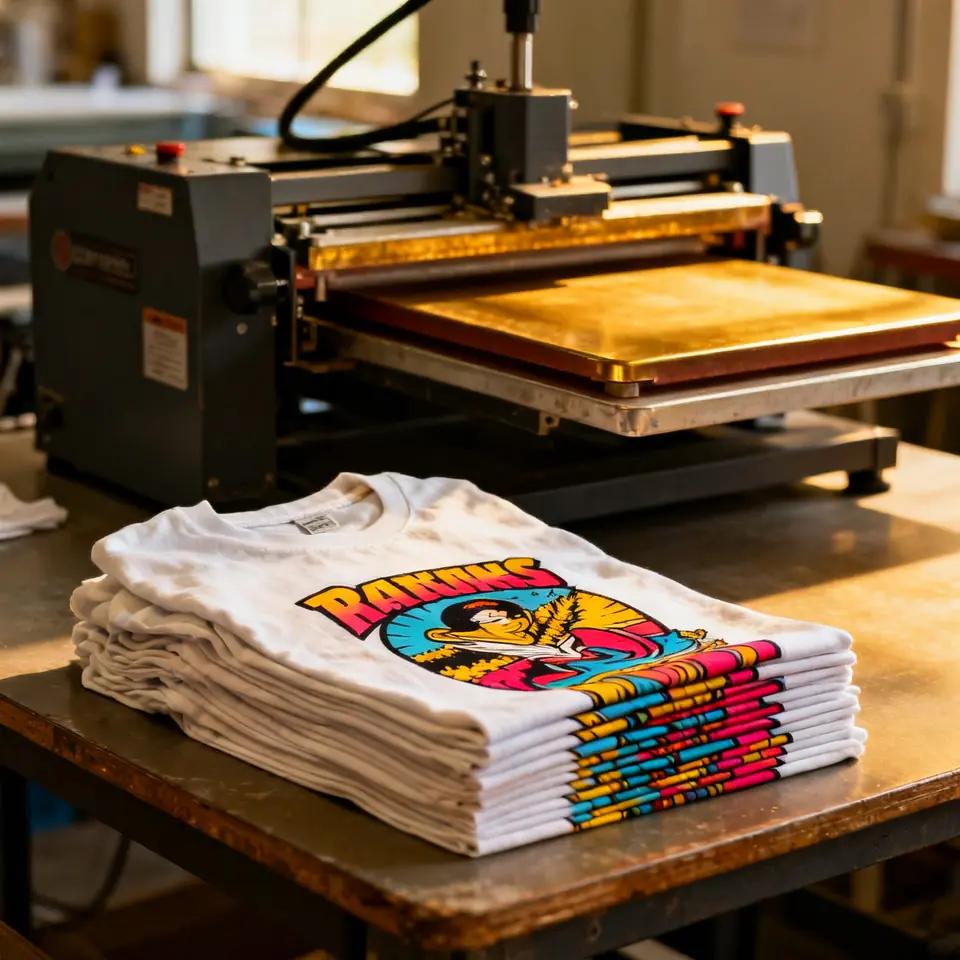
 Print shop video ads
Custom T-shirts, banners and signage: the press, the ink, the finished order.
 2 EXAMPLE ADS
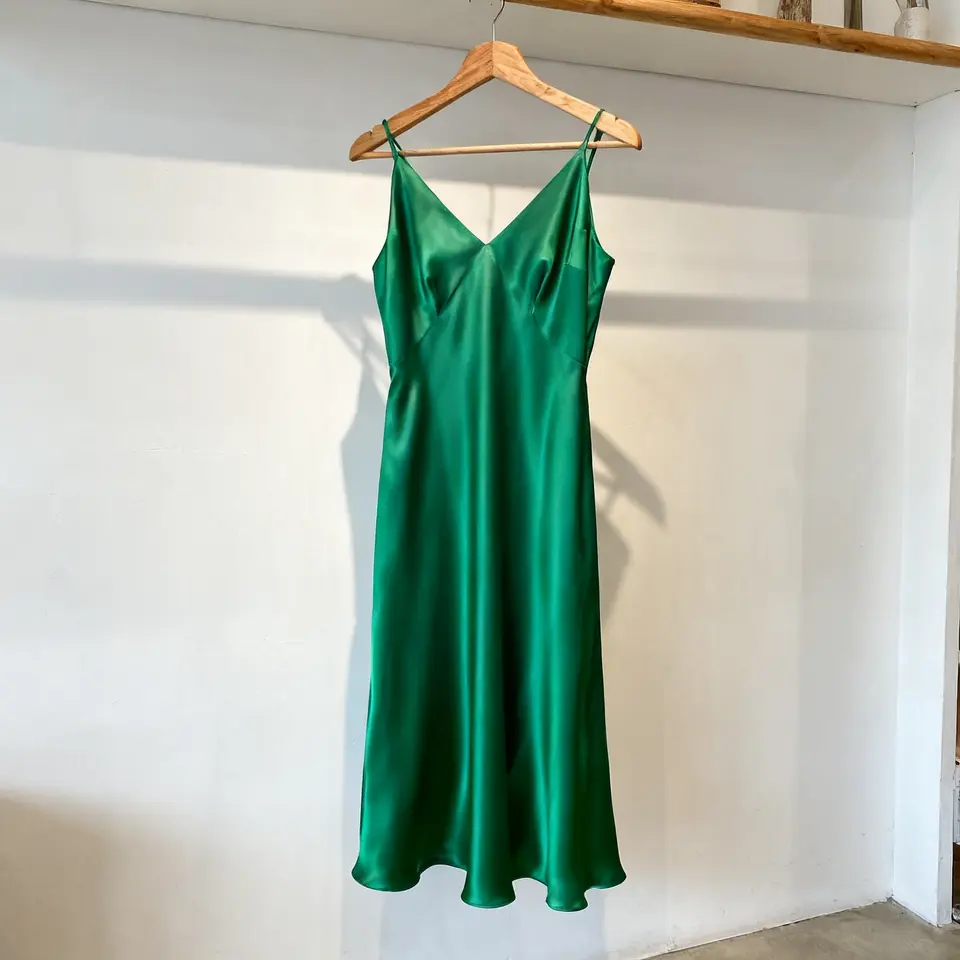
 Boutique fashion videos
From a hanger or mannequin photo to a video with an AI model wearing the piece.
 2 EXAMPLE ADS
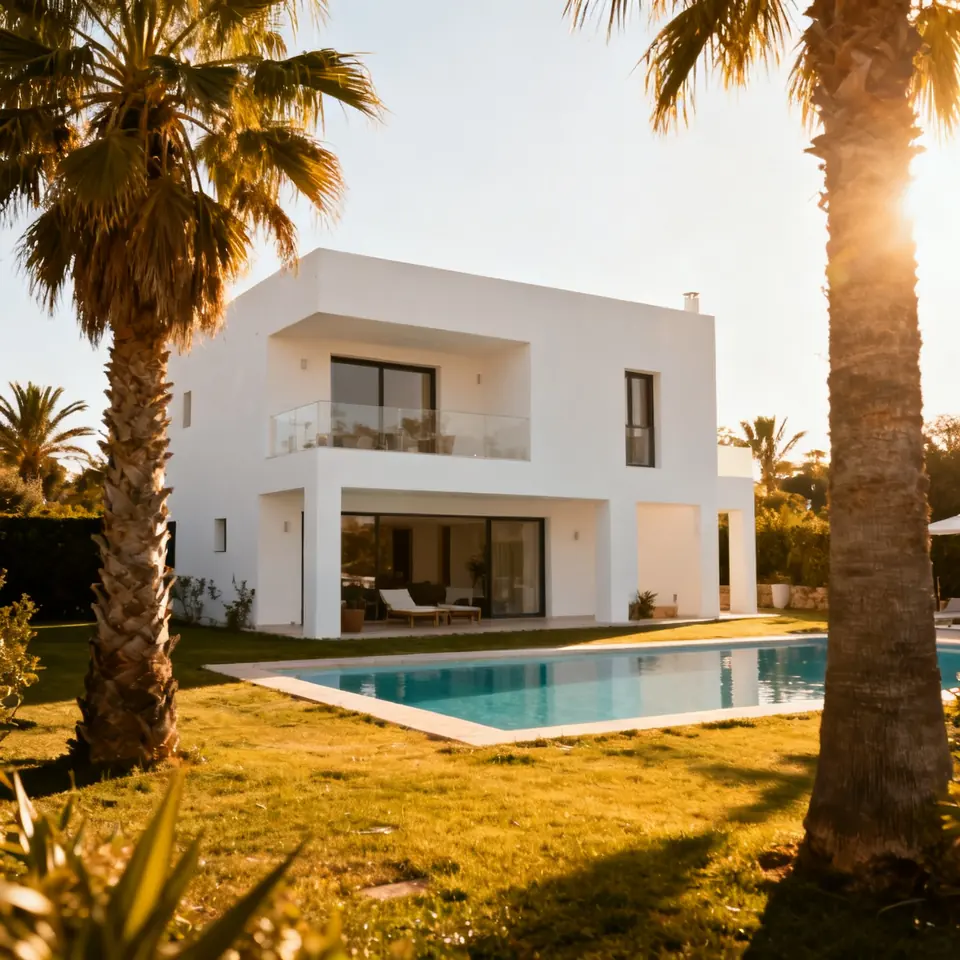
 Real estate & hotel videos
Villas, rentals and boutique hotels, and where AI-invented rooms cross the line.
 2 EXAMPLE ADS
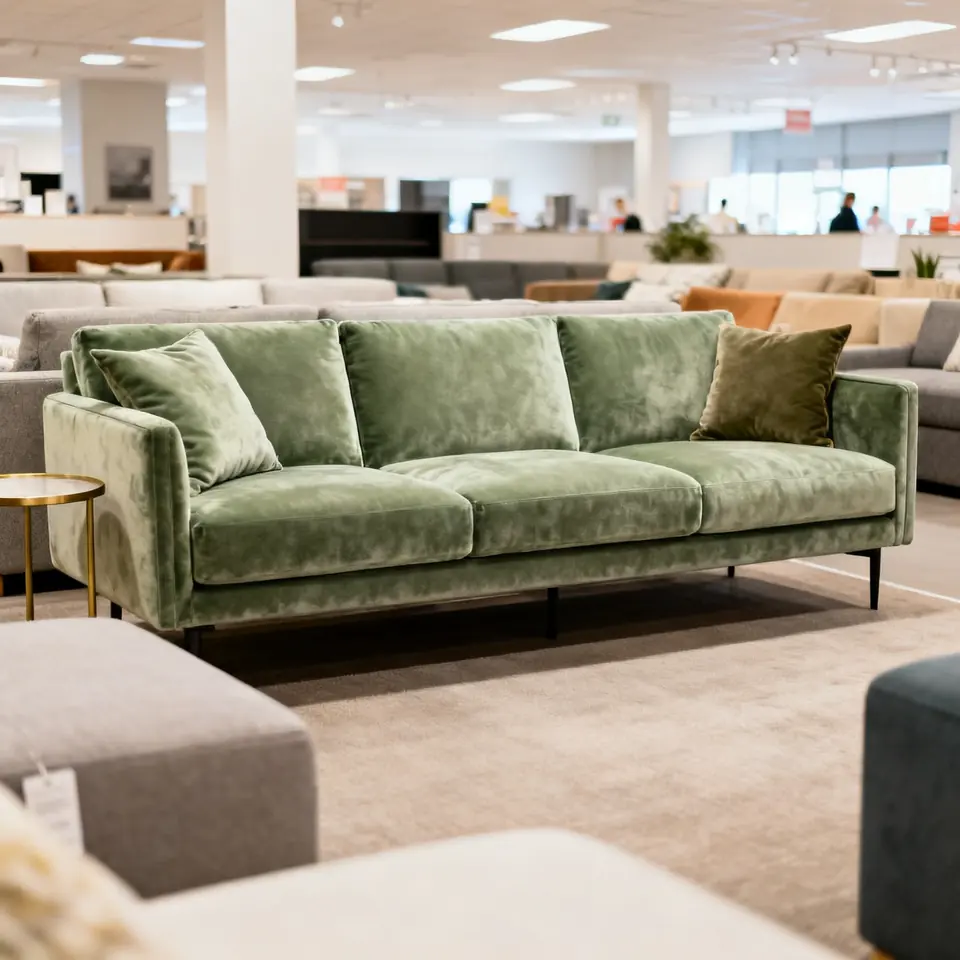
 Furniture & home store ads
Sofas, bathroom fixtures and decor, moved from the showroom floor into a lived-in room.
One ad from each industry
One clip per trade, each 8 seconds, vertical and made from a single photo. They play without sound here. Open a trade to see the photo it started from.
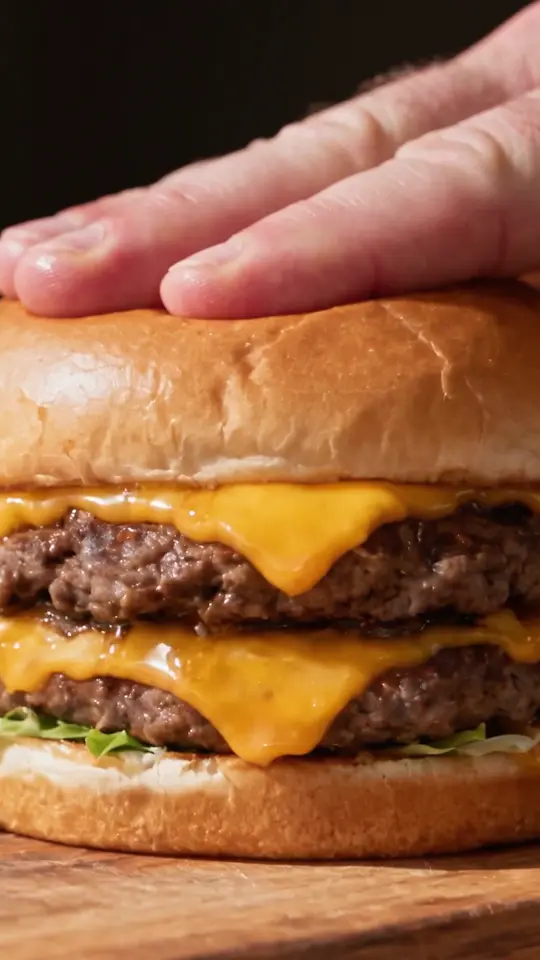
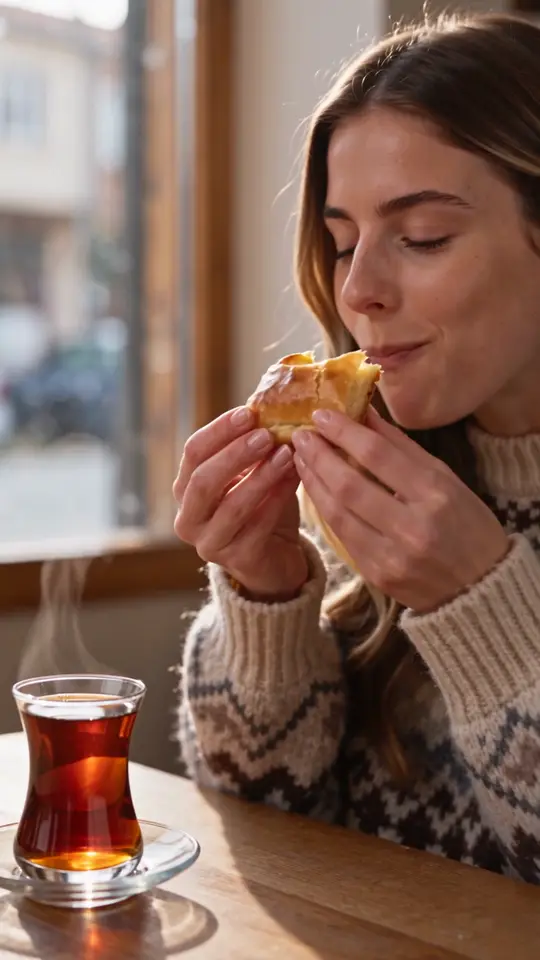
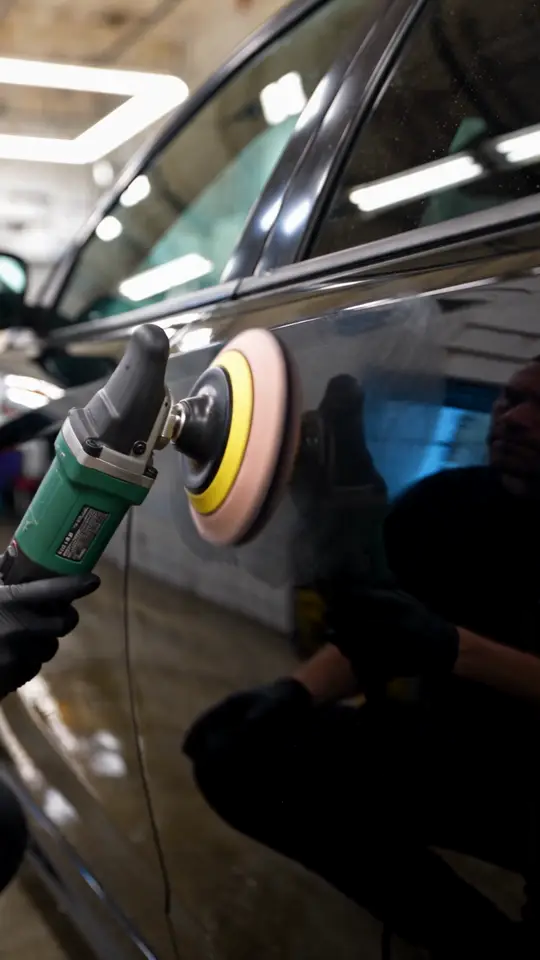
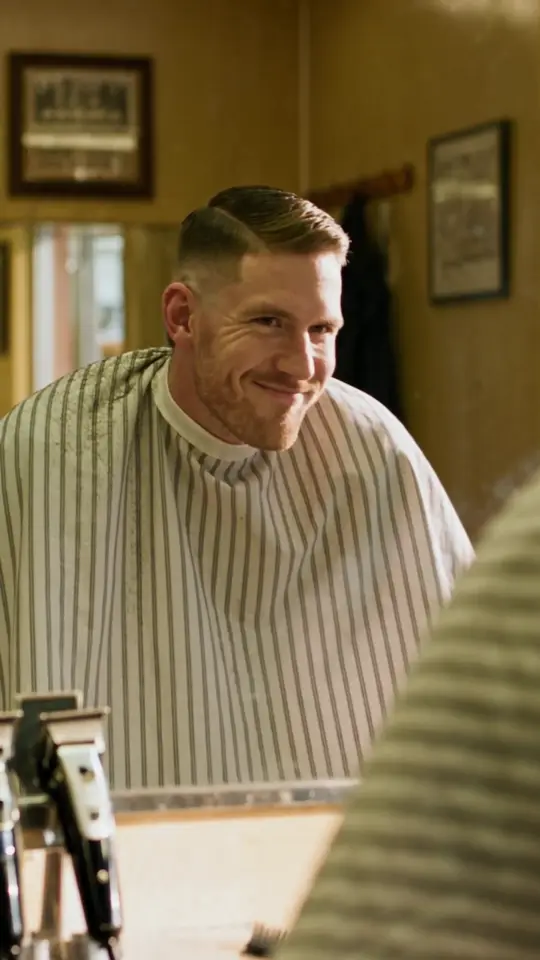
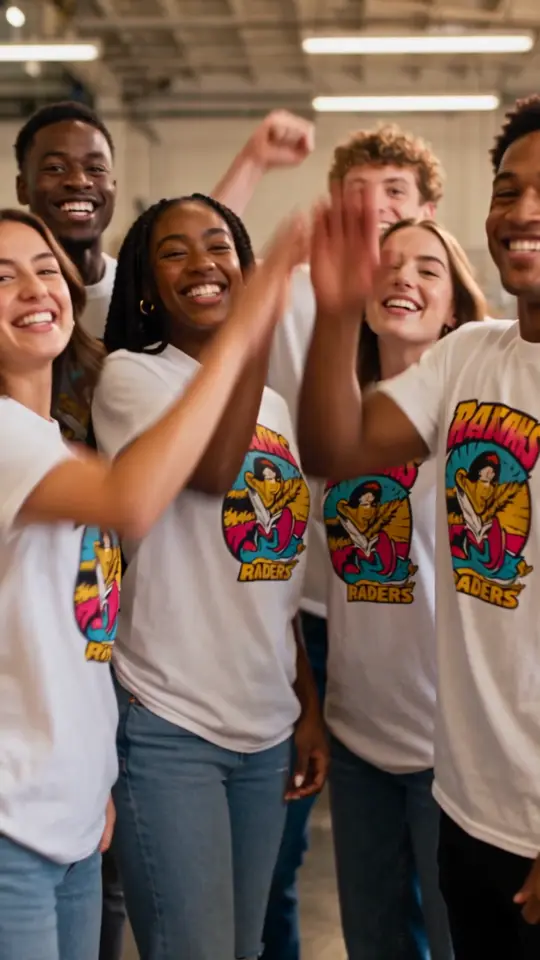
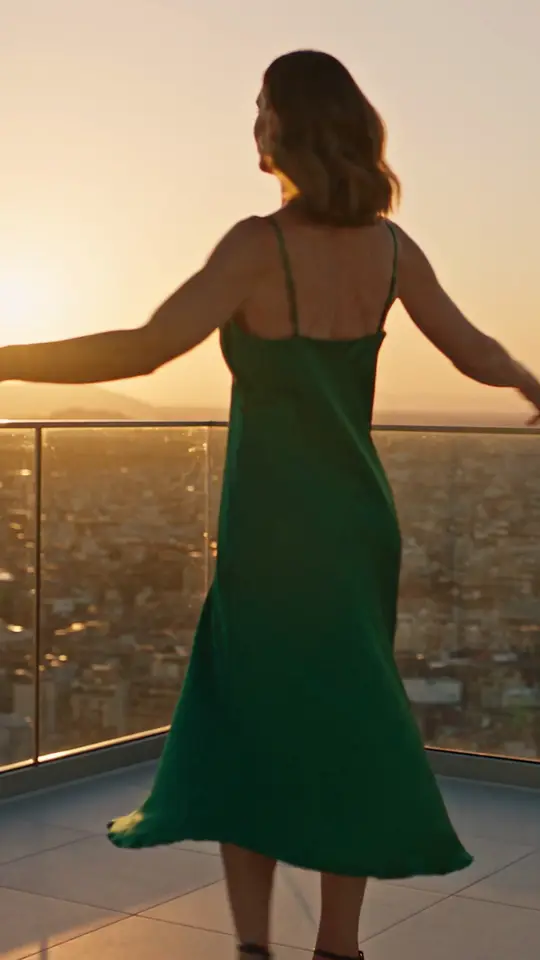
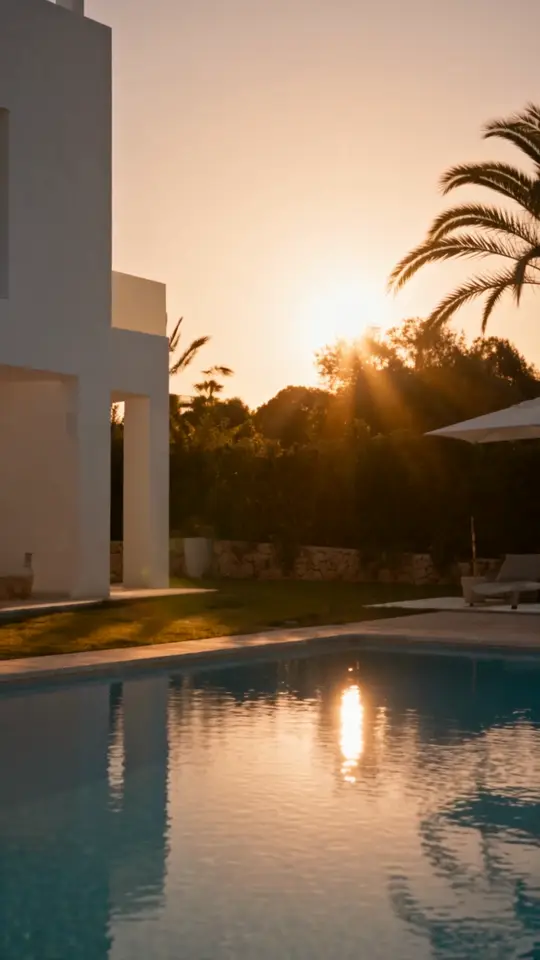
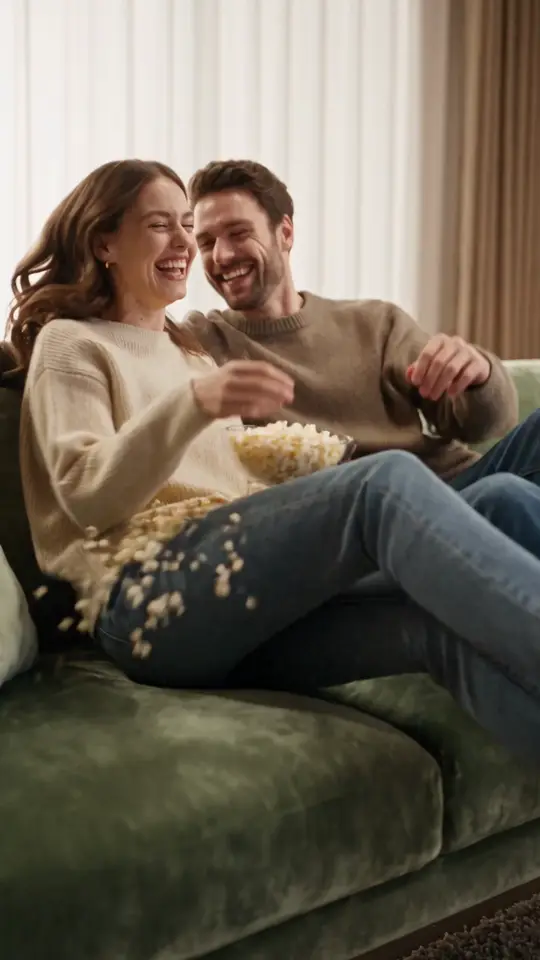
The shops, photos and ads were generated with AI for fictional businesses, using Seedance 2.5. No real brand is shown.
How these examples were made
We wanted examples that look like what a small business actually starts from, so none of them used a professional shoot. Each shop photo was generated to look like a casual phone picture (a burger on a board, a car in a bay, a dress on a hanger), and each ad was then generated from that one photo with Seedance 2.5 and a short written brief describing four shots. The businesses are fictional.
The briefs are printed on each industry page, lightly edited for readability. They follow one pattern: name the exact item from the photo, say what happens in each shot, name the music, and ask the model not to draw any text or logos. Prices, dates and phone numbers go in the closing frame afterwards, where a person can check them.
We left the limits visible. People in the ads are generated, not customers. The villa’s living room and the hotel’s bedroom do not exist in the source photos. Two more auto examples, a car dealer lot and a tire shop, were dropped because the model drew a real car maker’s badge onto the cars. Those are the things to check before you post your own.
What changes from trade to trade is what has to stay true. A restaurant ad has to show the dish as it is served. A salon keeps generated haircuts out of its portfolio. A used-car lot only advertises cars it has, as they are. An agent never adds rooms to a listing. Each industry page spends most of its length on where that line sits for its own trade.
Where the clips go matters as much. They are made for Instagram, TikTok, Facebook, WhatsApp Status and paid local ads. Delivery apps and Google Business Profile ask for real photos of your food and your premises, so the photo from your camera roll goes there and the generated clip does not.
For any business
Logo animation maker
Animate your logo from a photo or image file.
GIFTSHoliday promo videos
Make a Christmas, Black Friday or New Year promo video from a photo of your gift box, cards or seasonal product.
FREE TOOLTikTok safe zone checker
Make sure your price and address are not hidden behind the app’s buttons.
FREE TOOLImage resizer
Resize one photo for every platform you post on, in the browser.
Where AI ads do not belong
Delivery apps and Google Maps want real photos of your dishes and your premises, not generated ones. Keep AI ads for social posts and paid ads, and use these guides to the official photo rules for everything else.
Frequently asked questions
What do I need to make a video ad for my business?
One clear photo of what you sell, such as the dish, the car in your bay, the empty chair or a printed order, plus a sentence about the offer. More photos let the plan show more of your place.
Do I need to appear in the video?
No. None of the photos on these pages had a person in them. If people appear in an ad they are generated, so never present them as real customers.
How long are the videos?
The examples are 8 seconds. You choose the length in the studio; 8 to 15 seconds suits most local ads on Reels, TikTok and Stories.
Is it cheaper than hiring a videographer?
It is a different thing. A shoot gives you real footage of your place and your people; an AI ad gives you a usable clip from one photo in minutes. A sensible split is generated clips for weekly posts and a real shoot for openings and big launches.
Will my ad be approved by Facebook or TikTok?
Blurbly does not promise ad approval. Platforms review ads against their own rules, and restricted products and some claims need extra care.
Can I post these videos on Google Maps or delivery apps?
No. Use them for ads and social posts. Google Business Profile, DoorDash and Uber Eats ask for real photos of your premises and of what you serve; our guides quote their official photo rules.
Turn one photo into this week’s ad
Upload a photo of what you sell, review the shot plan against what you really offer, then generate a vertical ad for Reels, TikTok and Stories.
Make an ad for my business