

Free tool by Blurbly AI
Free Amazon main image checker
Test a product photo against the Amazon main image rules before you upload it: size, file type, pure white background and how much of the frame the product fills. The check runs in your browser and the image never leaves your device.
Try the checker with a synthetic bottle silhouette. These examples demonstrate pixel checks, not Amazon approval.
Rules and sources are on the Amazon main image requirements guide.
If the image fails, fix it or generate a new one
See completed product-image examples.
A size failure needs a bigger original, not a bigger export. When the photo already has the detail and only the framing is off, adjust the crop and canvas in the free resizer. For a new white background or a whole listing set, use the generator below, then run the export through this checker again.
To build more than the main image, plan main, lifestyle and detail images as a listing set, or follow the step-by-step listing image tutorial. Both open another page. To keep working on the photo you just checked, use the button in your result, which brings it into the generator here.
Owned public product examples
One serum, three listing-image formats
A clean bottle image, a serum detail and a bathroom lifestyle scene show three ways to present a fictional product. These completed images already appear in our public library; they are independent format examples.
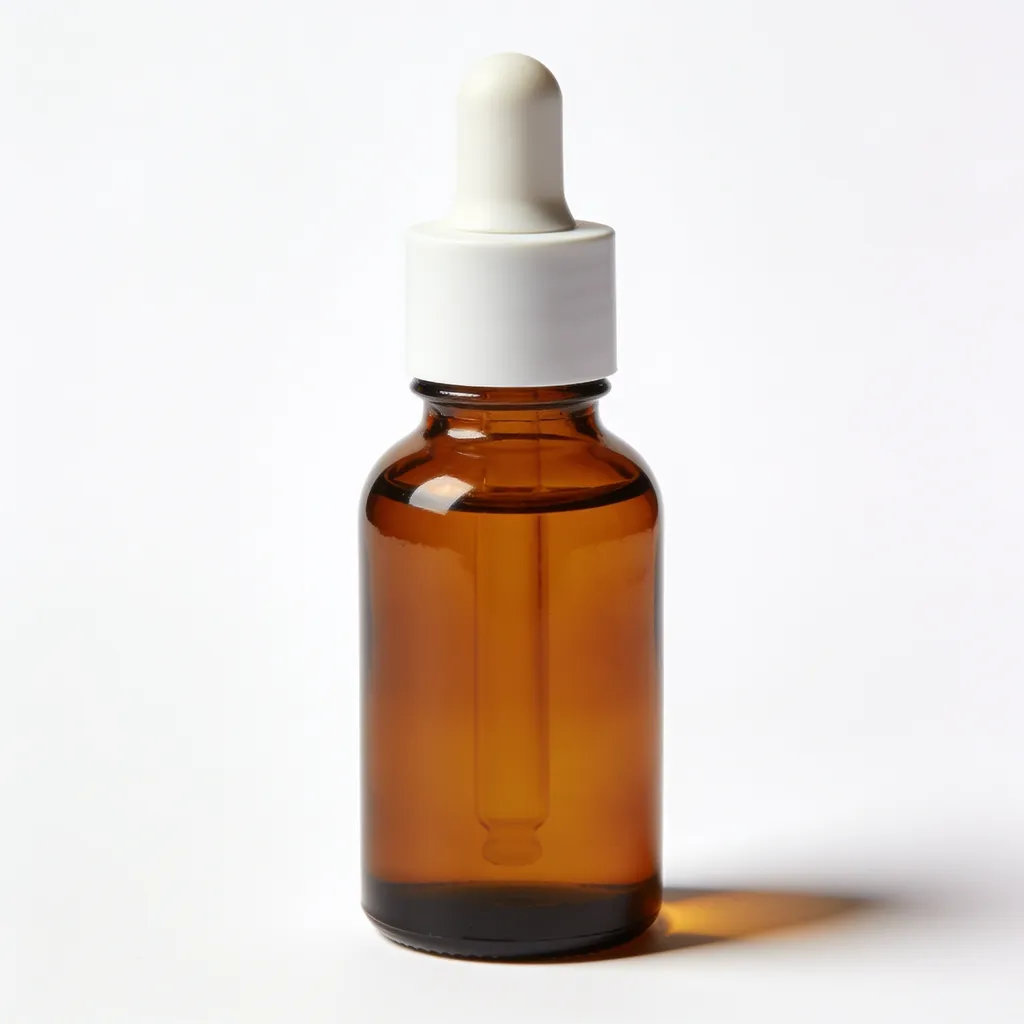
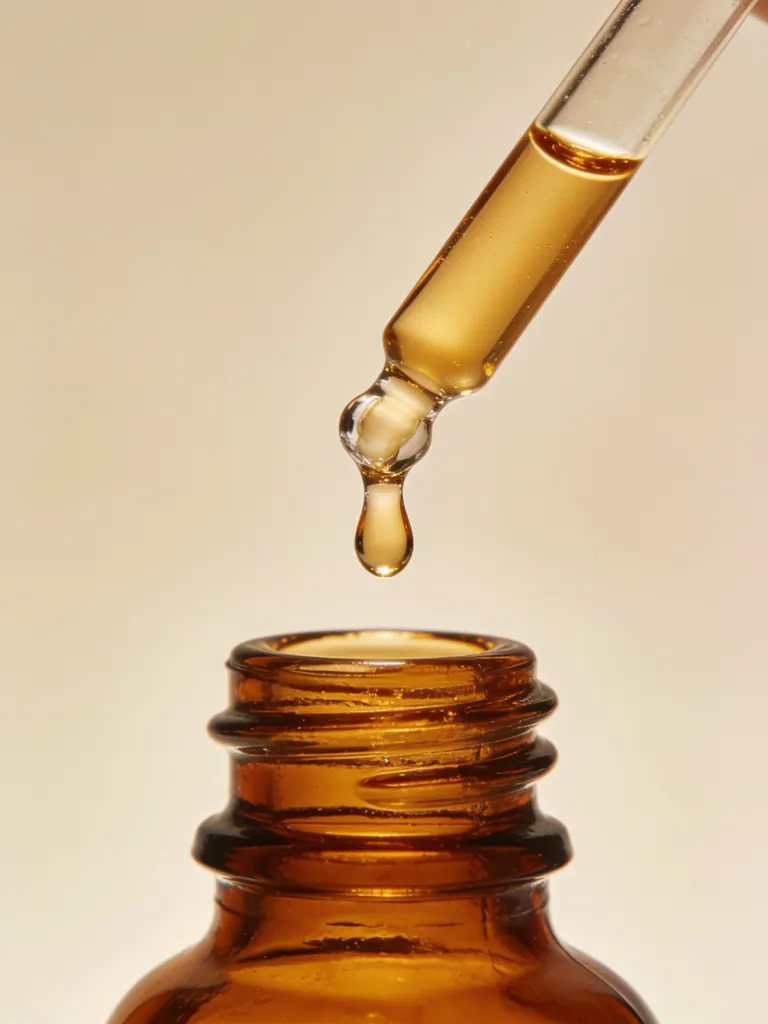
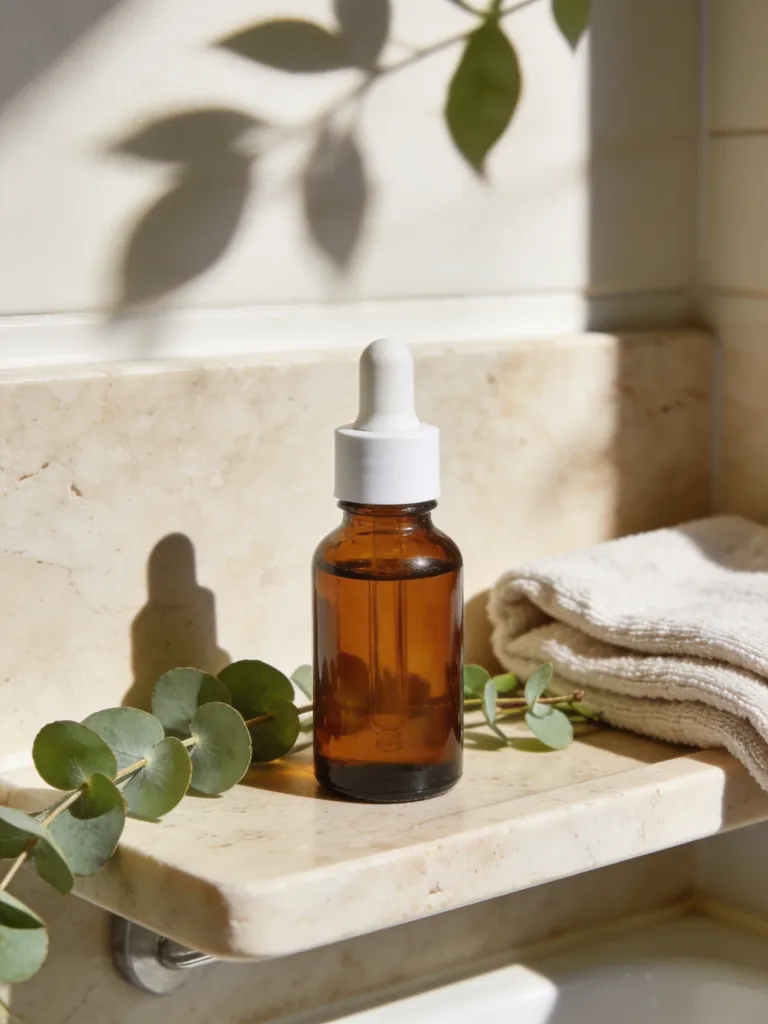
Owned AI-generated product images, not customer uploads or an Amazon approval claim. Check your own final main image above for size, format, background and fill, and compare it with the actual product.
What a pass means, and what it can’t prove
A pass means this exact file cleared the checks built into this page. None of them is an Amazon policy review, and knowing how each one works tells you when to trust it.
The background check looks only at the outermost ring of pixels. At least 98% of them must be near-white, meaning every RGB channel is 253 or higher, which leaves room for faint JPEG noise. A grey patch in the middle of the background won’t be caught; a shadow that touches the edge will.
The fill estimate takes the border colour as the background, finds every pixel that differs from it, draws a box around them and reports the larger of the box’s width or height as a share of the frame. That is why a prop, a reflection or a long shadow can push the number up, and why a pale product with soft edges on white can read lower than it looks.
The size check reads the longest side and follows Amazon’s image guide: under 500 px or over 10,000 px fails because Amazon won’t accept the file, 500 to 999 px gets a warning because zoom won’t work, and 1000 px or more passes. File type passes for JPEG, PNG, TIFF and GIF (Amazon takes GIF only if it isn’t animated, which a pixel check can’t see). Aspect ratio is reported for information only, because we didn’t find a fixed ratio in Amazon’s published guidance.
Size, background and estimated fill
Read each result on its own. A white bottle, a clear glass object, a shadow or a prop can throw off the fill estimate in either direction.
Product and category rules
The tool doesn’t read labels or recognise products. Check the exact variant, the included items, any overlays and your category’s guidance yourself.
Build the rest of your listing
Lifestyle scenes, detail views and callouts go in the secondary slots. Plan a matching set from the same reference photo.
How to fix the usual failures
Not pure white
Lift the whites until the corners read 255, or cut the product out onto a white canvas. Make sure no shadow reaches the edge, and export without heavy JPEG compression.
Product too small
Crop from the original so the product spans 85% or more of the frame on its longest side, with nothing cut off.
Under 1000 px
Under 500 px Amazon rejects the file; under 1000 px it uploads without zoom. Export from the camera original, not a thumbnail or a marketplace download. Upscaling a small file adds pixels but no detail.
Wrong type
Save as JPEG or PNG. WebP and HEIC fail here, and transparent PNG areas count as not white, so flatten them onto white first.
Main images and the rest of the listing
Main images on white with the whole product in frame and nothing added, then lifestyle shots and short videos for the other slots. All generated for fictional, unbranded products.
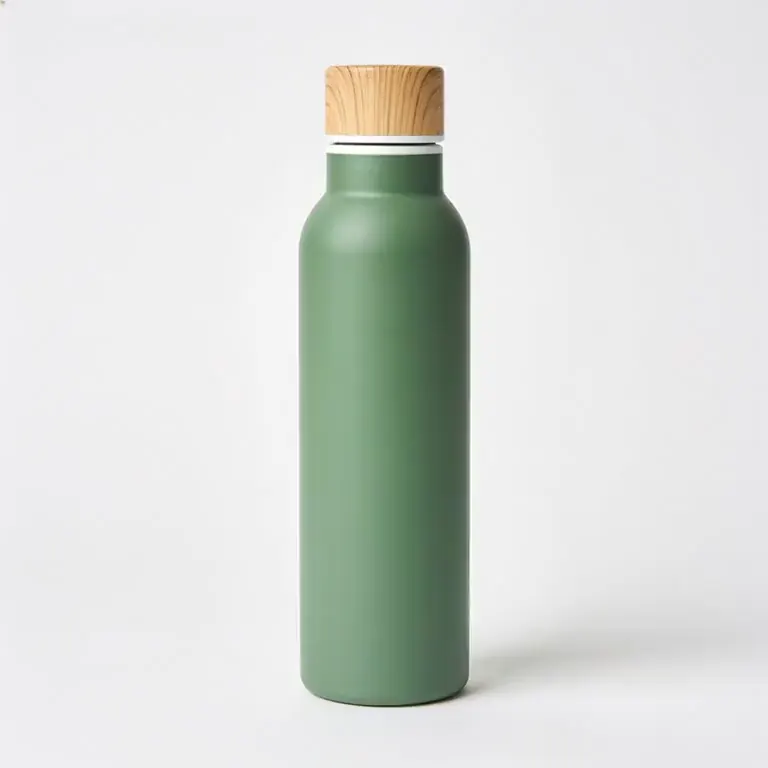
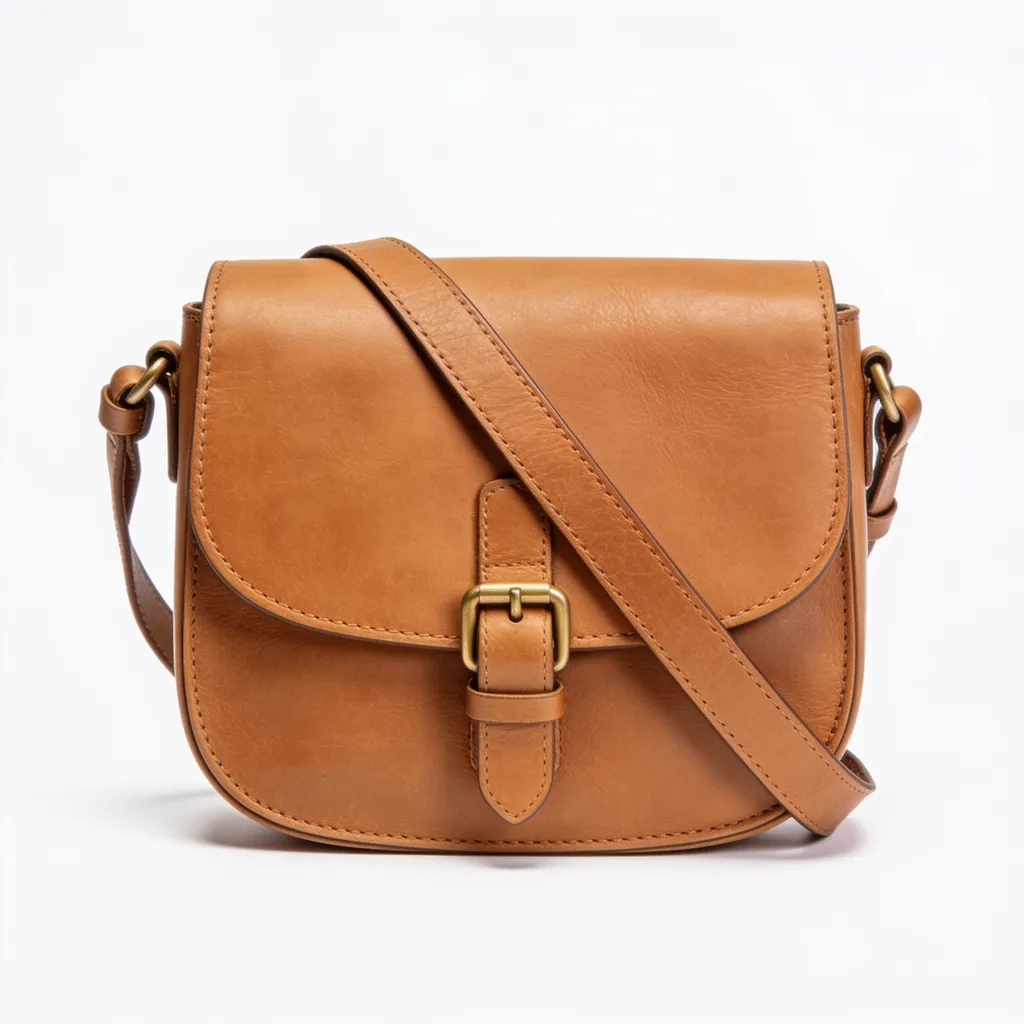
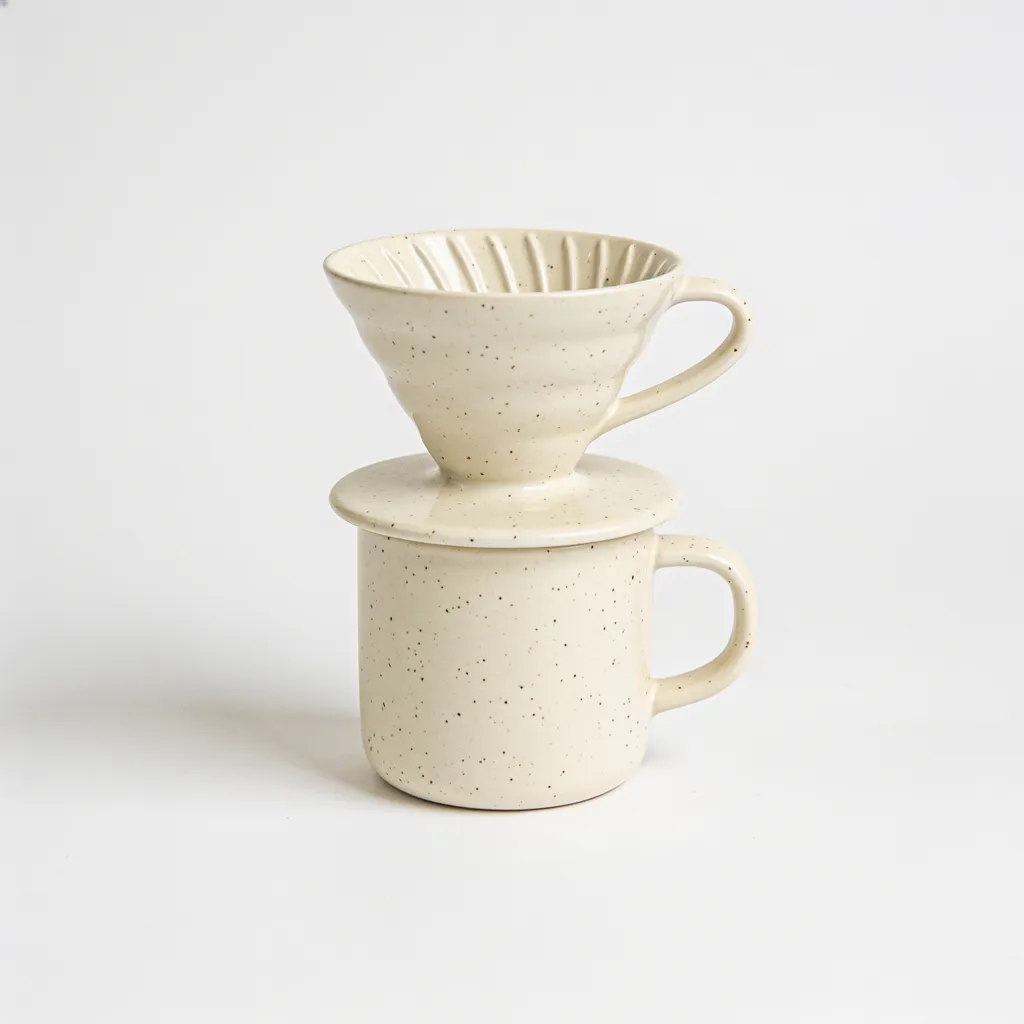
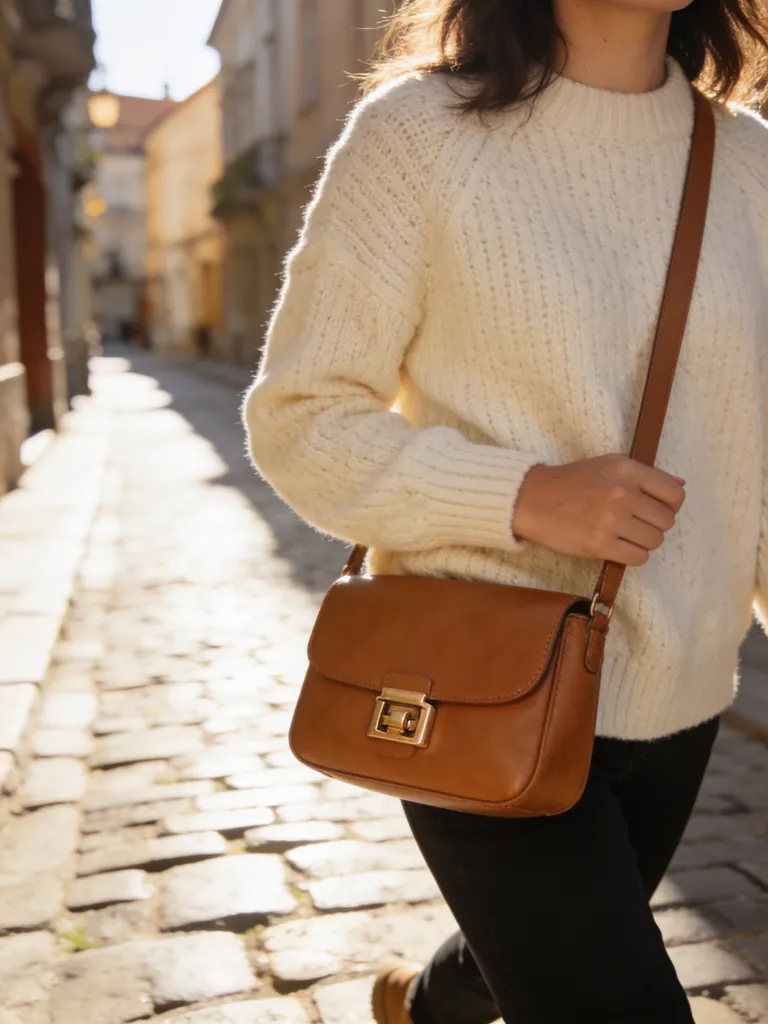
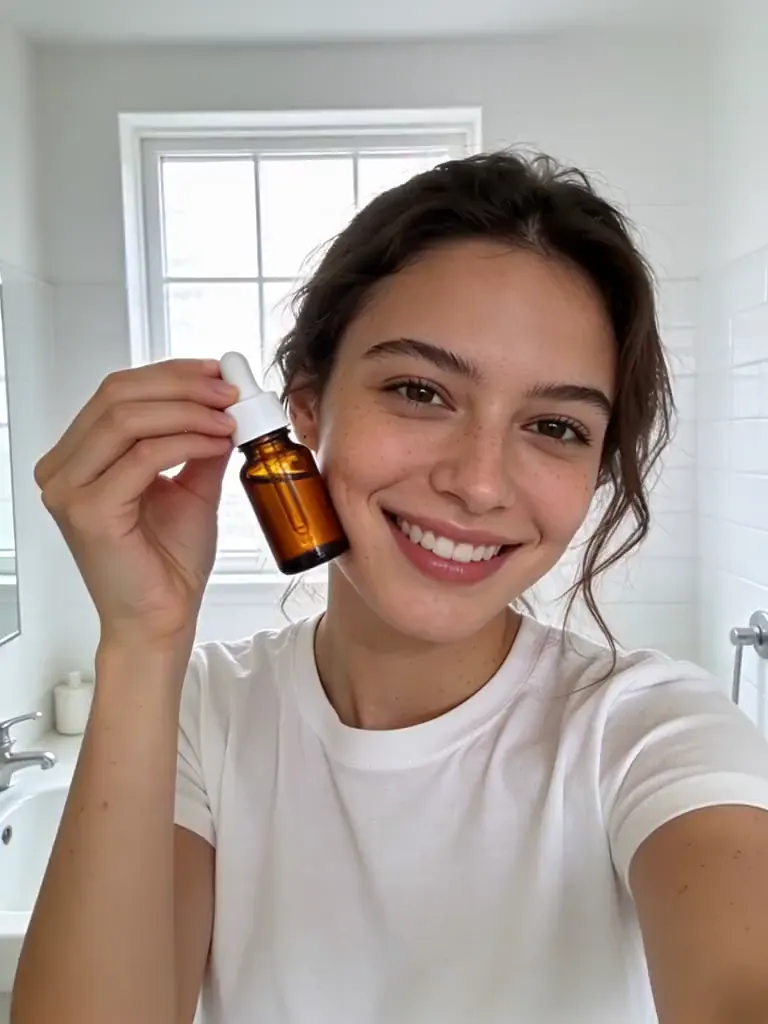

All examples were generated with AI from fictional, unbranded products. No real brand is shown.
Frequently asked questions
Is my image uploaded?
No. The check runs in your browser on your device. The file is never sent to Blurbly or anyone else.
What does the checker test?
Pixel size (Amazon accepts 500 to 10,000 px on the longest side and needs 1000 px for zoom), file type (JPEG, PNG, TIFF or non-animated GIF), a pure white outer edge, and whether the product fills 85% or more of the frame. Aspect ratio is shown for information only.
Does passing mean Amazon will accept the image?
No. It is a measurement of pixels and file details. Amazon makes the final call, and category rules can differ, so confirm in Seller Central.
Is the checker free and do I need an account?
The image checks run free in your browser without an account. Creating a new image is a separate step that uploads your selected photo and uses your current generation plan or credits.
What can this tool miss?
It checks dimensions, file format, edge-background pixels and estimated product fill. It does not verify your category, ownership, product accuracy, added text, claims or every interior background pixel. Pale or transparent products, shadows and props can confuse the fill estimate.
Why does a white image fail the background test?
Off-white, light grey, a shadow at the edge and transparent PNG areas are not pure white (RGB 255,255,255). JPEG compression can tint edges slightly, so the check allows a tolerance of 2 per channel and needs 98% of the outer edge to be white.
Can Blurbly generate a main image that passes?
It can generate a clean product image on a white background from your photo, using the generator on this page. Run the result through this checker and compare the label and packaging with the real product before you upload. In our candle test, raw generations still needed a background fix before they cleared the pixel checks, and Amazon makes the final call.
Create a main image, then check the export
Go back to the generator on this page, make the image, then confirm the product details and run the exported file through the checker before publishing.
Go to the image generator