

Prompt library
AI Product Prompt Library
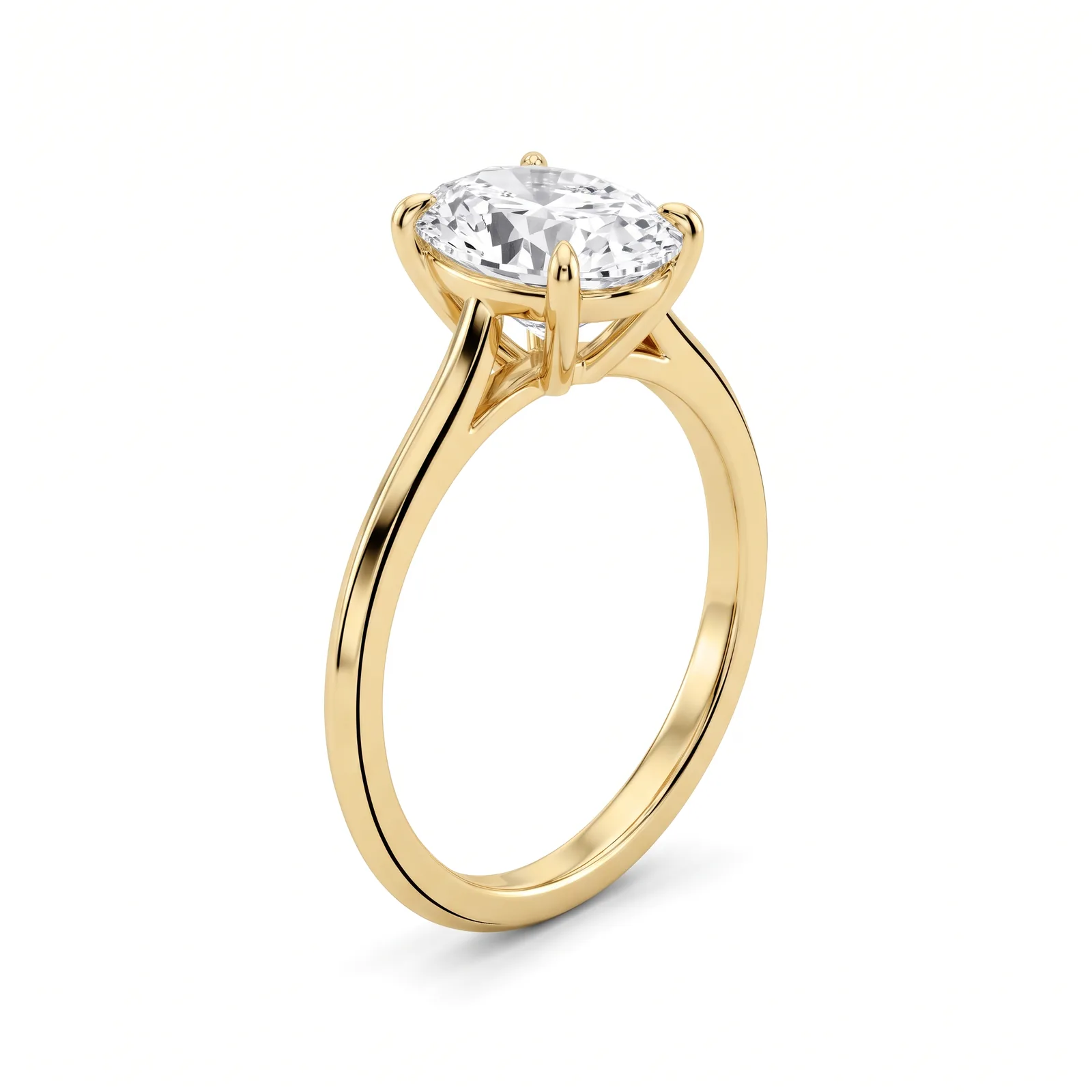
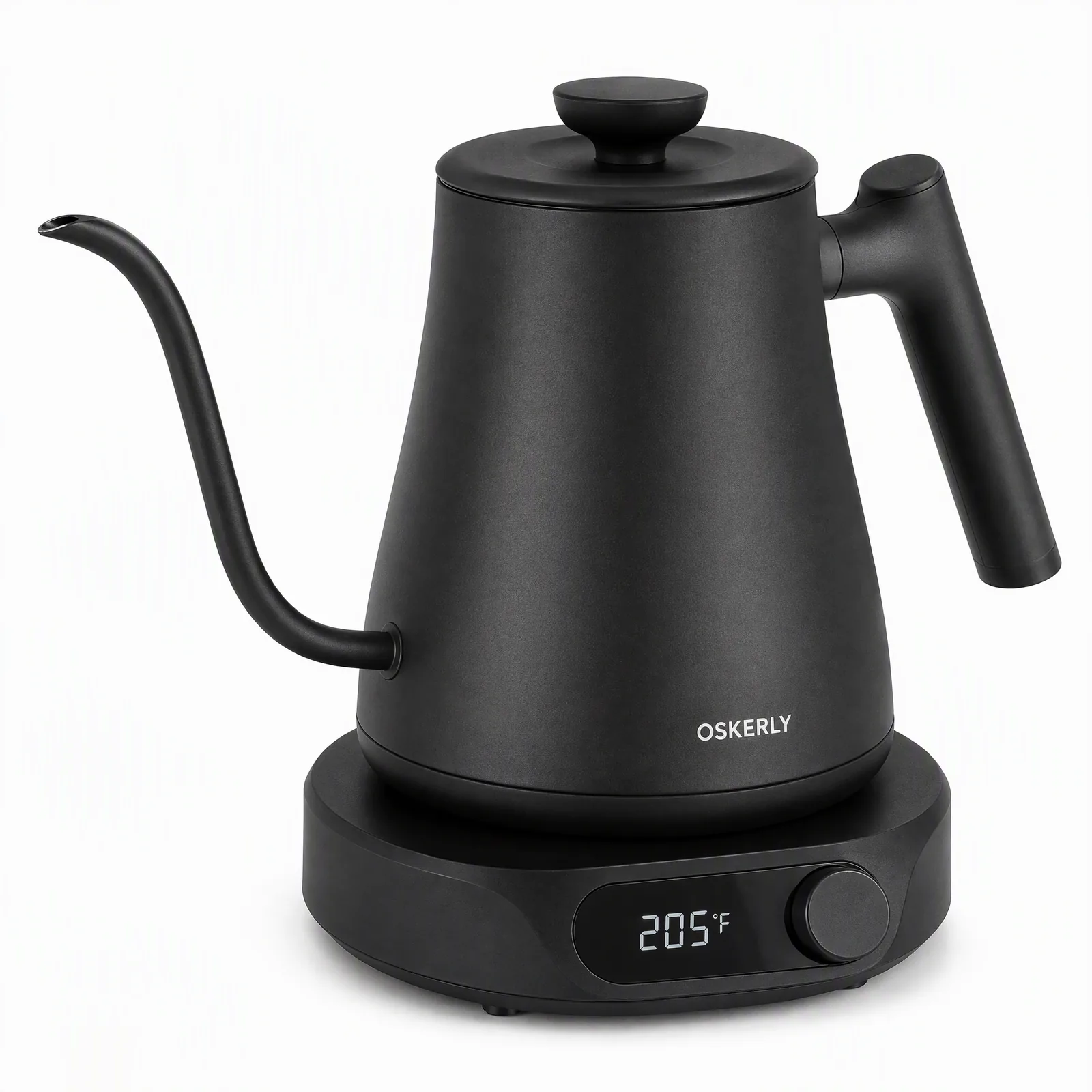
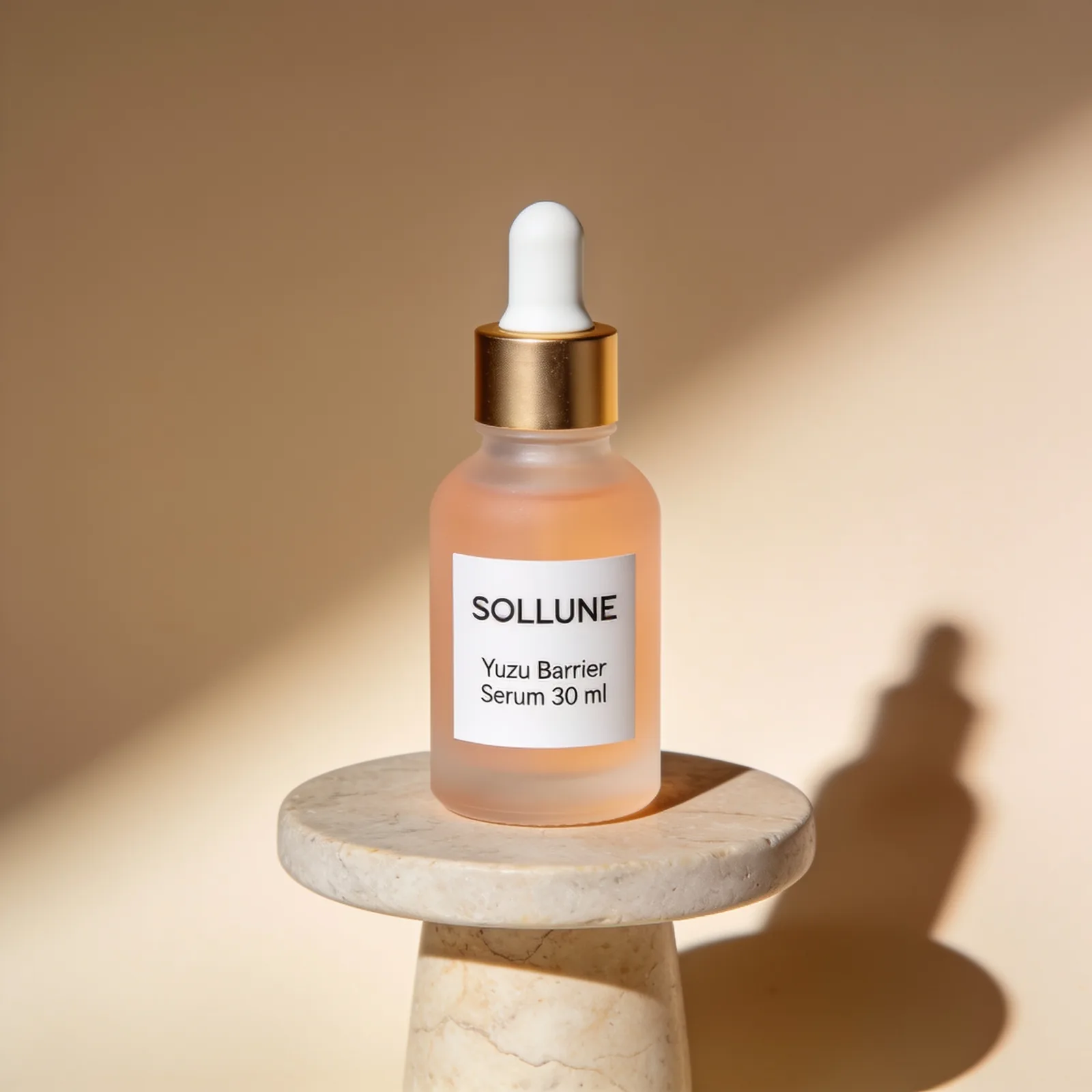
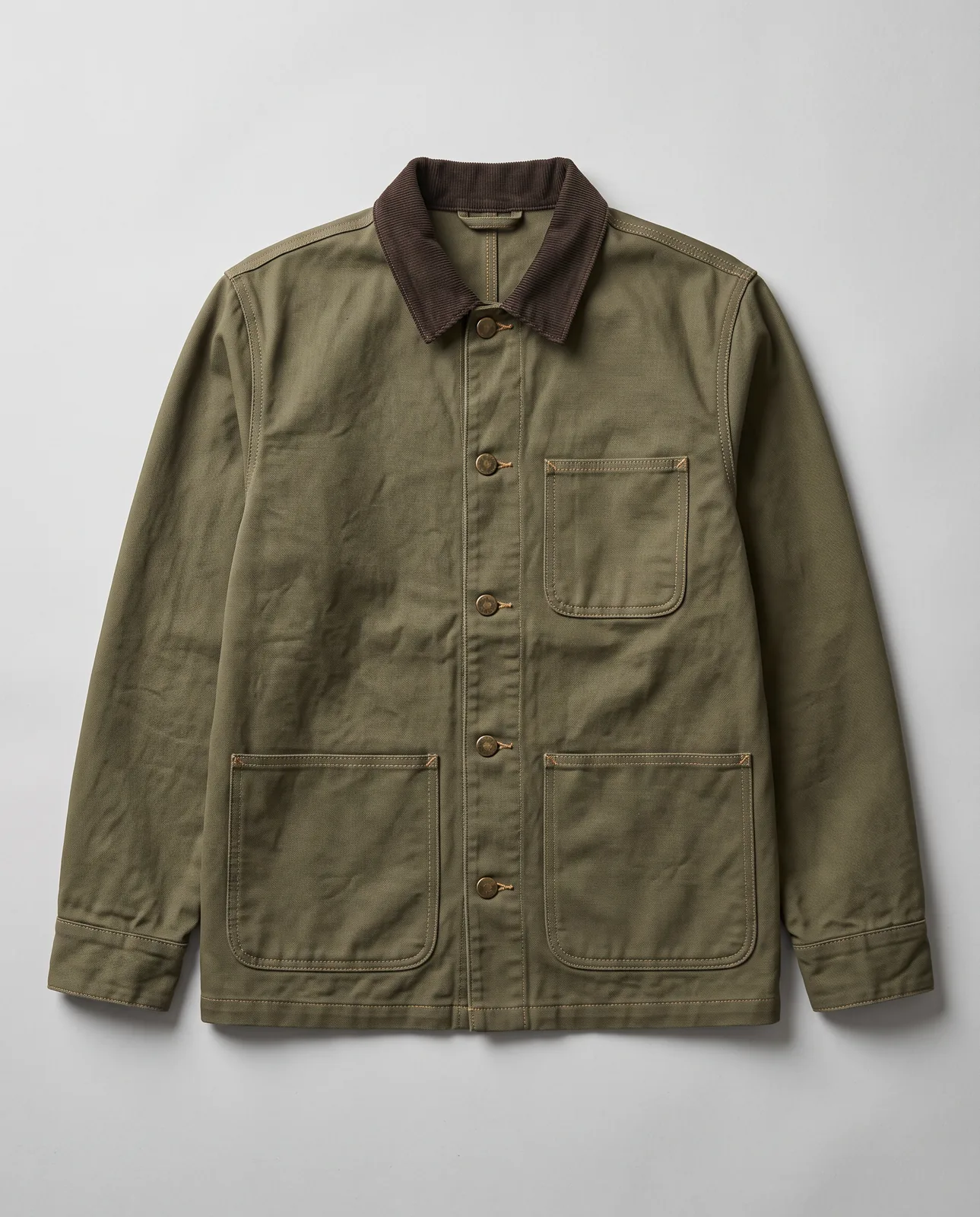
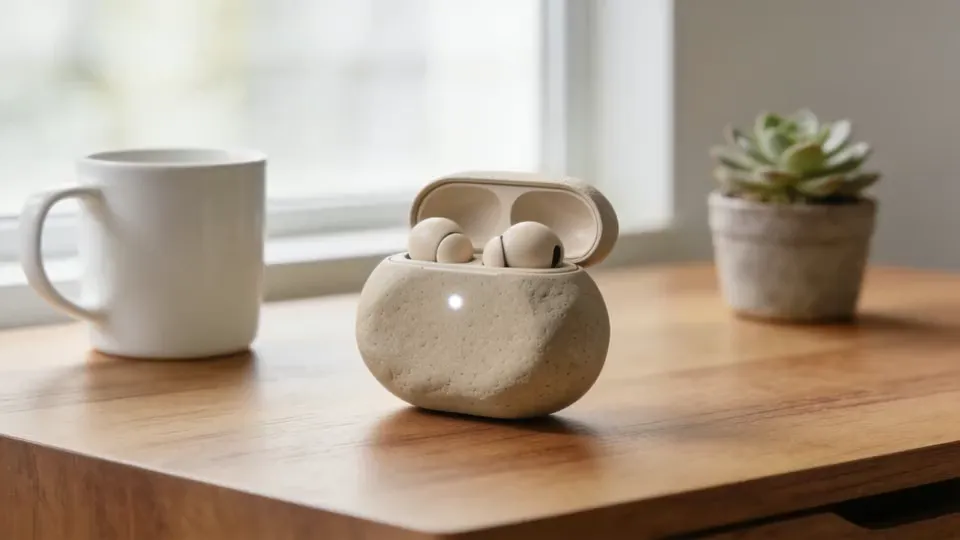
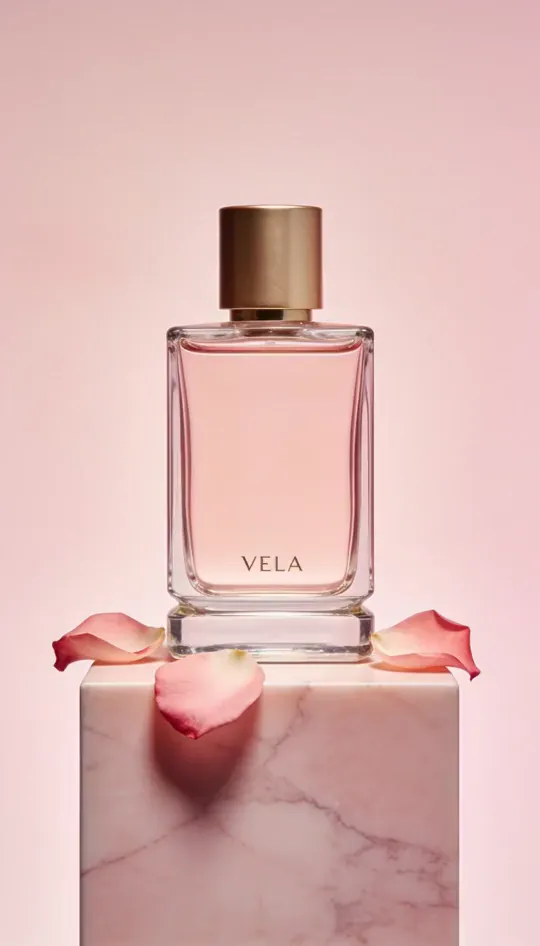
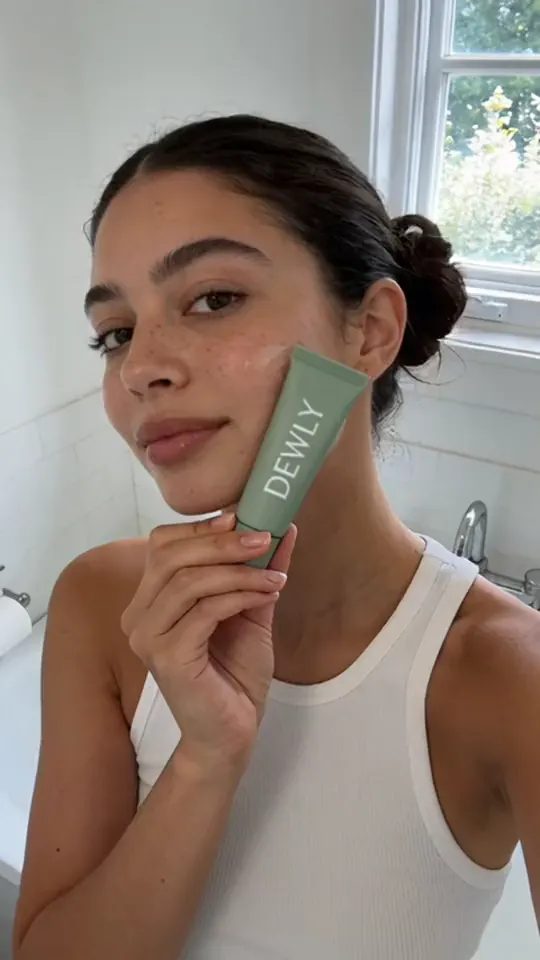
Prompts for product photos and video ads, organized by model and product category. We ran every prompt ourselves and show the unedited image or video it produced, with the exact settings, the number of attempts and what went wrong along the way.
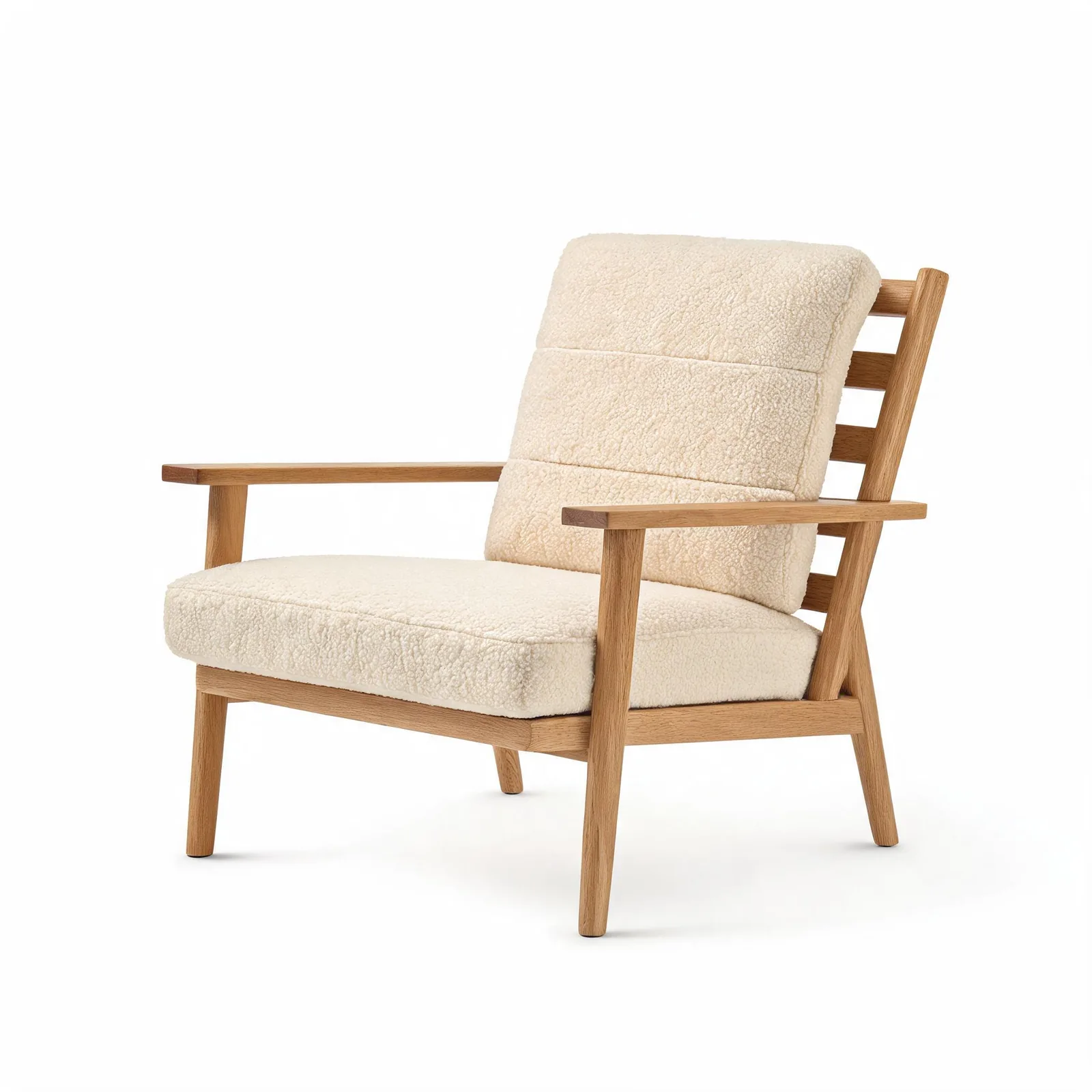
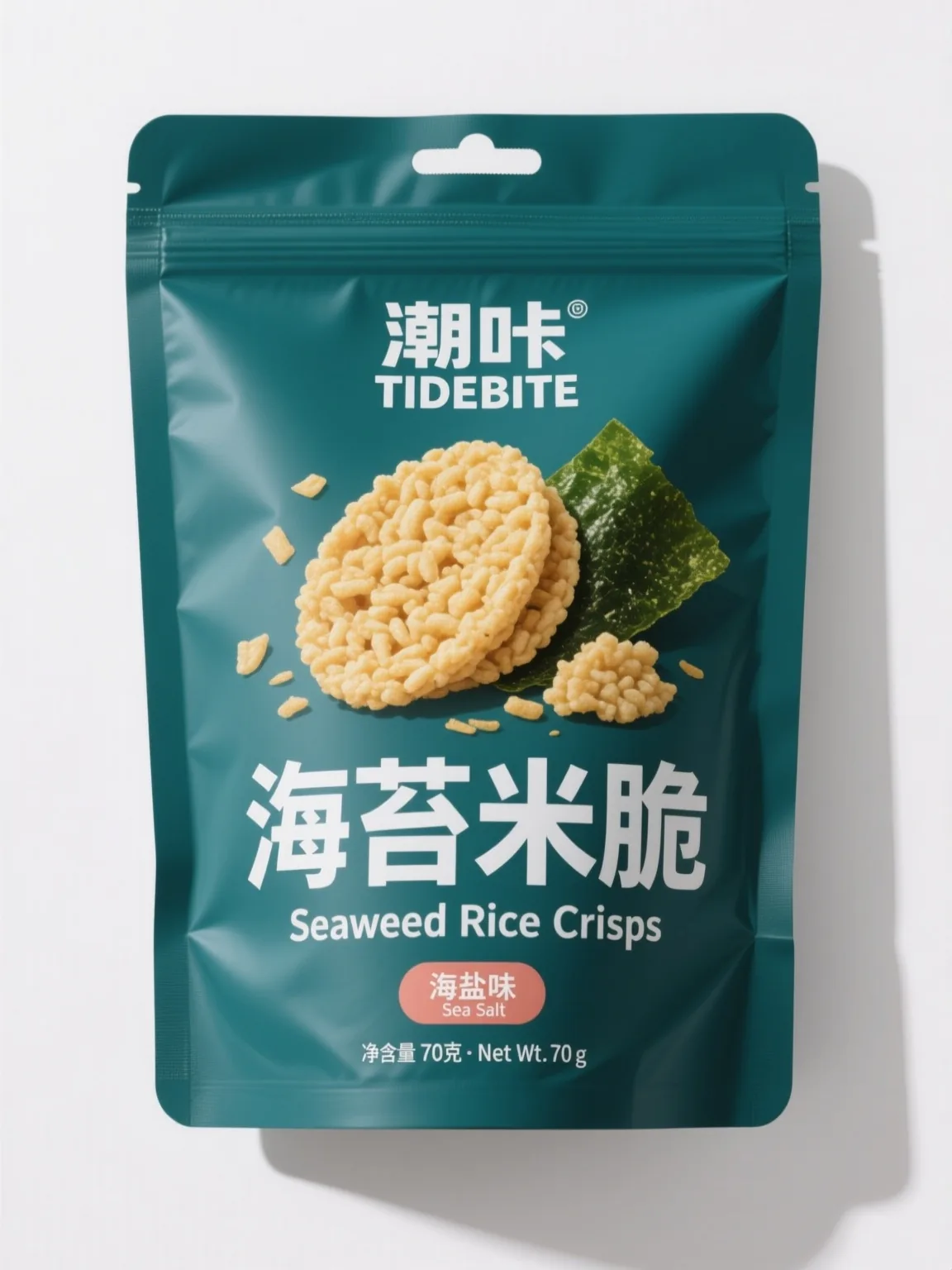
Image prompts
Product photos, listing images and lifestyle shots.
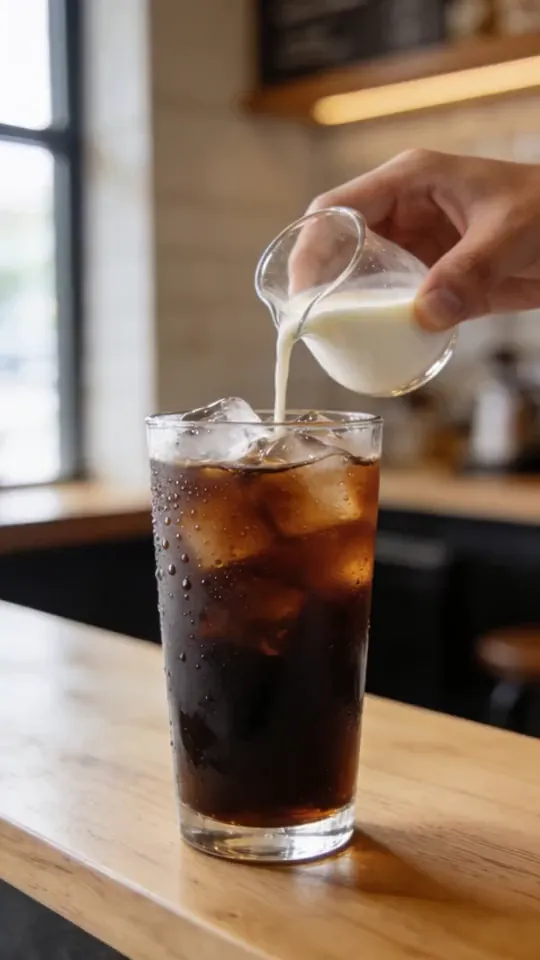
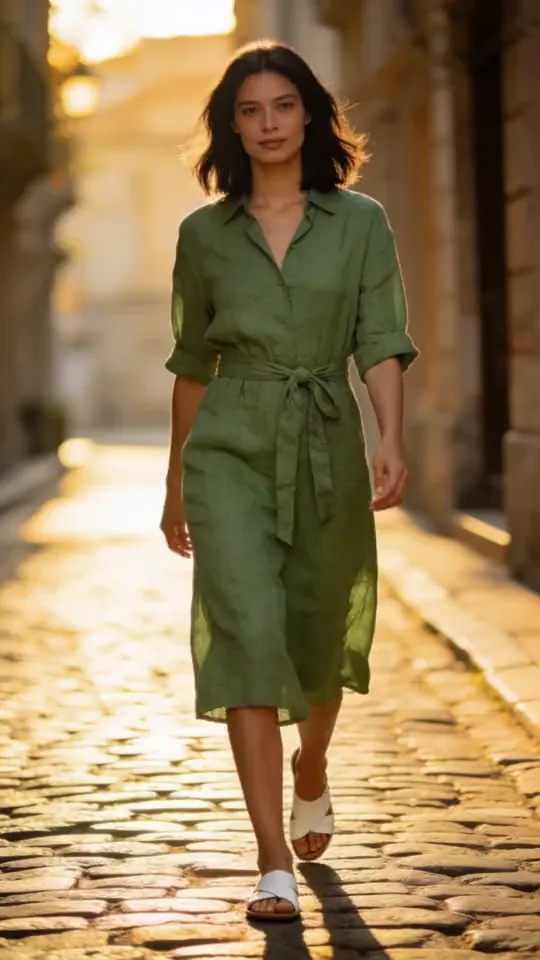
Video prompts
Product videos and video ads, with the model settings for each clip.
How to use these prompts
Pick the closest match
Choose the page for your product category. Each page sticks to one model, because the same words behave differently in Nano Banana, Seedream or GPT Image.
Copy, then swap the product
Copy the prompt as written, then change only the words listed under “Swap for your product”. The rest of the prompt controls light, framing and camera.
Match the settings
Use the same aspect ratio, resolution, duration and number of reference images before you judge the result. Most bad first tries come from different settings, not a bad prompt.
Frequently asked questions
Are these prompts and results real?
Yes. Each prompt is the exact text we sent to the model named on the page, and the image or video beside it is the output, not retouched. The products are fictional, unbranded samples. Attempts are counted honestly, including failed tries.
Can I use the prompts with other AI tools?
Yes. The prompts are plain text, so you can paste them into any tool that runs the same model. Results vary by model version and settings, so match the settings listed on each prompt first.
Do I have to write prompts to use Blurbly?
No. In Blurbly you upload a product photo or paste a product link, and it plans the shots, writes the prompts and picks the model. These pages are for people who want to see or control the prompt itself.
Skip the prompt writing
Upload a product photo or paste a product link. Blurbly plans the shots, writes the prompts and picks the model, and you see the plan before you pay.
Back to the generator