

Product photography guides
AI product photos by category
Explore Blurbly AI’s guides for 12 specialist product categories, including products with extra content or selling-channel rules. Each guide brings together photo preparation, fictional examples and historical test notes. Choose a category for that detail, or use the photo, listing and video workflows below for your next asset.
Explore the 12 category guides · Choose the output you need
Choose the output you need
Studio and lifestyle product photography
For a single scene or a new background. The box above starts in Image, 1:1 with no default style; describe the product and setting you need.
Amazon and store listing images
Use the dedicated listing entry to plan main, lifestyle and detail slots. Verify every generated label, shape and included item before publishing.
Short product videos
Choose the separate video workflow for motion. A photo example or category clip does not mean your image request automatically includes a video.
Explore the 12 category guides
This directory focuses on regulated and specialist products. For general studio or lifestyle scenes, use the product photography workflow above. Category inclusion does not mean every prompt, scene, sales channel or advertisement is accepted.
The category pages report internal tests from October 2026, with 3 products and 6 images per category. These are small historical samples, not a current acceptance rate or a prediction for your product. The illustrative library images and clips are not customer work or a claim that every file came from those measured runs.
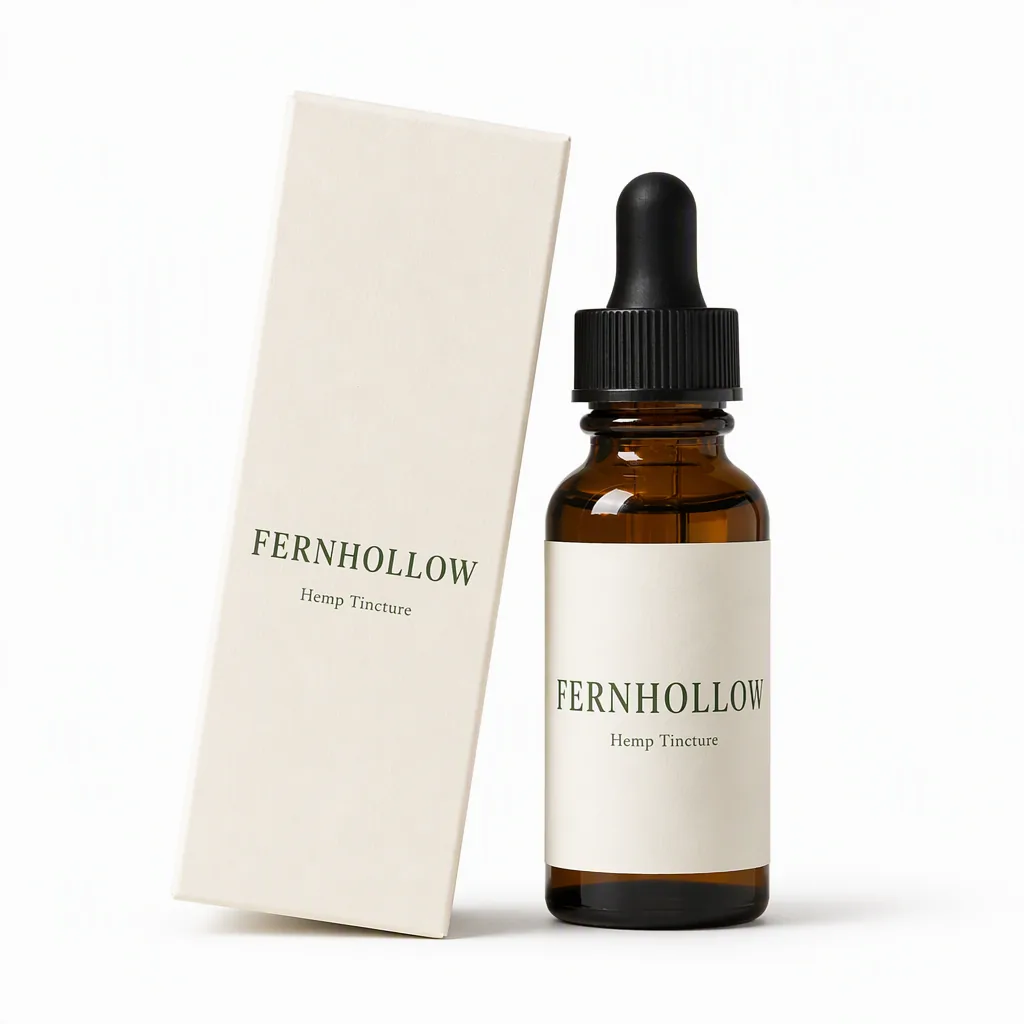 PRODUCT PHOTOS
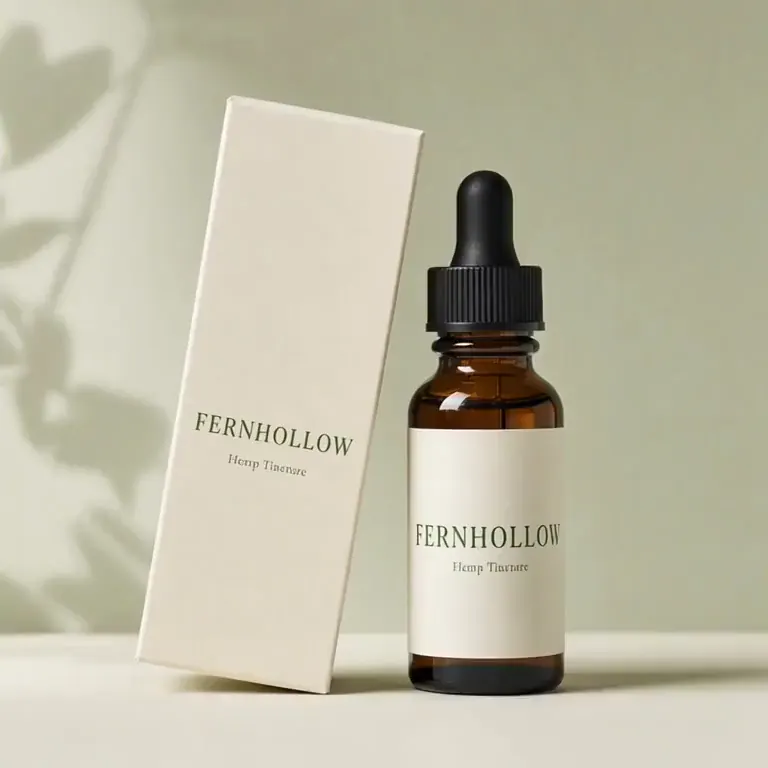
CBD
CBD product photos made from one photo of your tincture, gummies or balm: white-background listing images and lifestyle shots.
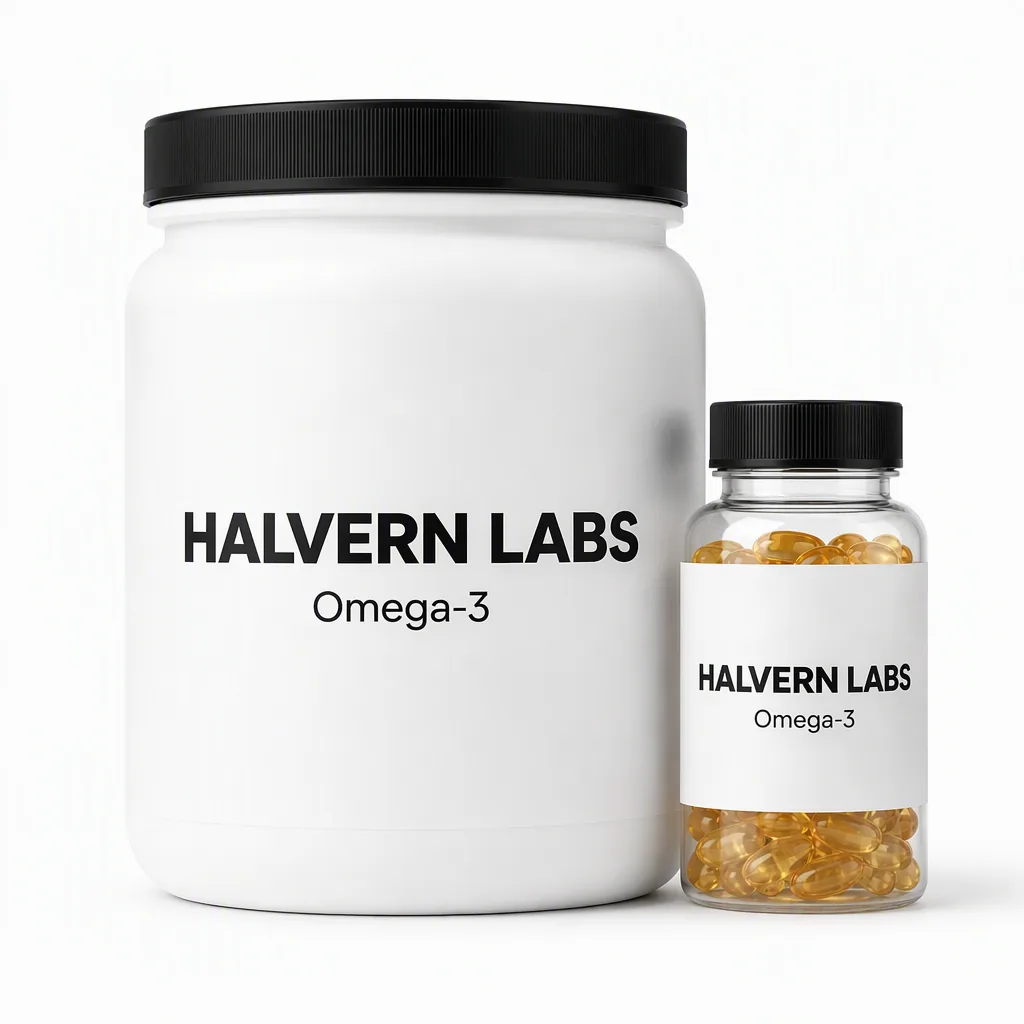 PRODUCT PHOTOS
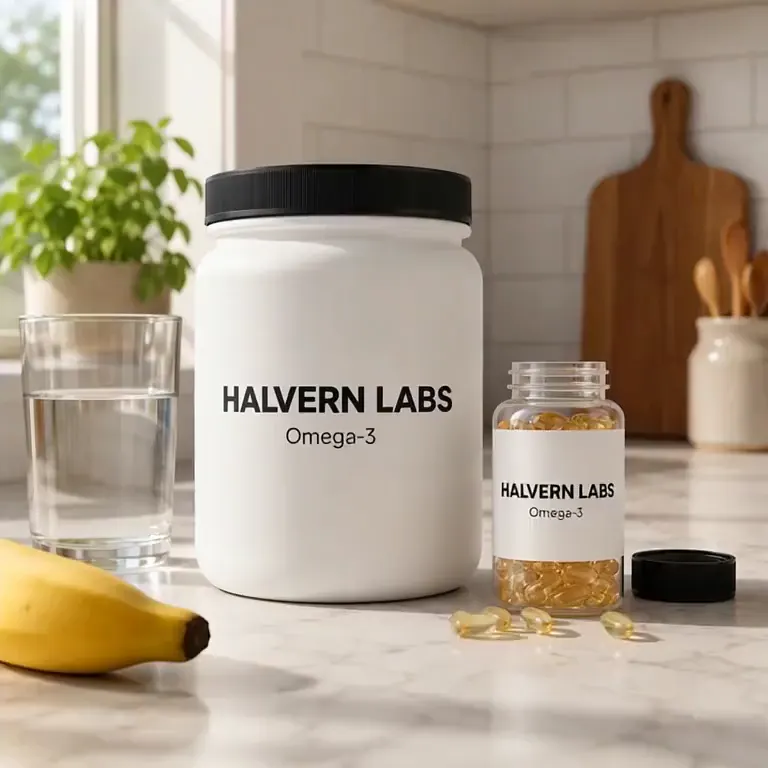
Supplements
Supplement product photos for tubs, capsule bottles and sachets, made from one pack shot: a white-background main image, close-ups and kitchen scenes.
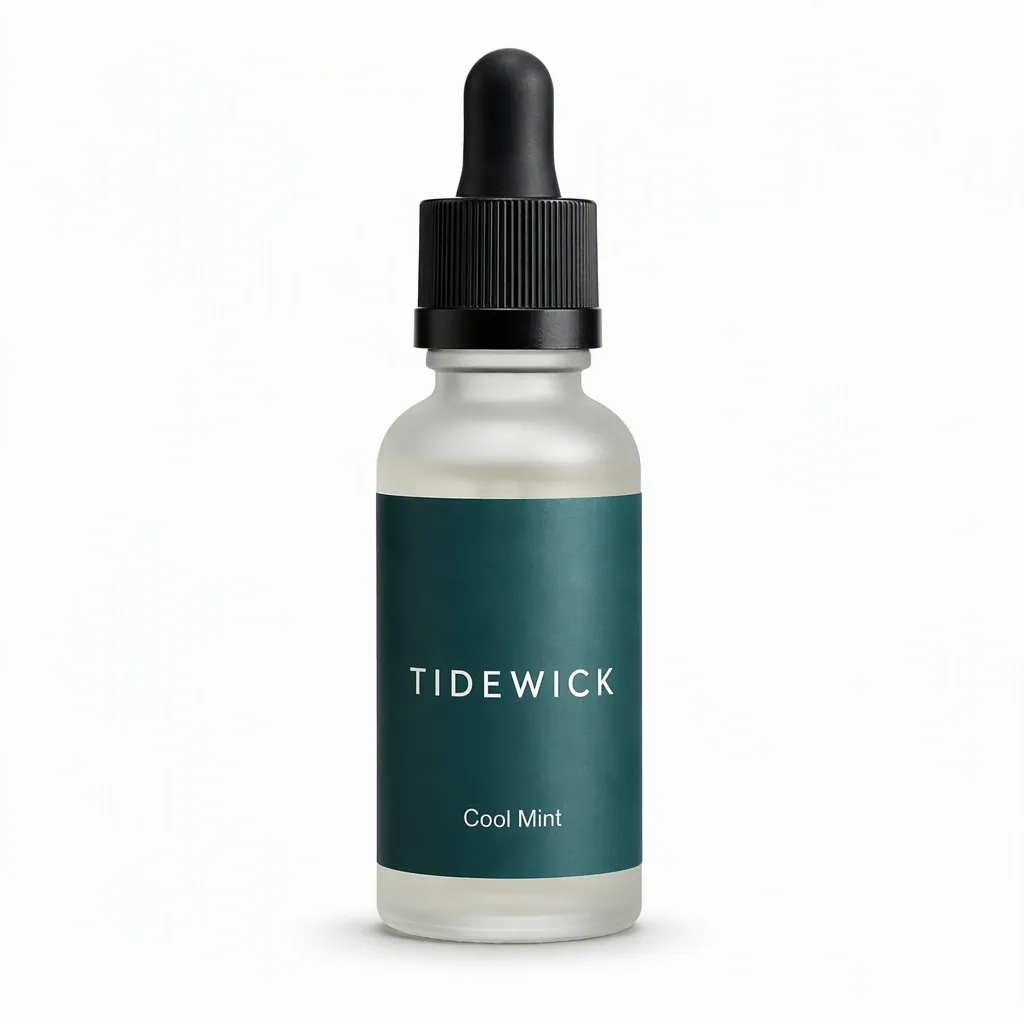 PRODUCT PHOTOS
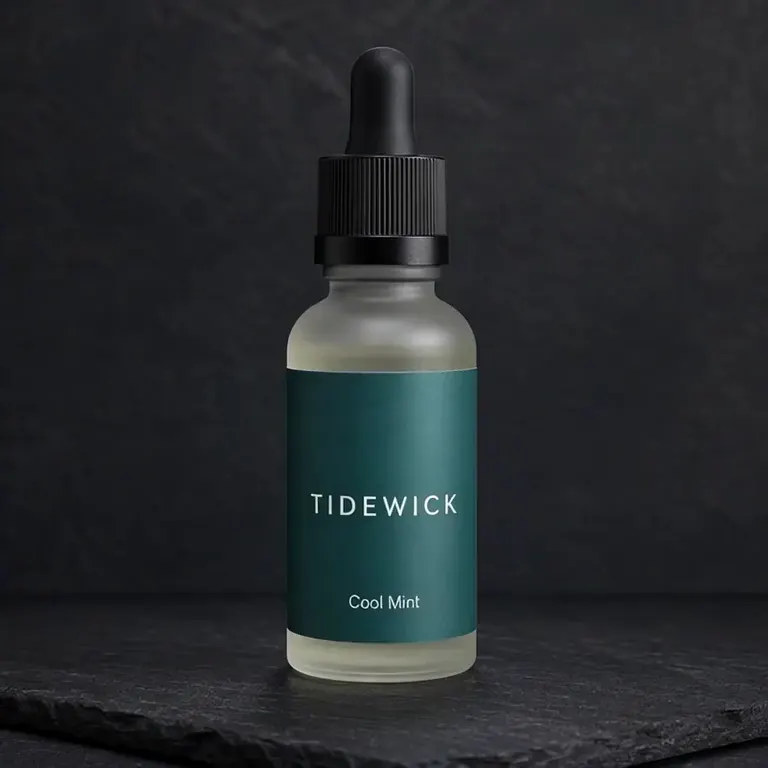
Vape
Vape product photography for e-liquid bottles and vaporizers: white-background images and product scenes for your own store and email.
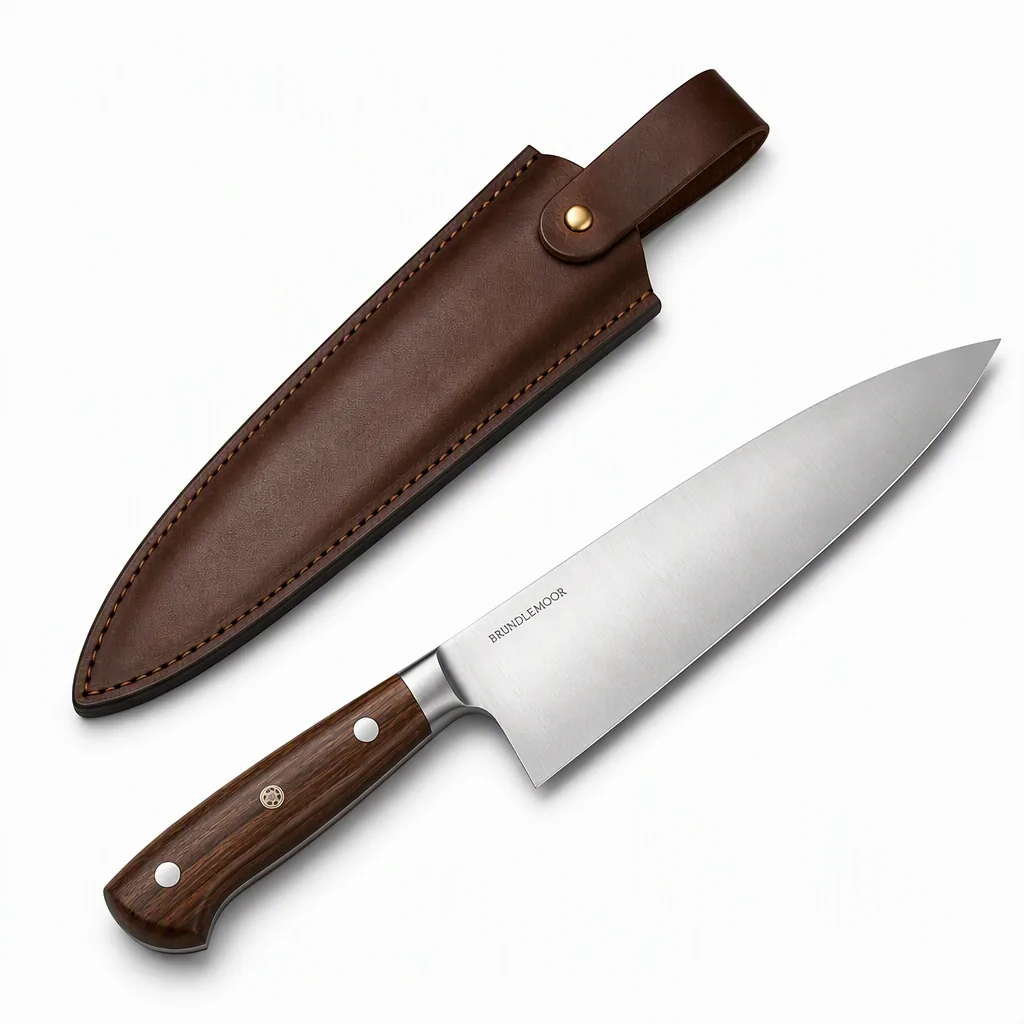 PRODUCT PHOTOS
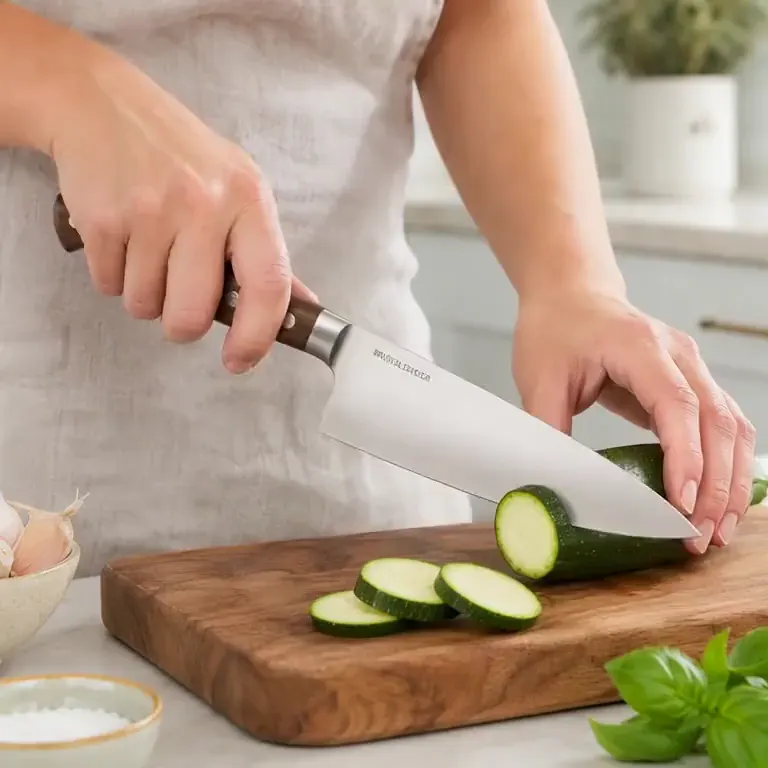
Knives
Kitchen knife product photos from one photo of your chef knife or set: white-background listing images, handle close-ups and chopping-board scenes.
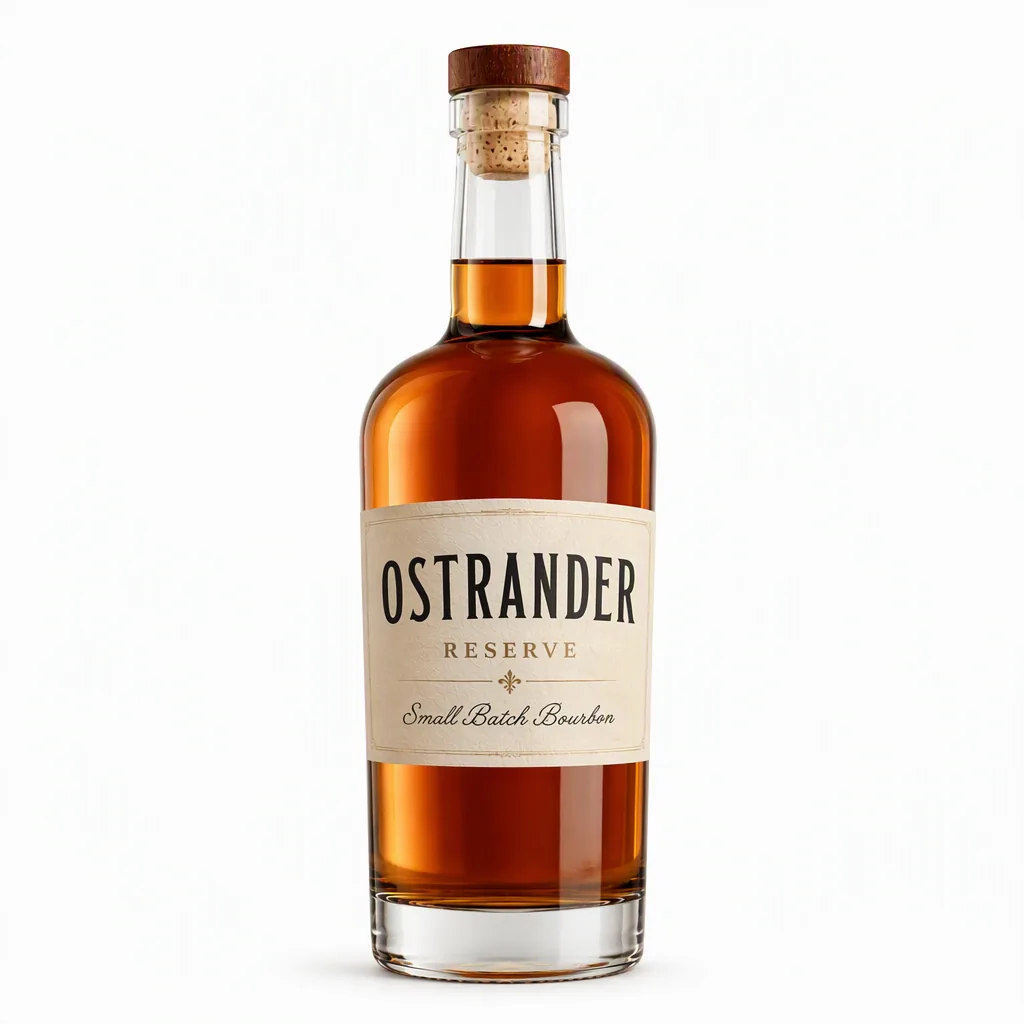 PRODUCT PHOTOS
Alcohol
Alcohol product photos from one bottle shot: white-background listing images, dark studio shots and bar or dinner-table scenes for spirits, wine and aperitifs.
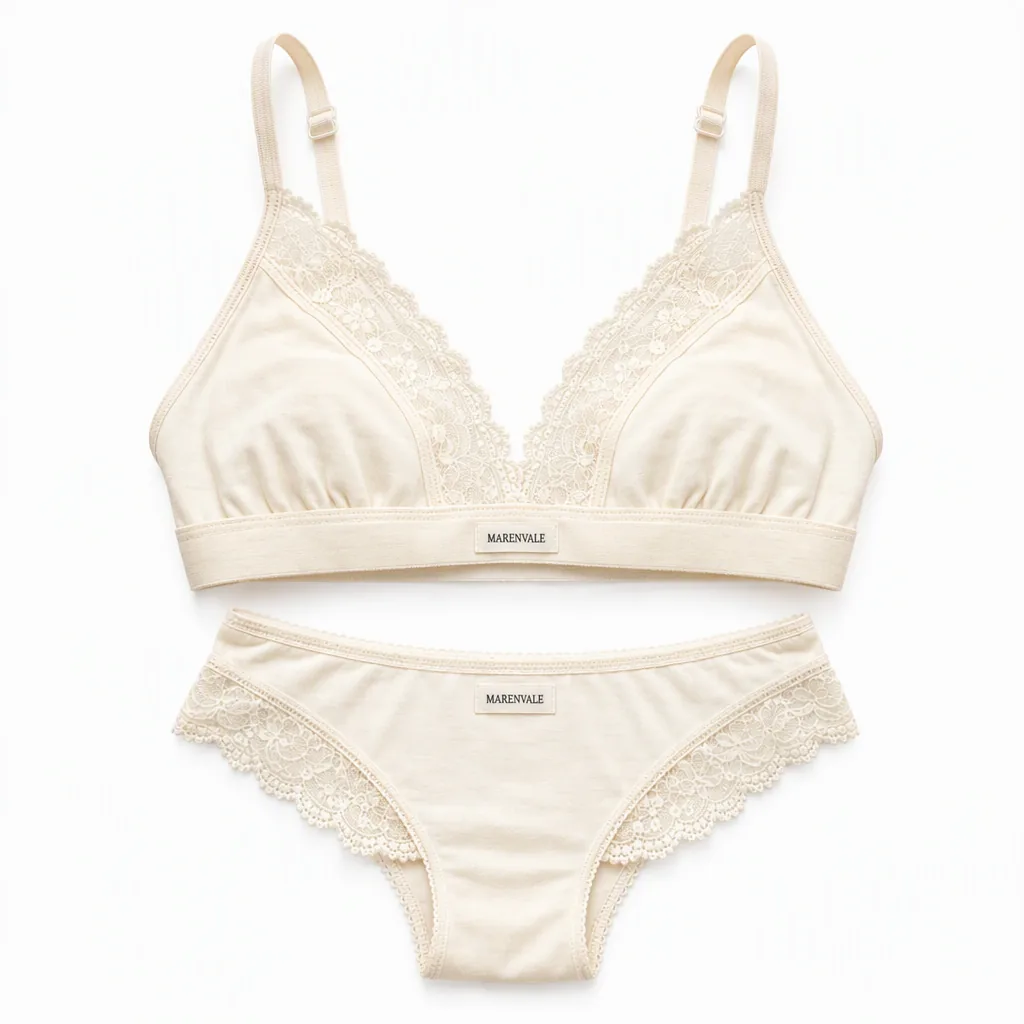 PRODUCT PHOTOS
Lingerie
Create lingerie flat-lays, white-background listing images and adult-model catalog shots from your product photo.
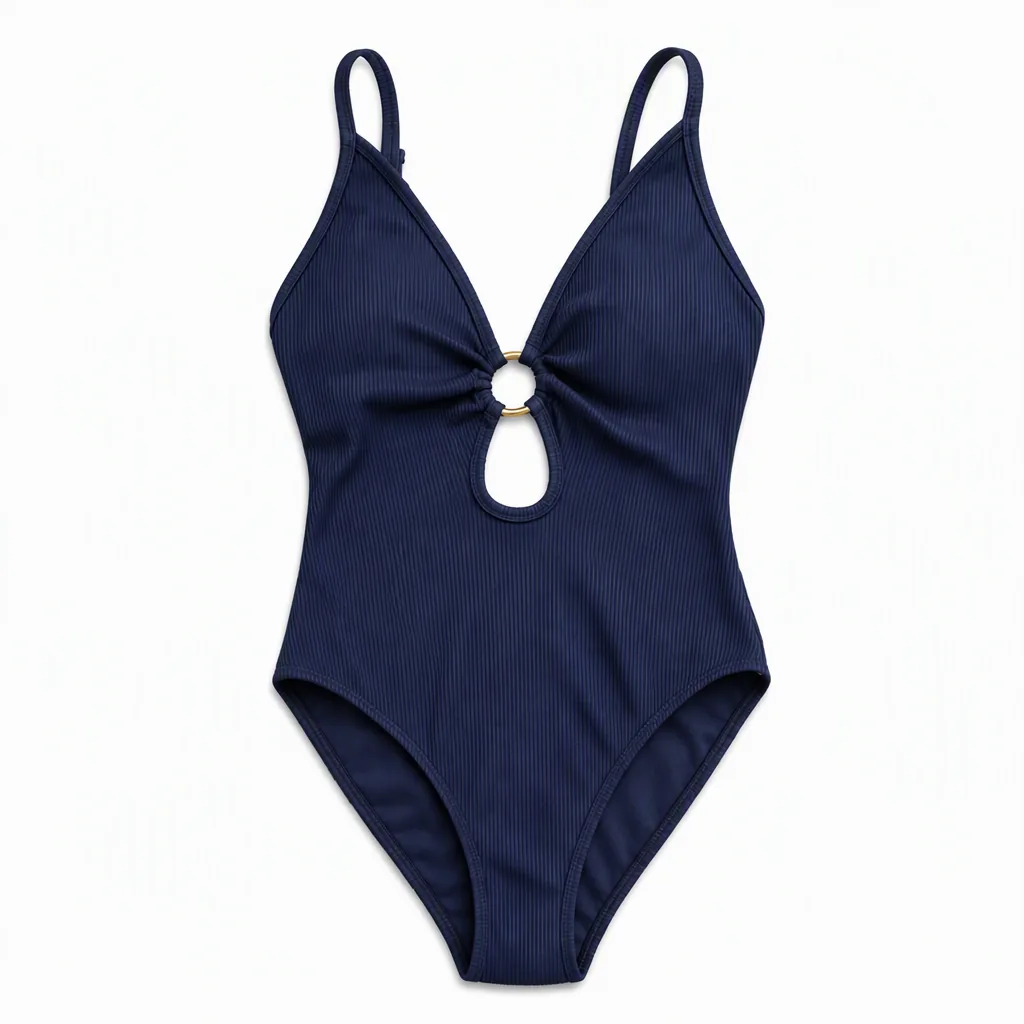 PRODUCT PHOTOS
Swimwear
Create bikini and one-piece swimsuit listing images from your product photo: flat-lays, white backgrounds and adult-model catalog scenes.
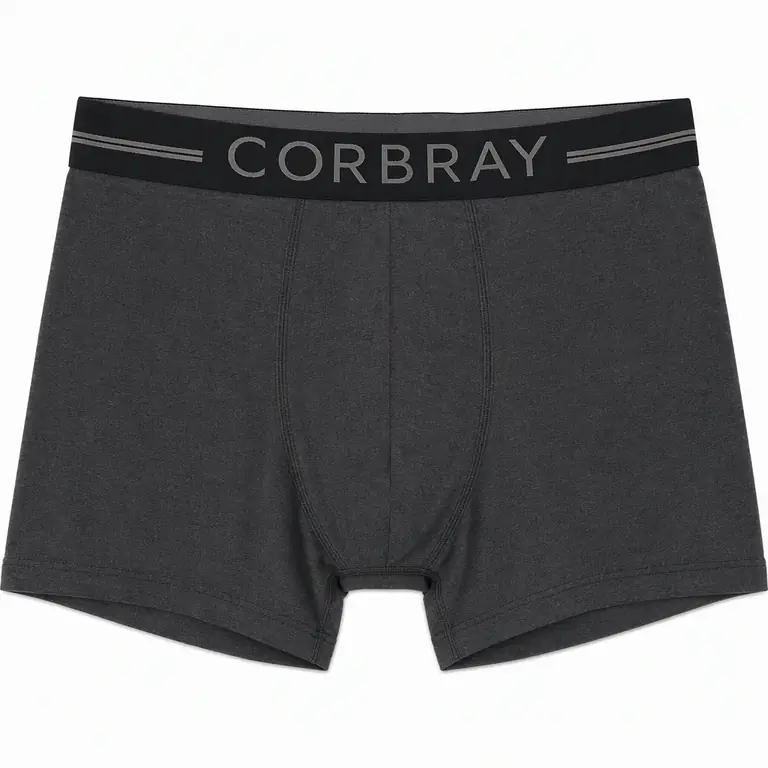 PRODUCT PHOTOS
Men's underwear
Men’s underwear product photos from one photo: multipack packshots, white-background main images and catalog shots on adult male models.
 PRODUCT PHOTOS
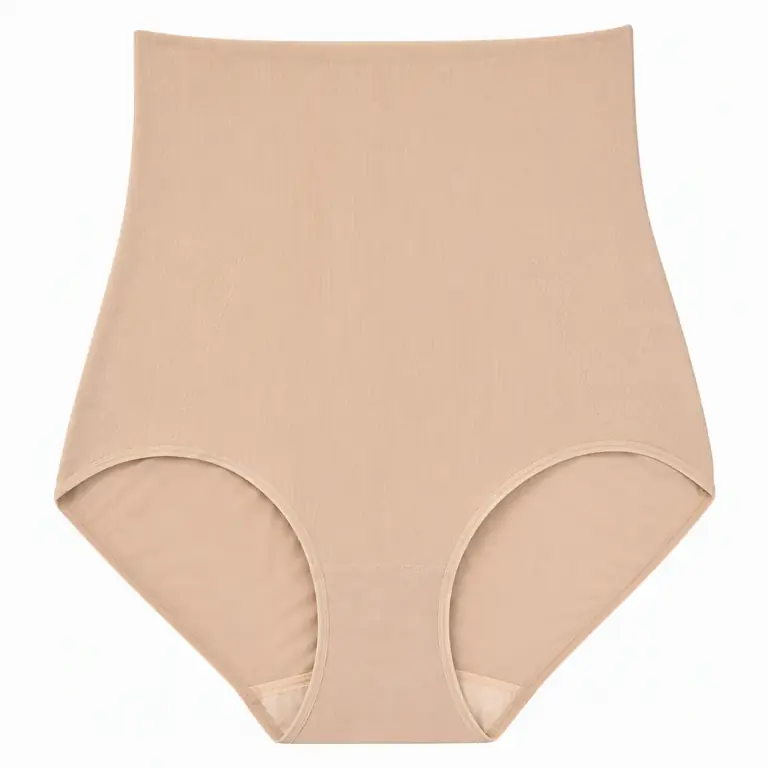
Shapewear
Create shapewear listing images from a bodysuit, shaping brief or slip photo.
 PRODUCT PHOTOS
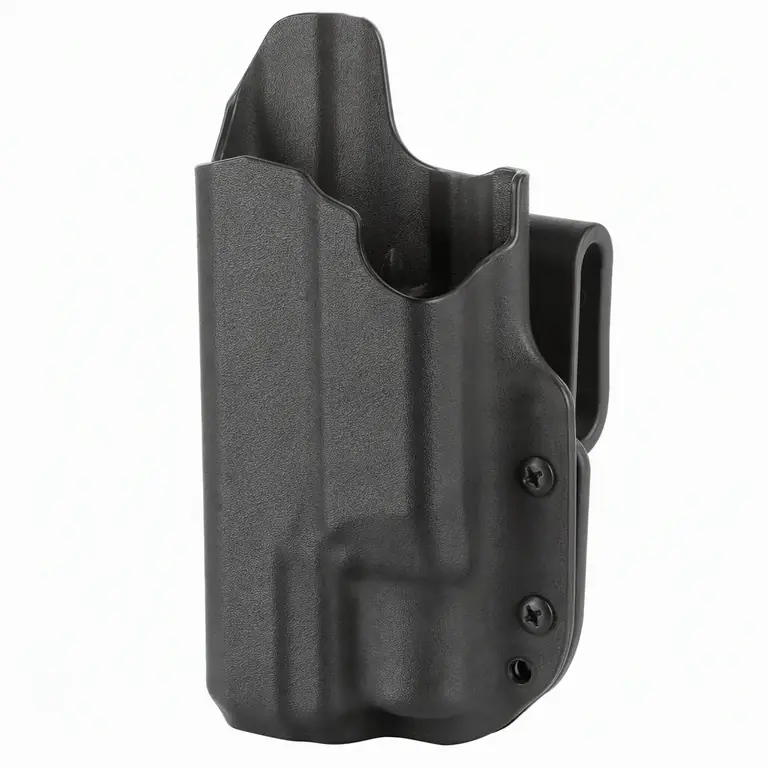
Gun accessories
Gun accessory product photos with no firearm in frame: holsters, gun safes, cases, cleaning kits and pouches as packshots, white-background images and lifestyle scenes.
 PRODUCT PHOTOS
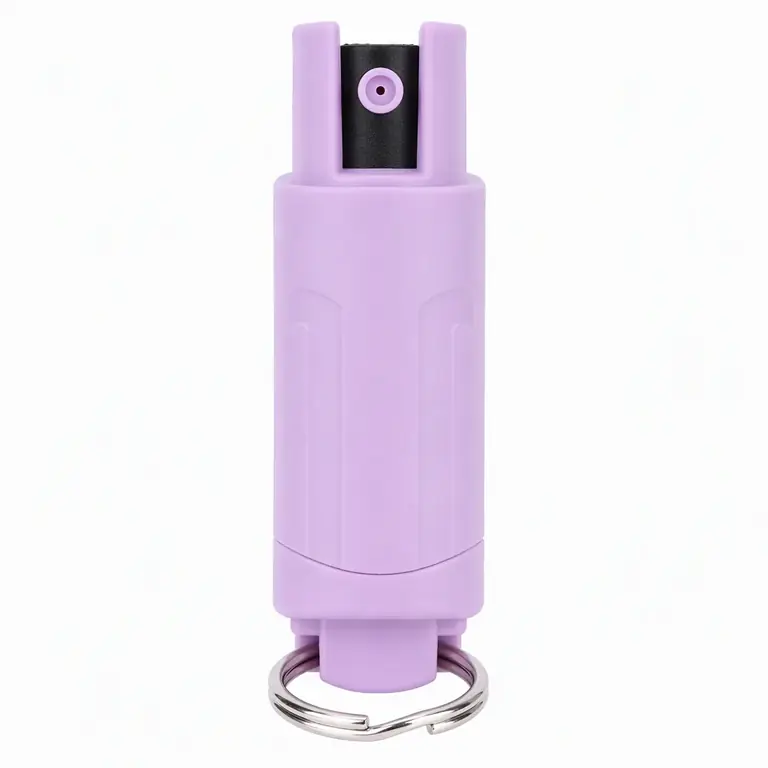
Self defense
Self-defense product photos for pepper spray keychains, safety alarms and gift sets: packshots, white-background images and everyday-carry scenes.
 PRODUCT PHOTOS
Sexual wellness
Create product-only packshots for condoms, lubricant and personal massagers.
Optional motion examples from the category library
These short AI clips were made from internally generated category stills. They illustrate motion formats separately from the image generator above; inspect the product details and choose a suitable publishing channel yourself.
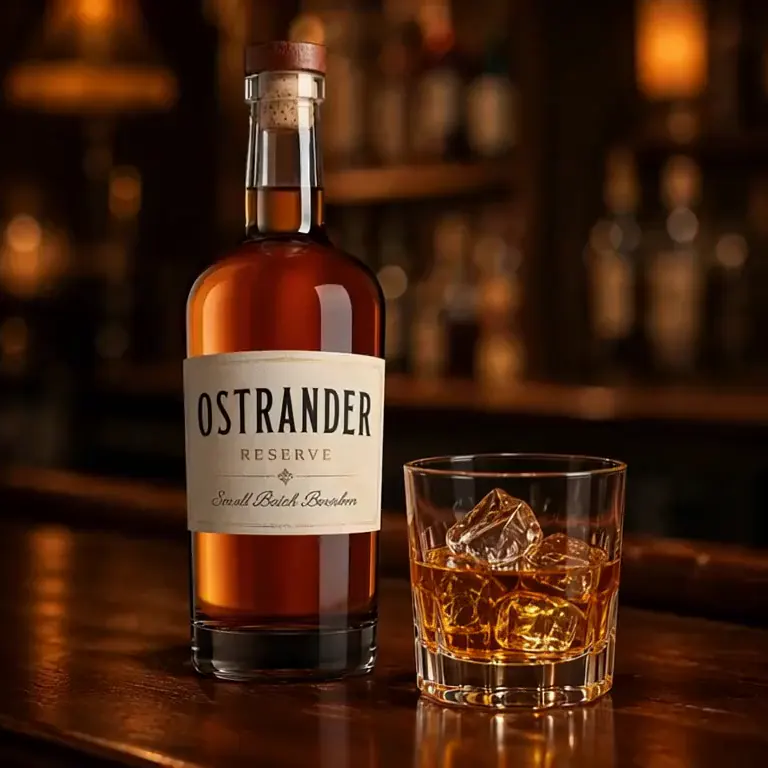
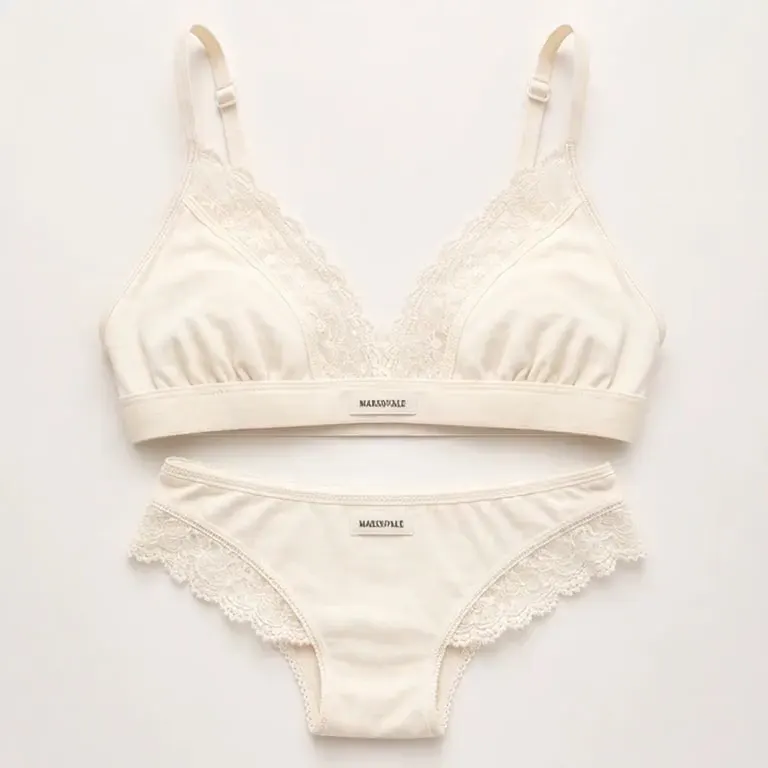
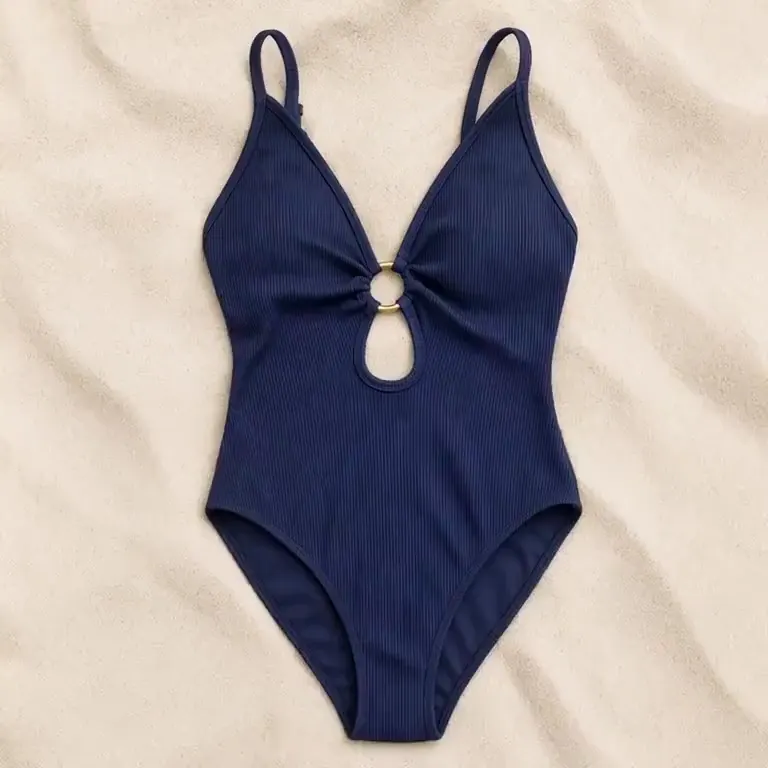
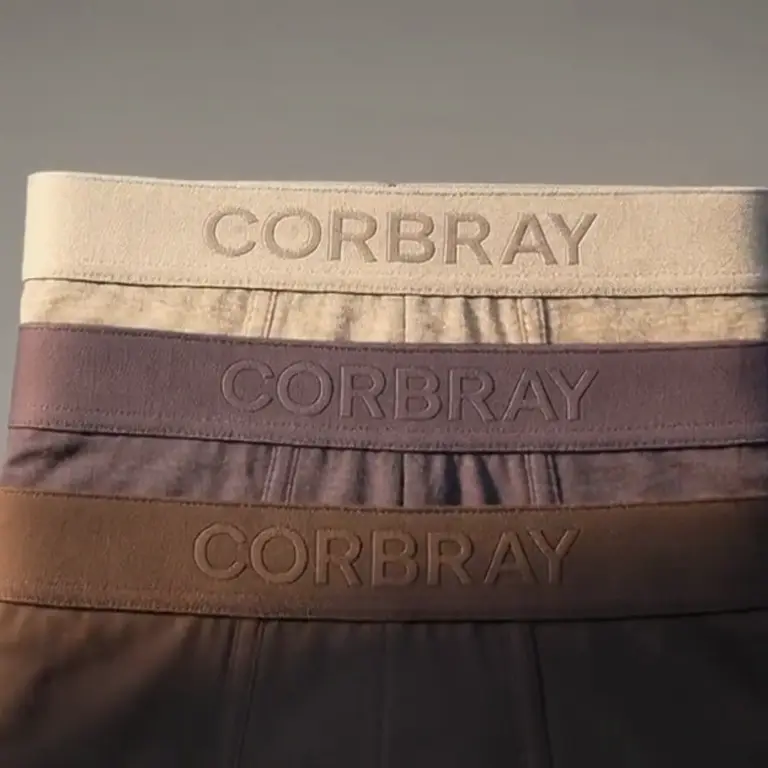
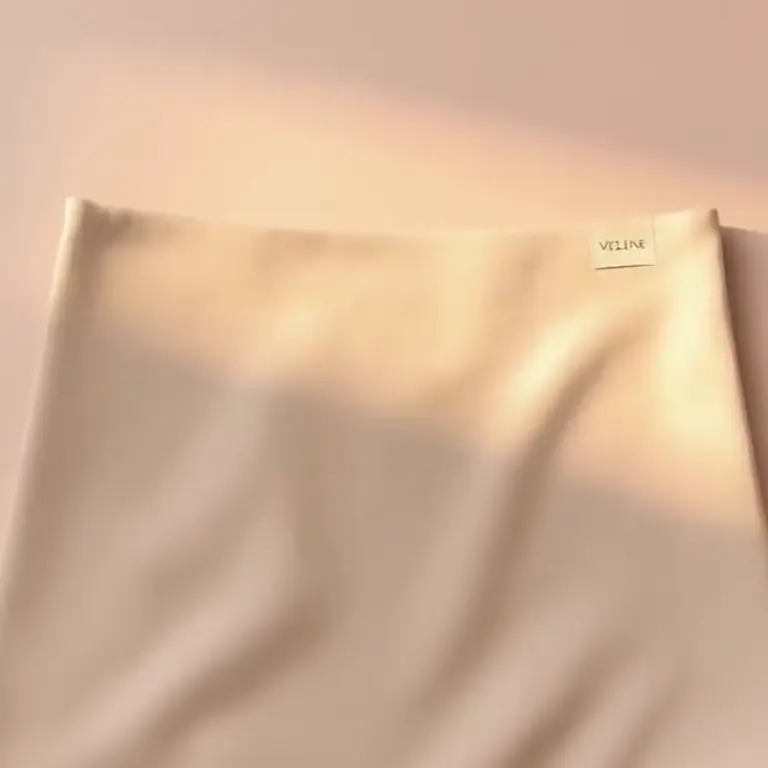
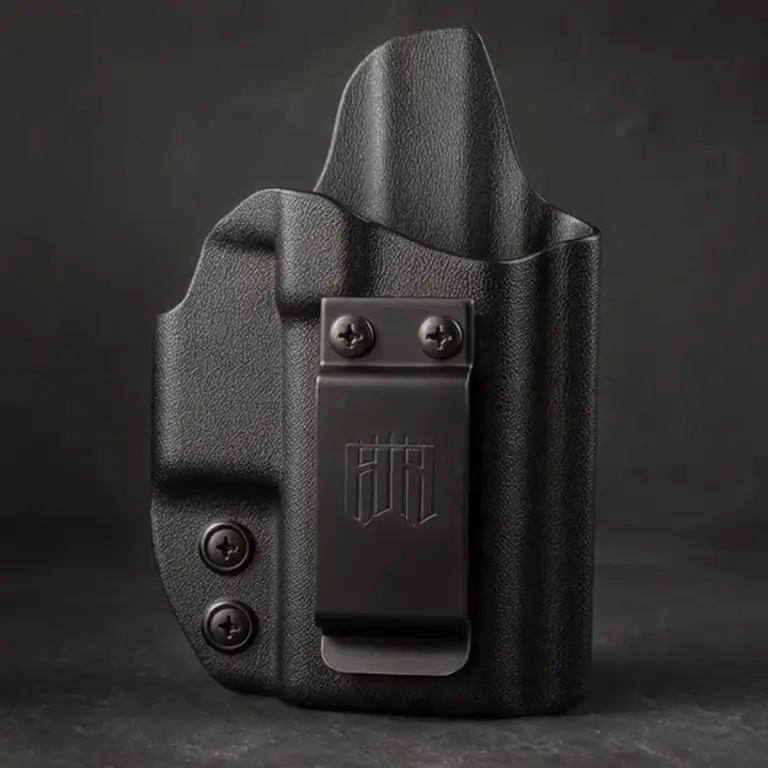
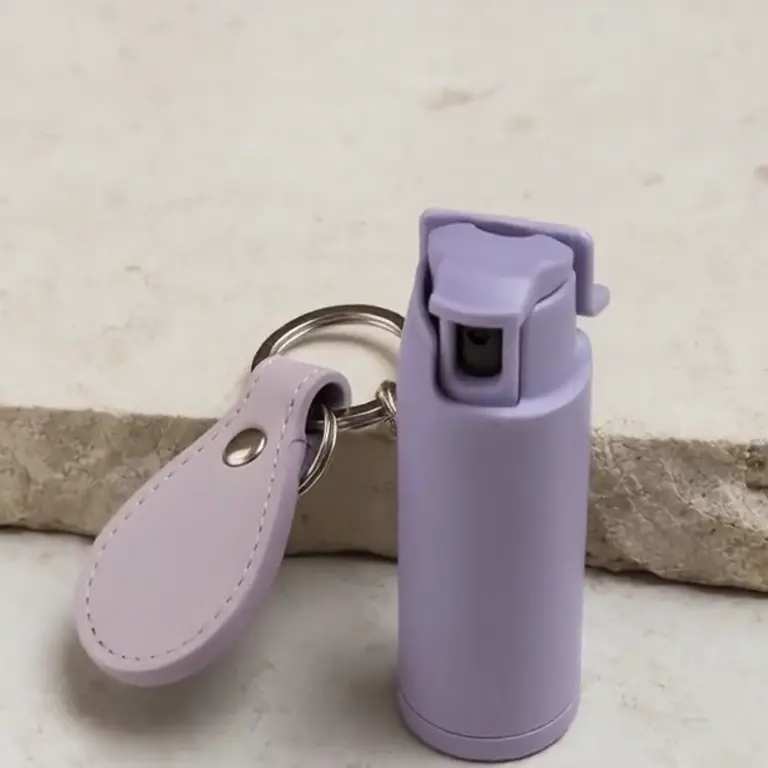
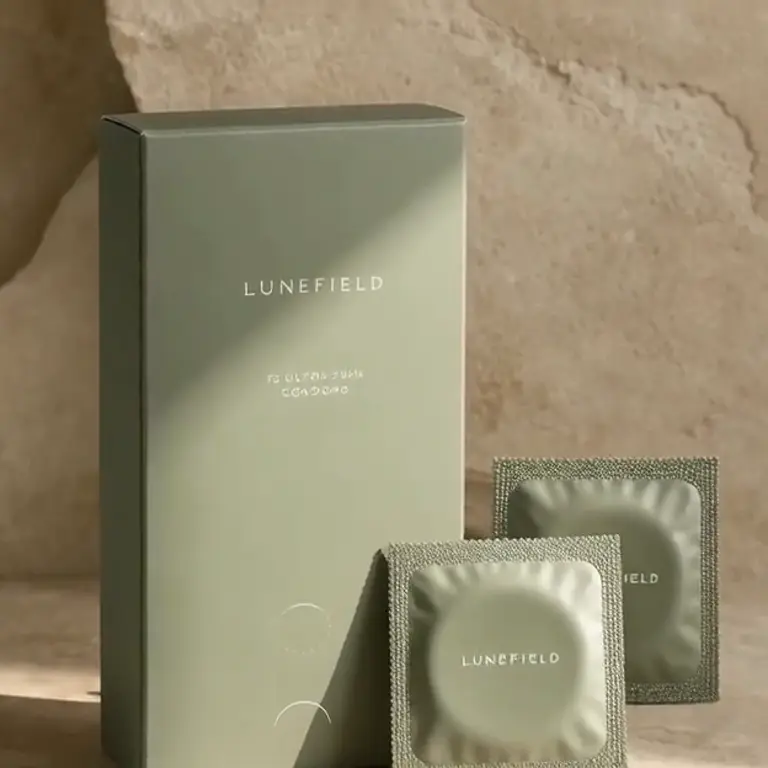
Self-produced fictional products with made-up brand names; no customer-uploaded photos or customer generation results. The clips do not establish marketplace or ad-platform approval.
Prepare a product image you can check
Show what is actually sold
Supply a clear reference of the correct variant and included items. Main-image backgrounds, dimensions and crop rules depend on the destination marketplace.
Add context using verified facts
Describe a setting and leave out invented benefits, before-and-after results or unsupported performance claims. A generated scene does not establish exact scale.
Compare labels and geometry
Use sharp close-ups for closures, labels and materials. If the generated detail is inaccurate, replace it with an original photo or revise the request and check again.
From a product photo to an image plan
Upload a clear product photo
Use a reference you have permission to use. Include the exact variant and add close-ups where packaging or hardware matters.
Describe the image you need
Name the scene or listing slots and the facts that must stay accurate. Review the plan, available previews and complete quote before confirming generation.
Review the exported file
Inspect labels, proportions and contents at full size. Run destination-specific pixel checks and correct any mismatch before publishing.
Example images use fictional brands. Blurbly does not promise that any ad will be approved by an ad platform.
Inspect an export before you publish
- Check an Amazon main image — Test pixels, background and estimated fill locally. This cannot establish product accuracy or platform acceptance.
- Explore the public serum image set — Three finished public images illustrate main, detail and lifestyle placements.
- Follow the listing planning walkthrough — A dated internal fictional-product test that stopped at the image plan, before paid rendering.
- Read the no-filter product photo guide — For lingerie and swimwear catalog photos: use Image Edit, compare owned examples and check details before spending credits.
- Review Blurbly’s current content policy — Every request remains subject to content rules, model screening and the requirements of the channel where it will appear.
Frequently asked questions
What is this page for?
It is a directory of 12 specialist product photography guides. Use a category guide for preparation and historical test notes, the product photography page for general scenes, or the dedicated listing generator for a gallery.
Does a listed category mean every request is accepted?
No. The guides document limited historical product-image tests. Current content rules, image-model screening and destination-channel requirements still apply to each request.
Are these customer photos or real brand campaigns?
No. The examples use internally generated fictional products and made-up brands. We do not use customer-uploaded images or customer generation results in these examples.
How should I read the test numbers?
The category pages report October 2026 tests of 3 products and 6 images per category. Results depend on those references, prompts and models; they are not a current acceptance rate. Read each guide’s conditions and limitations.
Can you promise my ad will be approved?
No. Approval is up to the destination platform. Blurbly does not promise ad approval; check the current channel rules and the accuracy of the final product image.
Create product photos from your own reference
Upload a clear product photo above, describe the images you need and review the plan and full quote before confirming generation.
Back to the product photo generator