

Guide
Amazon main image requirements
Amazon main image requirements are the strictest rules in a listing, because the main image is the one shoppers see in search: a pure white background, the product at 85% of the frame, 1000 px or more on the longest side so zoom works, and nothing added on top. Below is each rule from Amazon’s own product image guide, then how to fix an image that fails one.
Use this page to check the rules before uploading. For choosing an angle, reviewing the thumbnail and testing a replacement image, follow the Amazon main image composition and testing guide.
Checked against Amazon’s product image guide for the US store on 22 October 2026. Amazon updates its guidance, and Seller Central always wins.
The rules at a glance
| Rule | What Amazon says | In practice |
|---|---|---|
| Background | Pure white, RGB 255,255,255. (source A) | Grey, cream, gradients, a shadow reaching the edge and transparent PNG areas all fail. Check the corners first. |
| Upload size | At least 500 px and at most 10,000 px on the longest side. Below 500 px the file can’t be uploaded, and Amazon says not to enlarge small images artificially. (source A) | Enlarging a small file adds pixels, not detail. Go back to the original instead. |
| Zoom size | 1,000 px or more on the longest side is recommended and enables zoom. An Amazon-labelled forum post calls 1600 px or more optimal. (source A, C) | The help page itself doesn’t mention 1600. Exporting at 2000 px square clears both numbers. |
| Product fill | Show the product as 85% of the image. (source A) | The checker treats 85% or more as a pass. Crop until the product nearly reaches the frame on its longest side, or shoot it larger. |
| Whole product, shown once | The entire product in frame with nothing cut off, shown once (the front only, not front and back together), one unit plus any accessories included with it. (source A) | Back views, extra units and composites go in the secondary slots. |
| File type | JPEG (.jpg/.jpeg), TIFF (.tif/.tiff), PNG (.png) or non-animated GIF (.gif). JPEG is recommended. (source A) | Export JPEG. If you start from a PNG, flatten any transparency onto white first. |
| Image quality | At least 72 dpi; clear, not pixelated, no jagged edges. RGB colour mode is preferred. (source A) | Jagged edges usually come from a rough cut-out. Soften the mask before you place the product on white. |
| Text and graphics | Exclude additional text, graphics or watermarks. (source B) | Stickers, logos added in editing and callouts are out of the main image. |
| On every image | No Amazon logos or badges such as “Amazon’s Choice” or “Best seller”, no images of customer reviews, no five-star imagery and no claims such as free shipping. (source A) | This covers the secondary slots too, so check infographics before they go up. |
| Props and packaging | No accessories or props that aren’t included with the product. No packaging unless it is an important product feature, such as a carrying case or gift basket. (source A) | Show only what the customer receives: a grinder sold alone appears without coffee beans. |
| Footwear | A single shoe, facing left, at a 45-degree angle (all footwear). (source A) | Shoot the left-facing angle on set. Mirroring a right-facing photo also flips any asymmetric detail or logo. |
| Clothing and mannequins | No part of a mannequin, of any kind. Adult clothing is shown on a model who is standing; clothing accessories and multipacks lie flat, without a model. (source A) | If the model is a photorealistic AI-generated person, the disclosure rule below applies. |
| AI-generated people | If the image shows photorealistic people who were entirely generated by AI, add the keyword contains-synthetic-performer to the dc:subject (XMP) field before upload. Amazon may then add a disclosure. (source A) | Use an IPTC-compatible metadata editor. No tag for real people edited with AI tools, people who aren’t photorealistic, or images with no people. |
Sources, read 22 October 2026. A is Amazon’s own help page for selling in the United States. B and C are guidance posts by Amazon-labelled accounts on the Seller Central forums, cited only for points the help page doesn’t state.
- A: Product image guide, Seller Central help (G1881)
- B: Main image guide, Seller Central forums
- C: Image size and fill guide, Seller Central forums
Not covered: which product types may use a lifestyle main image (the guide says only a limited number can and points to Amazon’s product page style guide), and the separate clothing and multipack image pages. We didn’t check those. The guide sets no aspect ratio.
Have a product photo ready? Check its background, dimensions and estimated fill before changing it. If you need new main and secondary images, plan the listing image set by slot.
Main image drafts, and why they still need a check
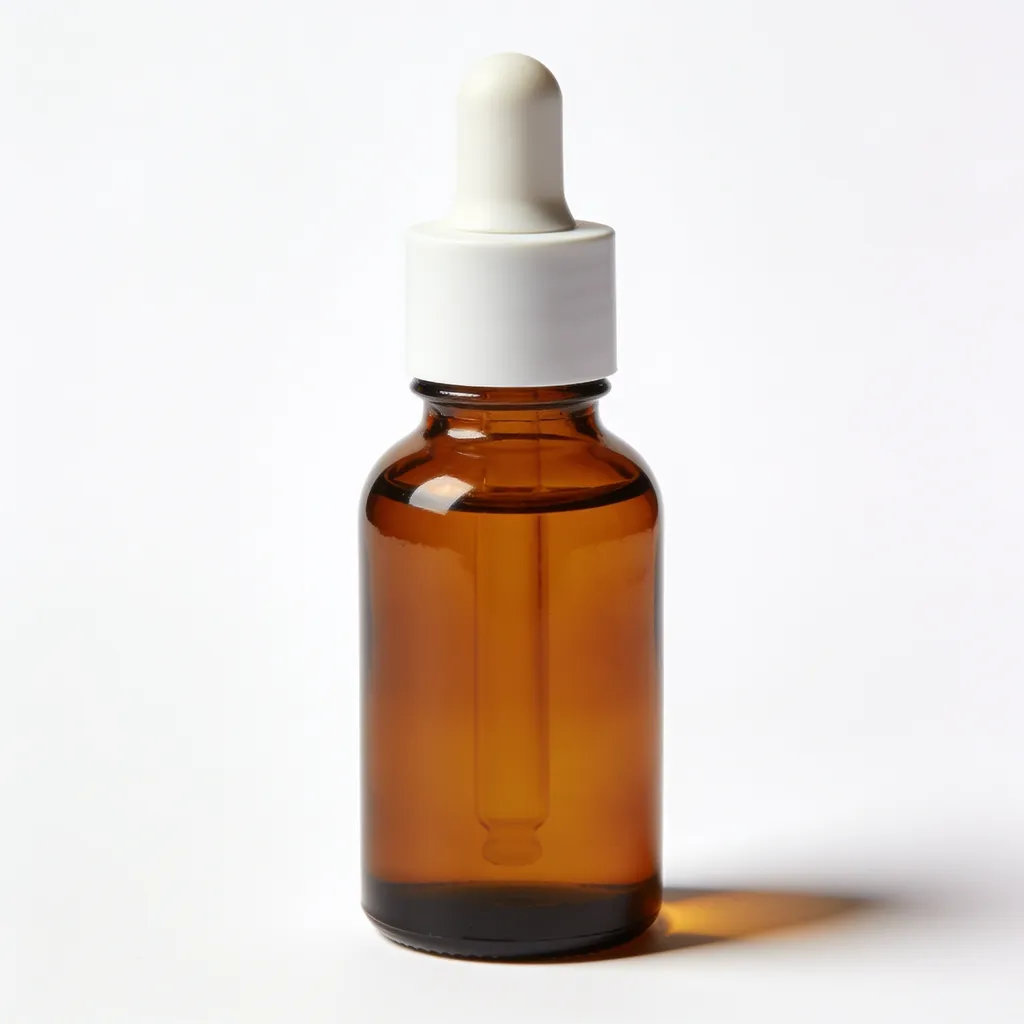
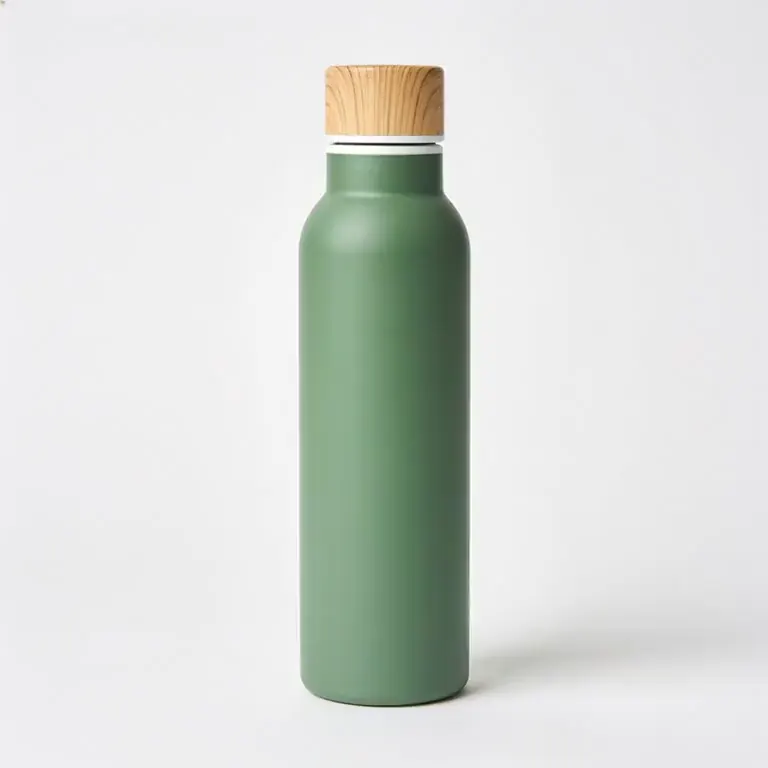
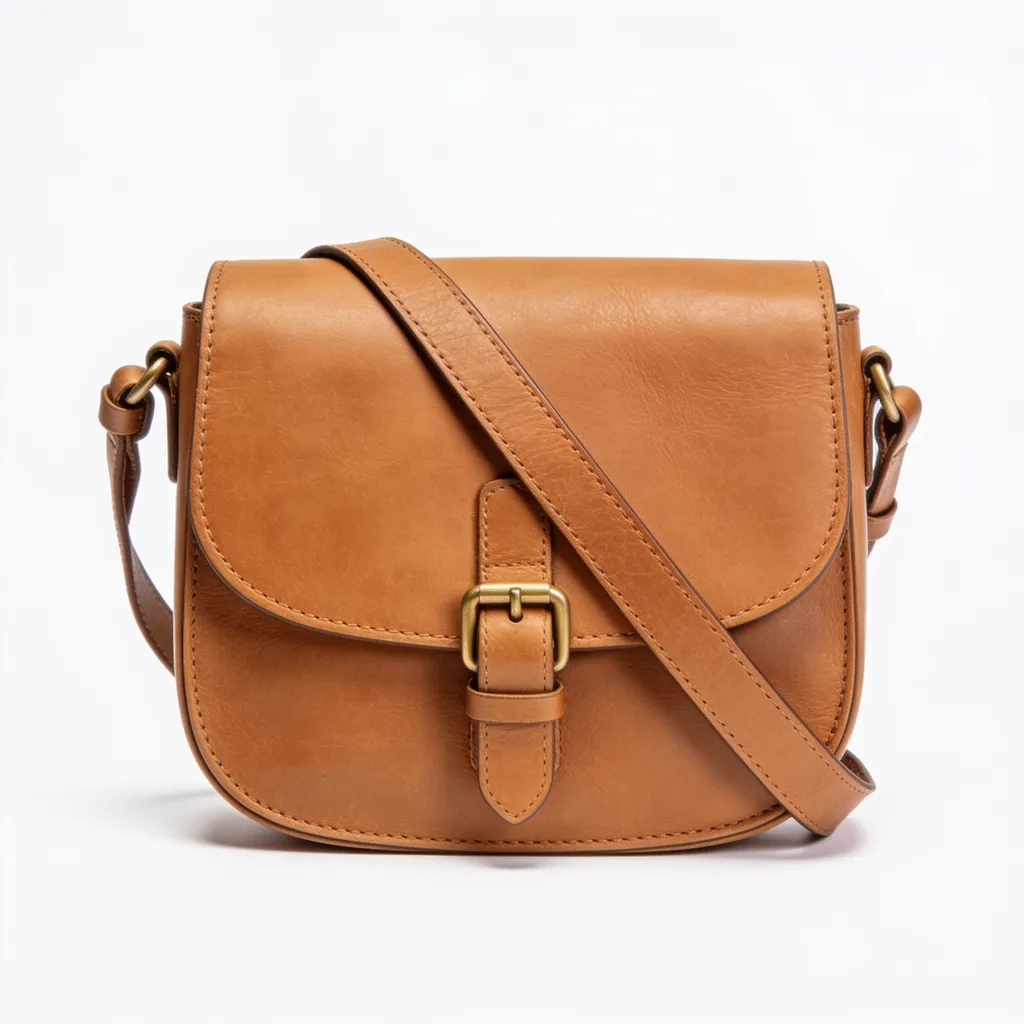
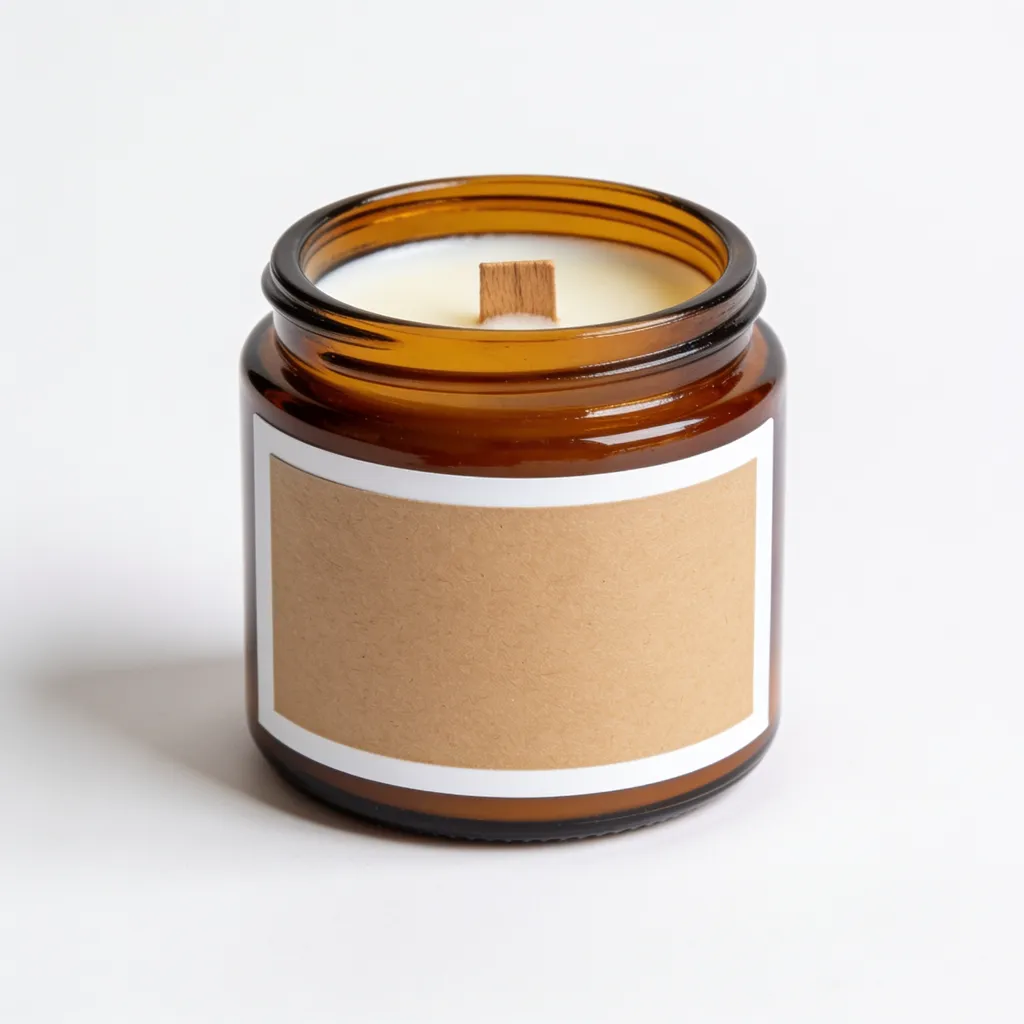
Generated for fictional, unbranded products to show the framing: the whole product in view, filling most of the frame, nothing added. None of these files is pure white at the edge. Their corners measure light grey, not 255, so each would fail the background rule as exported. Run your own file through the checker rather than judging white by eye.

Secondary images and video
The secondary slots carry what the main image can’t: lifestyle scenes, detail close-ups, short videos and any callouts. Their rules are looser than the main image’s.

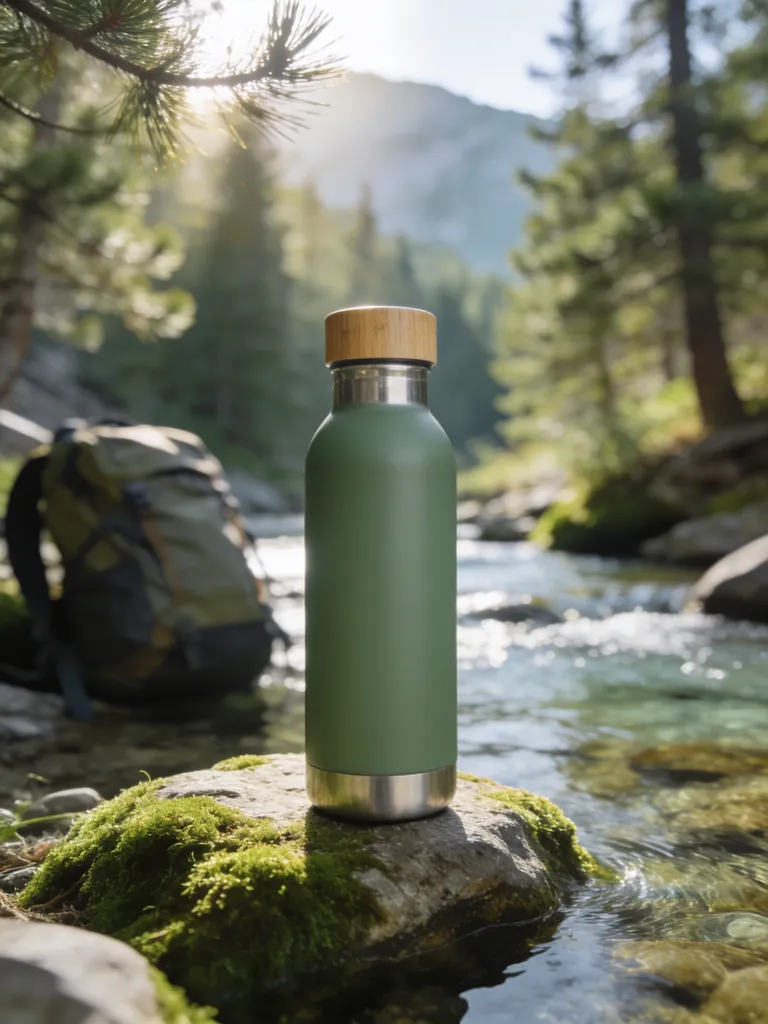


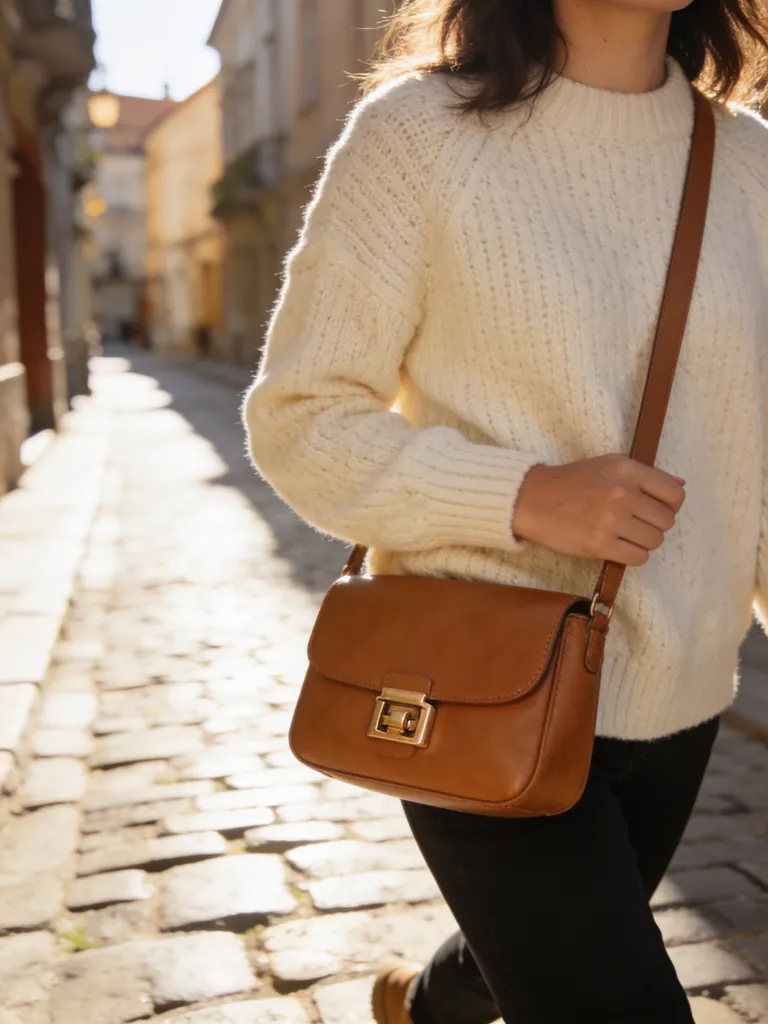

All examples were generated with AI from fictional, unbranded products. No real brand is shown.
Common reasons a main image gets rejected
See our candle main image case study: failure, correction and final-file recheck. In that test the raw generations failed; only an external background edit followed by a white-canvas export cleared the pixel checks, and the wick still differed from the original candle.
Almost-white background
A soft shadow, a grey cast or JPEG noise at the edge leaves the background just short of RGB 255,255,255. It looks white on screen and still fails.
Product too small
A product floating in a big white frame misses the 85% fill guidance. Crop in from the original, or reshoot closer.
Too few pixels
Under 1000 px on the longest side there is no zoom, and under 500 px Amazon won’t take the upload. Go back to the camera file, not a thumbnail or a downloaded copy.
Added text or badges
Stickers and watermarks stay off the main image. Badges such as “Best seller” or “Amazon’s Choice” are banned on every image, secondary slots included.
Shoe facing the wrong way
Footwear gets one shoe, facing left, at a 45-degree angle. A pair, a straight side view or a right-facing shoe misses the rule.
Props that don’t ship
Coffee beans beside a grinder, a plant next to a pot: if it isn’t in the box, it stays out of the main image.
To turn these rules into a generation request, follow the listing image tutorial. It walks through the reference photo and planning steps; check the full-resolution export before you publish.
Repairing a main image without starting over
Start by finding out which rule the image breaks, because each one has a different fix. The free checker measures the longest side, the file type, whether the outer edge is pure white and roughly how much of the frame the product fills. It runs in your browser, so you can test the exact file you plan to upload.
A background failure is about the edge, which is where the checker samples and where shadows and grey casts show up. A product shot on a white sweep photographs as pale grey, so lift the whites in an editor until the corners read 255, or cut the product out and place it on a white canvas. If you keep a soft shadow under the product, make sure it fades out well before the frame. Transparent PNGs fail too, because transparent pixels aren’t white; flatten them onto white before export.
Fill and size problems usually arrive together. A product that occupies half of a 2000 px frame is really a 1000 px product photo with white around it. Crop closer from the original file instead of enlarging the small version, and export at 1600 px or more on the longest side. Say you sell a pepper grinder. It is tall and narrow, so it can run almost the full height of a square while white fills the sides; the checker’s fill estimate measures the longer of width and height, so it reads that grinder as close to full.
When the photo can’t be rescued, generating a clean version from it is reasonable, as long as you treat the output like any other file. In our candle test the first generation added text and plant illustrations, two retries still failed the background and fill checks, and the export that finally cleared them had a thicker wick than the real candle. A pixel pass is where the review starts. Put a real unit beside the screen and compare the label, colour and parts before you upload.
Check it, or generate one
Amazon main image checker
Pixel-level checks in your browser. Nothing is uploaded.
FREE TOOLProduct image resizer
Pad any photo to 2000 × 2000 px on pure white, plus Shopify, Etsy and social sizes. Runs in your browser.
BLURBLYProduct listing image generator
Generate a white-background hero plus the rest of the listing set.
VIDEOAmazon video requirements
Listing video and Sponsored Brands video specs, with sources.
COMPAREOther marketplaces
Walmart, Etsy, Shopify, TikTok Shop and eBay image rules side by side.
Frequently asked questions
What background does an Amazon main image need?
Pure white, RGB 255,255,255, according to Amazon’s product image guide. Off-white, light grey, a shadow at the edge and transparent areas don’t count.
What size should an Amazon main image be?
Amazon’s product image guide accepts 500 to 10,000 px on the longest side and recommends 1,000 px or more, because that is what enables zoom. Exporting at 2000 px square clears the zoom threshold with room to crop.
How much of the frame should the product fill?
Amazon’s guide says to show the product as 85% of the image, whole and uncut. In practice the product should come close to the edges on its longest side.
Can I use an AI-generated image as my main image?
Amazon’s product image guide has one AI-specific rule, and it is about people: if the image shows photorealistic people who were entirely generated by AI, tag the file with the keyword contains-synthetic-performer in its dc:subject (XMP) field before upload. A product-only image needs no tag. Either way the image has to show the real product accurately, with the label, colour and packaging a customer receives, so compare it with a real unit.
Do these rules differ by category?
Yes. The guide gives footwear its own main image rule (a single shoe, facing left, at a 45-degree angle), puts adult clothing on a standing model and lets only a limited number of product types use a lifestyle main image. Clothing and multipacks have separate help pages that we didn’t check, so look up your category in Seller Central before you shoot.
Plan your Amazon listing images
Plan the main image and the secondary slots together in the listing generator, then run the exported main image through the checker before it goes live.
Open the listing image generator