

Guide
Amazon video requirements
Amazon video requirements depend on where the video plays. The video on your product detail page and the Sponsored Brands video ad have separate specs, and below is what Amazon publishes for each, with the source next to every line.
Checked against Amazon’s own pages on 22 October 2026 (Seller Central guide) and 17 October 2026 (Amazon blog and Amazon Ads pages). Amazon updates its rules, and Seller Central and the Amazon Ads console always win.
Videos on the product detail page
The shoppable videos you upload in Seller Central under Catalog → Upload and Manage Videos. They appear in the image block and video section of your listing.
| Rule | What Amazon says | In practice |
|---|---|---|
| Who can upload | An account active for more than three months (brand registered or not), with the product ASINs created and listed. (source A) | Amazon’s Sell on Amazon blog adds that you need a Professional selling account. If the upload option is missing, check the account type and age before re-exporting the file. |
| File format | MOV or MP4. (source A) | Download the MP4 from Blurbly and upload it as it is. |
| Resolution | Up to 1080p. (source A) | Export at the highest resolution your model offers. Don’t upscale a small clip just to reach 1080p. |
| File size | Maximum 5 GB. (source A) | A short product clip is far below this. |
| Aspect ratio | Horizontal 16:9 or vertical 9:16. (source A) | Pick the shape before you generate. Only the 16:9 version can also run as a Sponsored Brands ad. |
| Length | Duration 1–12 minutes, repeated in the guide’s upload-failure checklist. (source A) | Amazon’s Sell on Amazon blog says most successful videos run 30 to 90 seconds, which is partly under that minimum. We haven’t tested what the upload screen enforces, so check it before you plan a clip shorter than a minute. |
| Videos per ASIN | Up to 4 shoppable videos per ASIN. (source B) | Give each slot a different job (overview, how-to, unboxing) instead of uploading four cuts of the same clip. |
| Display | Check that the video has been Published for at least three days and that its ASINs match the product shown. For softlines products, a listing with six or more images has the video suppressed on the desktop view. (source A) | Amazon’s blog puts it more broadly: fewer than six images for the video to show in the main media block. If a published video isn’t visible, count the images on the listing first. |
| Review | Initial review takes 1–7 business days, and publication to the detail page follows within three days after approval. Both can take longer before and during holiday seasons. (source A) | Upload about two weeks before a promotion. A rejected video shows its reason under Manage. |
| Video type | The guide lists seven types: Product overview, Unboxing, Product operation and how-to, Setup, Troubleshooting, Brand story and Other. (source A) | Decide the type before writing the brief. It tells you what the video has to show. |
| AI-generated people | If the video shows photorealistic people who were entirely generated by AI, add the keyword contains-synthetic-performer to the file’s dc:subject (XMP) field before upload. Amazon may then add a disclosure. (source A) | Use an IPTC-compatible metadata editor. No tag for real people edited with AI tools, people who aren’t photorealistic, or product-only clips. |
| Content | Not allowed: external website links, promotional calls to action, unauthorized music or artwork, visible third-party branding, and misleading claims. (source A) | Leave “buy now” end cards and stock music you have no licence for out of the listing cut. |
Sponsored Brands video ads
The video ad that plays in shopping results and on detail pages. Its specs are stricter, and Amazon Ads publishes them in full.
| Rule | What Amazon says | In practice |
|---|---|---|
| Aspect ratio | 16:9 (square pixel) only. (source C) | Generate in 16:9 from the start. Padding a vertical clip adds the bars Amazon asks you to avoid. |
| Dimensions | 1280×720, 1920×1080 or 3840×2160 px. (source C) | Check the exported file’s exact pixel size before upload. |
| Duration | Between 6 and 45 seconds (20 seconds or less highly recommended). (source C) | Plan 15–20 seconds, which leaves room for an end card. |
| File | 500 MB or less; .MP4 or .MOV; H.264 or H.265; Main or Baseline profile; progressive scan. (source C) | Re-encode only if your editor exported something else. |
| Frame rate and bit rate | 23.976, 23.98, 24, 25, 29.97, 29.98 or 30 fps; minimum 1 Mbps (4 Mbps or higher recommended). (source C) | Don’t export at 50 or 60 fps for this placement. |
| Audio | PCM, AAC or MP3; stereo or mono; minimum 96 kbps and 44.1 kHz. Videos always start without audio. (source C) | Make the story readable with the sound off and treat the voiceover as a bonus. |
| Bars and safe area | Avoid horizontal or vertical black, colour or blurred bars. Avoid text and important information in the lower right corner. (source C) | The mute toggle sits in the lower right, so keep the product and copy away from it. |
| Language and audience | Match the language of the marketplace (on-screen text or voiceover). All content must be suitable for a general audience. (source C) | Make one version per marketplace language instead of mixing languages in one cut. |
| Review | All advertisements are subject to review; Amazon may reject, remove or require changes to ads that don’t meet its policies. (source D) | Read the policy for your category before you produce, not after a rejection. |
Where these rules come from
Sources, read 22 October 2026 (Seller Central guide) and 17 October 2026 (Amazon blog and Amazon Ads pages). The detail-page rules come from Amazon’s Seller Central shoppable video guide for the US store, with Amazon’s Sell on Amazon blog cited for points the guide doesn’t state:
- A: Amazon Seller Central: Shoppable video guide (selling in the United States)
- B: Sell on Amazon blog: “Let Amazon product videos show customers what images can’t” (12 May 2025)
- C: Amazon Ads: Sponsored Brands video ad specs
- D: Amazon Ads: Amazon Ads policies (overview)
Not covered: category-specific ad policies and marketplaces outside the US. The Seller Central guide’s 1–12 minute length conflicts with the blog’s advice that most successful videos run 30 to 90 seconds, and we haven’t tested which one the upload screen enforces, so check it before you plan a short listing video.
Example product clips
Product-only and in-use clips of fictional, unbranded products, cropped square and vertical here. For Sponsored Brands, generate in 16:9 from the start instead of cropping later.
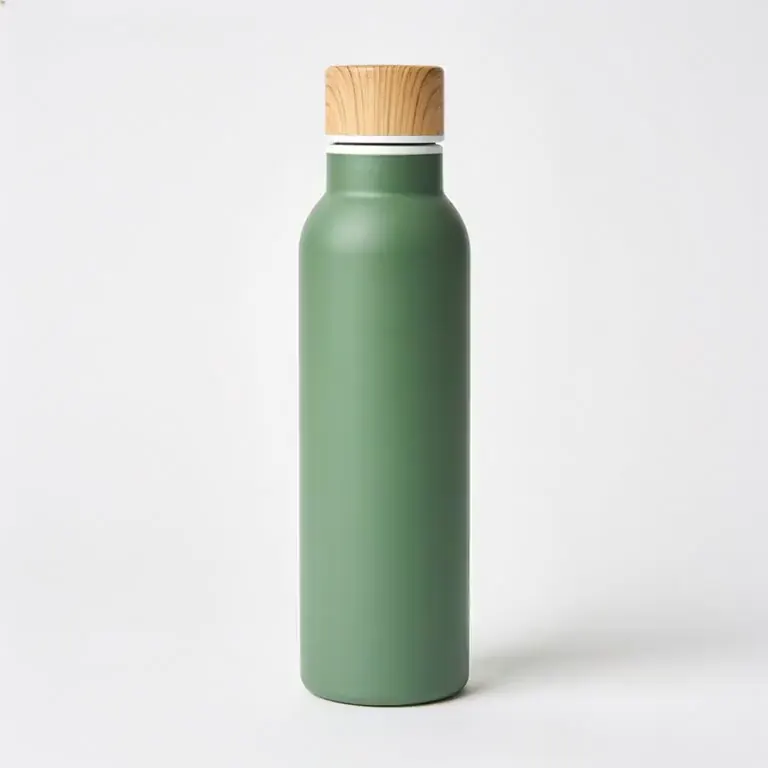



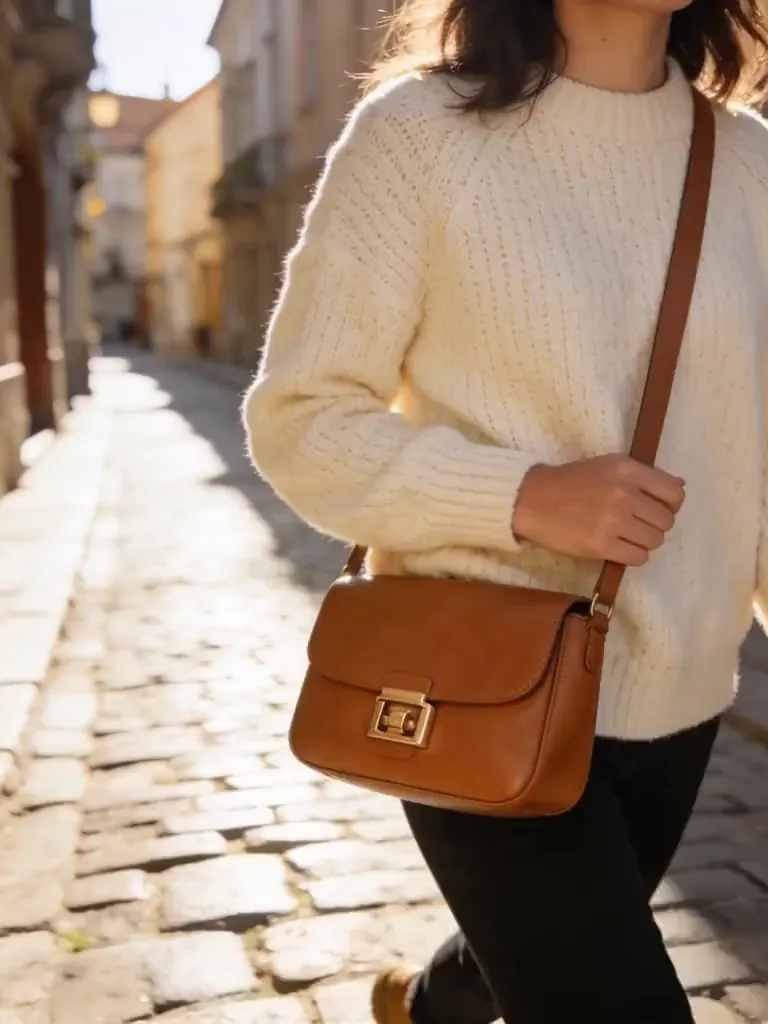
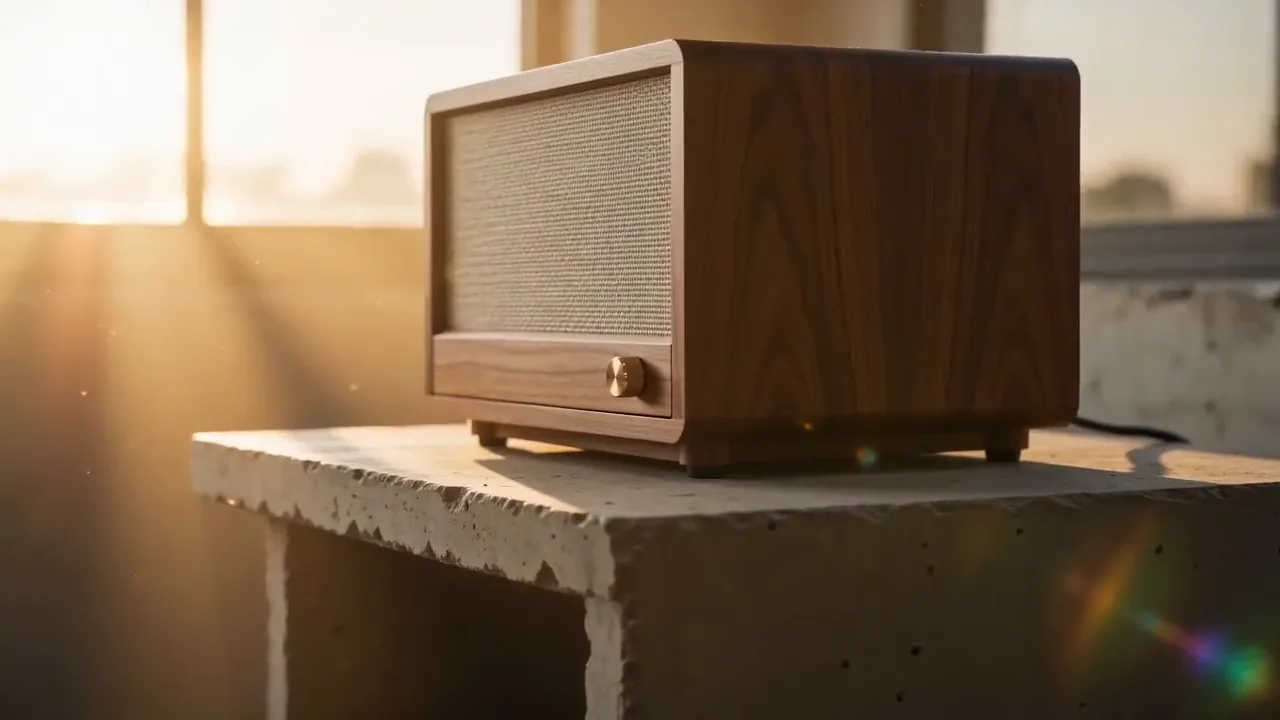
All examples were generated with AI from fictional, unbranded products. No real brand is shown.
When a video does not go live
- Published but not on the listing
- Give it three days in Published status and check that its ASINs match the product shown. Amazon’s seller blog says a video only appears in the main media block when the product has fewer than six images, and the Seller Central guide applies that to softlines products on desktop. Count the images before you re-upload anything.
- Rejected in Upload and Manage Videos
- Select Manage to read the reason, then fix that one thing (wrong contents, unreadable text, a claim) rather than uploading the same file again.
- Sponsored Brands video not accepted
- Check the shape (16:9 only), the length (6–45 seconds), the pixel size and the frame rate. A vertical clip padded with bars doesn’t meet the spec.
- The wrong language for the marketplace
- Amazon Ads asks for on-screen text or voiceover in the marketplace’s language. Cut one version per language instead of mixing them.
- Text hidden behind the mute button
- The mute toggle sits in the lower right corner of a Sponsored Brands video. Keep copy and the product clear of that corner.
Deciding which Amazon video to make first
The two formats do different jobs and share almost nothing technically. A listing video sits with your images and answers questions a shopper already has on the detail page. A Sponsored Brands video is an ad: it plays in shopping results, starts without sound, and has a few seconds to make sense next to competing products.
If you can only make one, check eligibility and display before you spend time on the listing video. The Seller Central guide asks for an account active for more than three months with the ASINs already listed, and Amazon’s blog adds a Professional selling account. The blog also says a shoppable video only appears in the main media block when the product has fewer than six images, so a listing that already fills every image slot may not show it there.
Say you sell a pour-over coffee dripper. For the listing, a how-to fits: kettle, filter, the pour, the finished cup, at a length the upload screen accepts (the Seller Central guide says 1 to 12 minutes; the blog says most successful videos run 30 to 90 seconds). For Sponsored Brands, cut the same idea to 15 or 20 seconds in 16:9, show the dripper in the first second, make the story readable with the sound off, and keep the lower right corner empty for the mute toggle.
Generated video can work for either, with the same caution as images. The Seller Central guide asks you to tag a video that shows photorealistic, entirely AI-generated people with the keyword contains-synthetic-performer before upload, and the product in the clip still has to match what the customer receives. Scrub through the export frame by frame and check the label, colour and every included part before you upload.
Prepare the video in three steps
Pick the placement
Detail page video or Sponsored Brands video. Sponsored Brands needs 16:9 and 6 to 45 seconds; a listing video can be 16:9 or 9:16, and the Seller Central guide gives it 1 to 12 minutes.
Generate at the right shape and length
Set 16:9 and 15–20 seconds in the generator above for Sponsored Brands, and keep the product off the lower right corner.
Check the file, then upload
Confirm format, pixel size and frame rate against the tables, then upload in Seller Central or the Amazon Ads console.
Make the video, or check the images
Amazon product video generator
Listing videos and 16:9 Sponsored Brands drafts from a product photo.
GUIDEAmazon main image requirements
White background, 1000 px and 85% fill, with sources.
FREE TOOLAmazon main image checker
Pixel-level checks in your browser. Nothing is uploaded.
Video on other platforms: Etsy · TikTok Shop · Shopify
Frequently asked questions
What format should an Amazon listing video be?
Amazon’s Seller Central shoppable video guide lists MOV or MP4, up to 1080p and up to 5 GB, in horizontal 16:9 or vertical 9:16. Amazon’s Sell on Amazon blog adds a limit of 4 shoppable videos per ASIN.
How long can an Amazon product video be?
The Seller Central shoppable video guide gives 1 to 12 minutes for listing videos, while Amazon’s Sell on Amazon blog says most successful videos run 30 to 90 seconds. The two don’t fully agree, so check what the Upload and Manage Videos screen accepts. Sponsored Brands video must be 6 to 45 seconds, with 20 seconds or less highly recommended.
Why is my Amazon video published but not showing?
Amazon’s Seller Central guide says to wait until the video has been Published for three days and to check that its ASINs match the product shown. For softlines products, six or more images on the listing suppress the video on desktop; Amazon’s blog states the image limit more broadly. Count the images before re-uploading.
Can Sponsored Brands video be vertical?
No. The Amazon Ads spec page says 16:9 (square pixel) only, at 1280×720, 1920×1080 or 3840×2160 px, and asks you to avoid black, colour or blurred bars.
Can I use an AI-generated video on Amazon?
Amazon’s shoppable video guide asks for a disclosure tag when a video shows photorealistic people who were entirely generated by AI: the keyword contains-synthetic-performer in the file’s dc:subject (XMP) field. A product-only clip needs no tag. Whatever made it, the video has to show the product a customer actually receives and pass Amazon’s review. Blurbly does not promise approval.
Who can upload videos to an Amazon listing?
Amazon’s Seller Central guide asks for an account active for more than three months, brand registered or not, with the product ASINs created and listed. Amazon’s blog adds that you need a Professional selling account.
Make a video that fits the spec
Start from a product photo, pick 16:9 if the clip is for Sponsored Brands, and check the export against the two tables above before you upload it.
Make an Amazon product video