

MMAudio
MMAudio: Add Ambient Sound to Silent Product Videos
MMAudio V2 is an open video-to-audio model, and on Blurbly it’s one of the lowest-priced ways to give a silent product clip sound. That makes it a good match for drafts and for batches of short social loops: a bottle by a stream, a cup in a café, a sneaker in a puddle. The first decision on every clip is whether it needs a room or a moment.
Updated
Model details and live prices →
Decide whether the clip needs a room or a moment
Some clips are about a place. A coffee accessory on a café table, a water bottle beside a mountain stream, a towel by a pool: what sells them is the atmosphere, and a soft bed of café murmur, running water or wind does that job. Other clips are about a moment, such as a pour, a splash or a cap coming off. There the sound has to land on one visible event, and timing matters more than atmosphere.
Suppose your shop sells insulated bottles and you have twenty short clips. Half show the bottle in outdoor scenes and half show someone filling or pouring. The outdoor half are room clips, and a wind or stream bed is enough. The pouring half are moment clips, and the water has to land on the frame. Sorting them that way before you start means you only write two kinds of prompt.
MMAudio can produce both kinds of sound, but write for one at a time. Start with a single background texture and, at most, one visible action. If you ask for footsteps, voices, music, birds and every small click at once, you won’t be able to tell whether the one sound that matters is any good.
For looping clips, keep the first and last half-second acoustically plain. A loud cue near the end lands right on the loop point and draws attention to the seam every time the video restarts.
See the scene, hear the result
Visual references and model outputs come from earlier first-party runs. The writing examples below are not transcripts or guaranteed reproductions of these files.
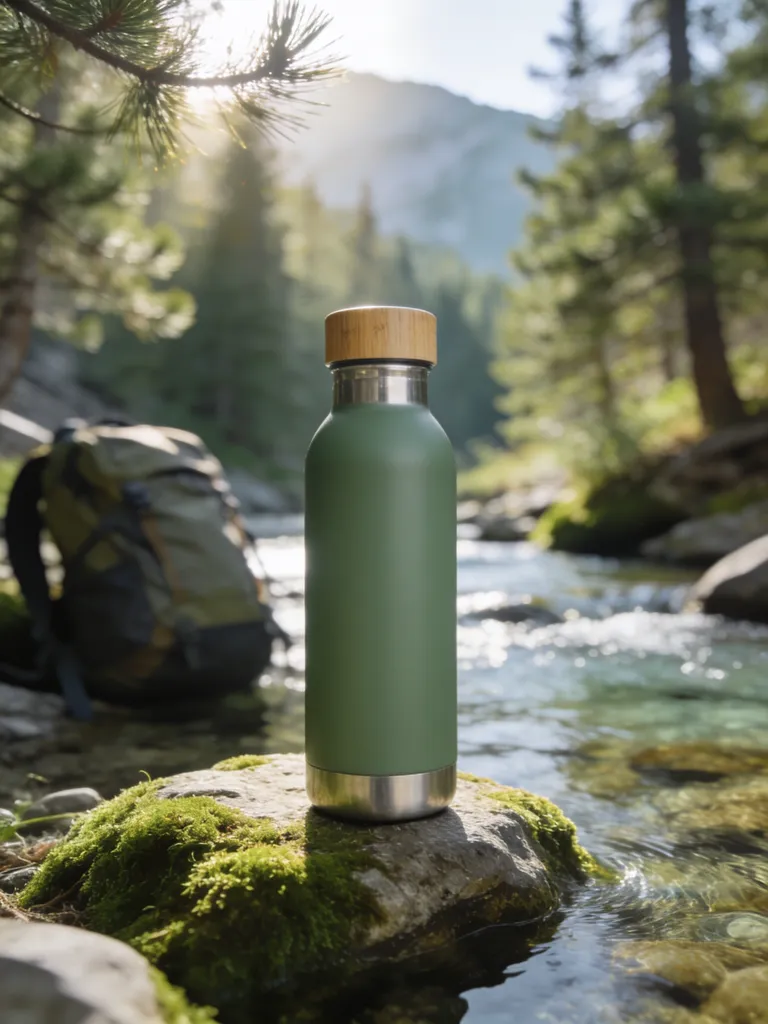
Outdoor ambience reference: a bottle by the mountains
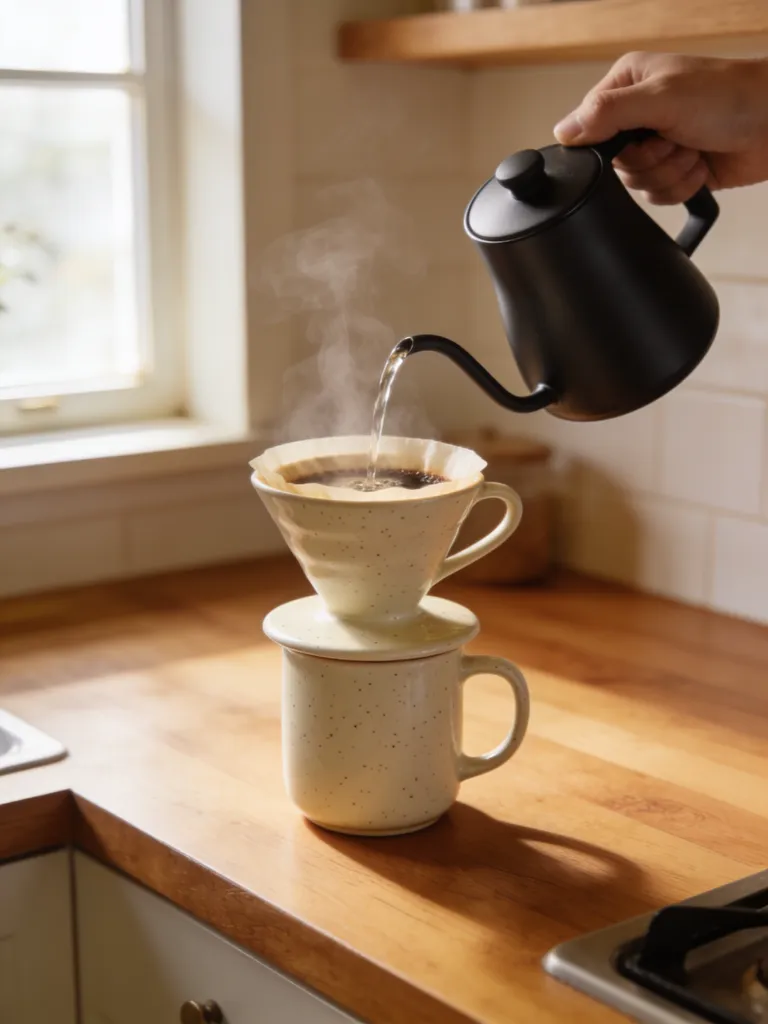
Pour-over coffee scene: water, ceramic and room tone
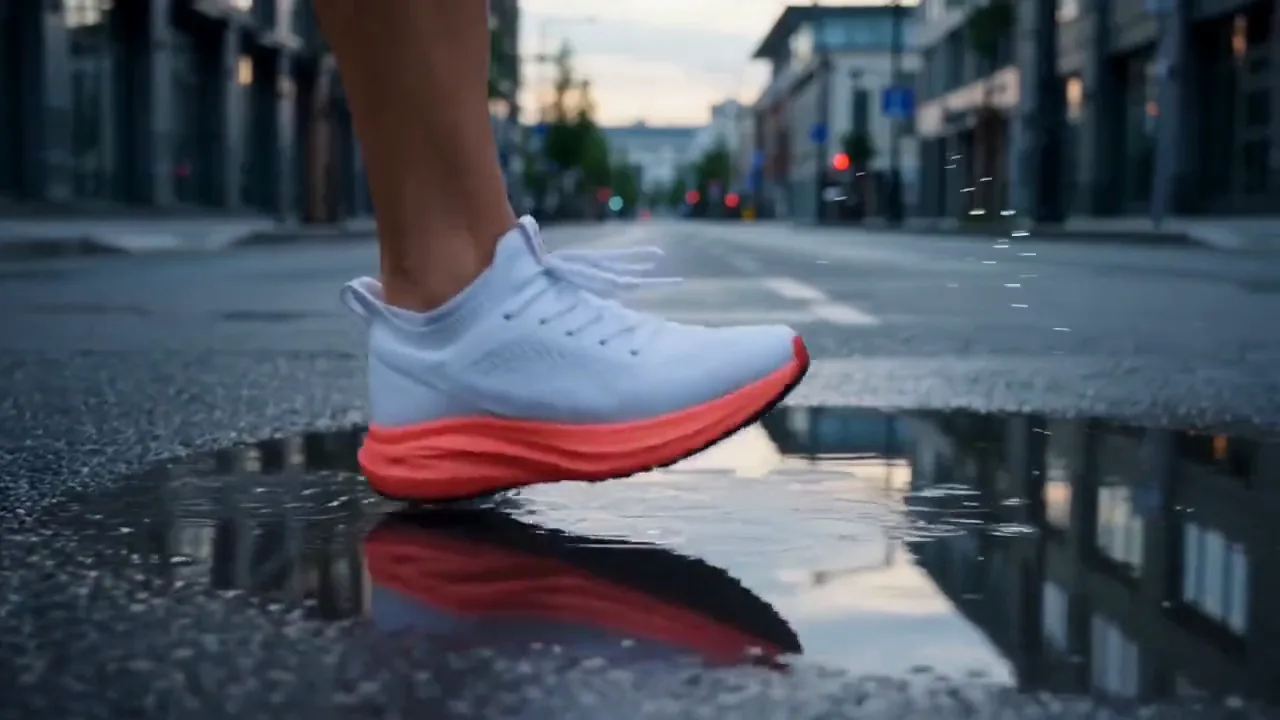
Sneaker splash: generated footsteps and water
What to check in the sneaker splash sample
The sample above is a sneaker splashing through a puddle, with generated footsteps and water. Watch the foot rather than listening for an impressive splash. Does the sound of the step land when the sole meets the water, and does the splash size match what you see? A puddle a few centimetres deep should sound like a slap and a spray, not like someone dropping into a pool.
Check the balance between steps and splash too. If the footsteps are as loud as the water, the clip loses its one big moment; in your own clips, the event the shot was built around should be the loudest thing in it.
Count the steps you can see and the steps you can hear. Extra footsteps, or a rhythm that doesn’t match the stride, would give the clip away immediately. Listen behind the action as well. The review note asks whether the ambient layer supports the scene without invented speech, and that’s worth checking on every MMAudio clip: listen for anything in the background bed that sounds like distant talking.
The two stills next to it are planning references. The bottle by the mountains suggests an outdoor bed of wind and distant water, perhaps nothing else. The coffee scene suggests a quiet room and one ceramic contact. Sketching a sound list for a still before you animate it is a quick way to decide whether that clip needs MMAudio’s ambience or a dedicated foley pass.
Describe physical events at the right scale
MMAudio responds to short, physical descriptions. “Water pouring into a glass, light splash” gives it something to work with, and “luxury lifestyle” doesn’t, because one is a sound and the other is a mood board. For ambience, two or three words are enough: “quiet café, distant cups” or “light wind, distant stream”. Long ambience descriptions can fill the bed with sounds that compete with the action.
Scale is the part people forget. A small tabletop splash and a waterfall are both “water”; a room with one shopper and a stadium are both “people”. Say small, light, distant, indoor, one person. And describe only events that happen on screen. A beach clip with a gentle wave and a breeze doesn’t need an engine or a crowd, and adding them changes what the ad is about.
Clips of up to 30 seconds are accepted, but test a new prompt on a short clip with one action before running a long one. Short clips give cleaner sync and are much quicker to judge.
Run a batch of loops without a batch of mistakes
Since MMAudio’s appeal is volume, set the batch up like a production line. Group your clips by scene type (café, outdoors, bathroom shelf, kitchen counter) and write one prompt template per group in which only the action changes: “Quiet café interior, distant indistinct activity, one [object] placed on a wooden table, no voices, no music.” Run one clip from each group first and approve the template before running the rest.
Give yourself a rejection checklist and apply it the same way to every clip: sound with no visible cause, visible contact with no sound, anything resembling speech, clipping or distortion, and a loud cue at either end of a loop. Listen to each loop through twice on a phone speaker. A clip that fails twice on the same problem probably needs a different source shot or a dedicated foley model, not a third prompt.
Mind the seams when you trim. If the generated audio doesn’t meet itself cleanly at the loop point, crossfade the last few frames into the first in your editor, and listen to at least three repetitions before you call it done. Name the files as you go (scene, action, model, take number) so the approved loops are easy to find when you swap a product colour or re-edit the set next month.
When to move up to foley or a voice track
For a hero close-up with several contacts, a lid, a pour and a set-down, run the same clip through Hunyuan Video-Foley or Kling Video-to-Audio as well and compare the results side by side at the same volume. A lower price only helps if the sound fits the picture, and the clip at the top of your product page is the one where paying for the better take makes sense.
Keep the prompts as similar as the models allow and listen in a fixed order: contact timing, material, then background. Write one line of notes per take, because comparisons made from memory tend to favour whichever take you heard last.
MMAudio’s text prompt describes sounds; it isn’t a narrator. When the ad needs exact words, generate them with a speech model such as ElevenLabs v3 or MiniMax Speech 2.6 HD and mix the voice above the ambient bed. And because MMAudio is an open research model, don’t take that to mean an unfiltered hosted service. The provider running it and Blurbly’s content policy both still apply.
Prompt and script examples
Sparkling water enters a small glass, light tabletop splash and soft fizz. Quiet room, no voices, no music.
A ceramic coffee cup on a café table. Subdued indoor ambience, distant indistinct activity, one gentle cup placement, no loud conversation.