

ElevenLabs
ElevenLabs for Product Ads: Music, Voiceover & SFX
ElevenLabs on Blurbly is three tools, not one: Music for the bed, v3 for the voiceover and Sound Effects for the click or fizz that makes a product feel real. Most product ads need two of the three, mixed so that the voice always wins. This guide covers which layers to make, in what order, and how to listen before you publish.
Updated
Model details and live prices →
Decide which layers the ad needs
Watch your cut with the sound off and ask what the picture can’t say on its own. A serum ad with a price and a launch offer needs a voice or captions. A ten-second pour or unboxing loop may need nothing but one effect and a quiet bed. A founder talking to camera already has a voice, and music under it is optional. Write the answer down as a list of layers before you generate anything, because each layer is a separate generation with its own cost.
On Blurbly the three ElevenLabs models map straight onto those layers. Music makes an instrumental track at 10, 30, 60 or 120 seconds. v3 reads a script, with a choice of voice, language and emotion. Sound Effects makes a single cue of up to 22 seconds, including loopable ones. None of them mixes the layers for you, so plan to bring the files together in your video editor.
For a 15-second spot, start with voice plus music and allow yourself one effect. Two or three effects in fifteen seconds begin to sound like a cartoon, and every extra hit competes with a word in the script.
See the scene, hear the result
Visual references and model outputs come from earlier first-party runs. The writing examples below are not transcripts or guaranteed reproductions of these files.
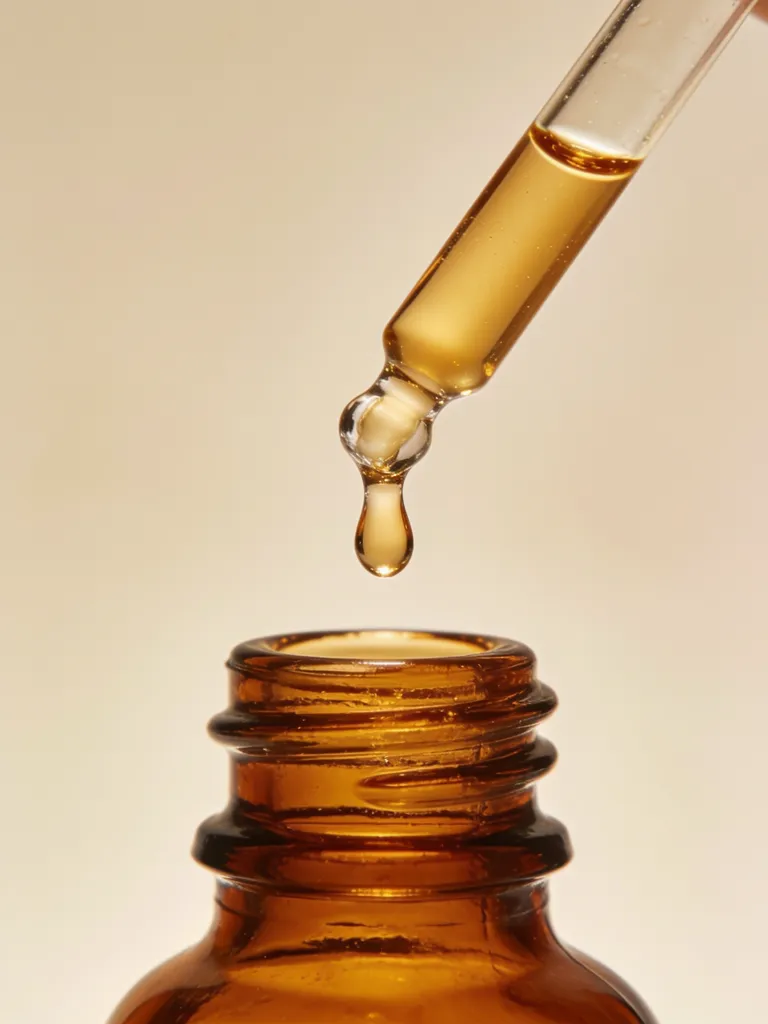
Texture close-up: a cue for delicate sound effects
Visual reference: a silent product-motion shot for a music bed
Instrumental music bed for a skincare ad
Voiceover for the fictional Lumora serum
Generated soda-can opening sound
How to listen to the three samples above
The samples were made in separate runs for different fictional products: an instrumental bed written for a skincare ad, a voiceover for a serum called Lumora, and a soda can opening. They are not one finished mix. Treat them as parts laid out on a bench and judge each on the job it would do.
Play the Lumora voiceover first, at normal phone volume. Say the brand name back out loud and note which syllable carried the stress, then listen to the last word of each sentence; clipped endings and a rushed final line are worth checking in any generated read. Note the pace as well. If you had to cut this read into a 15-second edit, would it fit with a second to spare for the end card?
Then play the music bed and listen for where a voice could sit. A bed that works under narration leaves the middle of the range fairly open and doesn’t have a lead melody demanding attention every bar. Read a line of your own script aloud over it; if you keep losing your place, it’s too busy for speech and belongs under captions only.
Last, play the can opening and listen to its shape: how fast the attack is and how long the fizz tail runs. A sharp attack is easy to line up with a cut. A long tail needs a gap in the script.
Write and test the voiceover before choosing music
The voice sets the timing for everything else, so record it first. Ad reads tend to run at around two and a half words per second, which puts a 15-second spot at roughly 30 to 35 words once you leave a beat of silence for the end card. Treat that as a draft length and time the actual take, because different voices and emotion settings read the same words at different speeds.
Invented brand names are the words a generated voice is most likely to guess at. Before you generate the full script, make a short test line with the name in the middle, such as “This is Fernhollow, made for slow mornings.” If the stress lands wrong, respell the name in the script the way it should sound, “Fern-hollow” or “Loo-mor-uh”, and try again. Keep the real spelling in captions and on the end card; the respelling only lives in the voice script. Do the same for prices and units. Write “twenty-four ninety” if that’s how you want $24.90 said.
For a Spanish, Portuguese or Chinese version, rewrite the script in that language rather than handing v3 a literal translation. Spanish and Portuguese usually run longer than English, so cut a clause instead of asking for a faster read. Check that the offer even applies: free shipping or a delivery time can be wrong in another market. Then have a fluent speaker listen against the edit and confirm two things, that the name sounds right in their language and that the call to action finishes before the end card.
Prompt the music around the voice
Pick a music length equal to or longer than the cut and trim it down. With lengths of 10, 30, 60 and 120 seconds, a 15-second ad means generating 30 and choosing the best stretch. Write the prompt like a brief to a composer: genre, rough tempo, two or three instruments, energy, and the words “instrumental, no vocals”. “Warm acoustic pop, around 100 bpm, soft brushed drums and fingerpicked guitar, restrained, instrumental” leaves far less to guess than “an upbeat vibe for my brand”.
For a bed under narration, ask for less than you think you need. A lead synth or a whistled melody that sounds great alone will sit right on top of the voice, while sparse percussion, pads, plucked guitar and bass leave it room. A handmade candle suits something slow and warm. A gym bottle can take a dry, punchy beat, as long as the beat doesn’t bring a hook of its own. Don’t name an artist or a song to steer the style; describe the tempo, drum sound and mood you like about it instead, and keep the track original.
When you trim, cut on a phrase boundary. Count along with the beat, find the point where the music resolves, and put that resolution on the end card rather than letting the track stop mid-bar. A half-second fade on the tail covers small mismatches. A cut through the middle of a phrase is something viewers register even when they couldn’t tell you what felt off.
Mix for a phone and put the effect on the contact frame
Set the voice level first, then bring the music up underneath until you can feel it without ever straining for a word. A common starting point is to sit the music somewhere around 12 to 18 dB below the voice while someone is speaking, and let it rise in the gaps and over the end card. If your editor has ducking or sidechain compression, use it; otherwise draw the volume dips by hand around each sentence.
Place the sound effect on the exact frame where the contact happens: the cap leaves the bottle, the tab breaks on the can. If it can’t land exactly, a frame late reads more naturally than a frame early, because in real life sound reaches you a fraction after the picture does. Keep effects out from under the brand name and the price. Moving a click two frames off a key word costs nothing and saves the line.
Then listen on a phone held at arm’s length, at the volume you’d actually scroll at. Phone speakers lose most of the bass, so a bed that felt full on headphones can thin out and a low thump can vanish. What has to survive is the voice, the product name and the one effect that matters. Before publishing, check the current commercial-use terms for each ElevenLabs model you used. The studio shows the credits for each generation, and a three-layer soundtrack is at least three generations plus any retakes.
Prompt and script examples
Music brief: Warm acoustic pop around 100 bpm, soft brushed percussion and fingerpicked guitar, restrained energy for a handmade candle reveal. Instrumental, no lead melody, room for a narrator.
Voiceover script: Meet Fernhollow. A ceramic travel cup for slow mornings and busy days. Choose your colour and make the next coffee yours.
SFX brief: A cardboard sleeve slides off a glass skincare bottle, a small cap clicks open, quiet indoor room tone.