

Hunyuan Video-Foley
Hunyuan Video-Foley: Product Sound Effects & Texture Prompts
Foley is the sound of ordinary contact recorded to picture: a lid meeting a jar, a sleeve brushing a bag, a shoe on wood. Hunyuan Video-Foley does that job from a short written description and a clip of up to 30 seconds, and returns your video with the sound in place. Reach for it when how a product feels to the touch matters more than a narrator or a tune.
Updated
Model details and live prices →
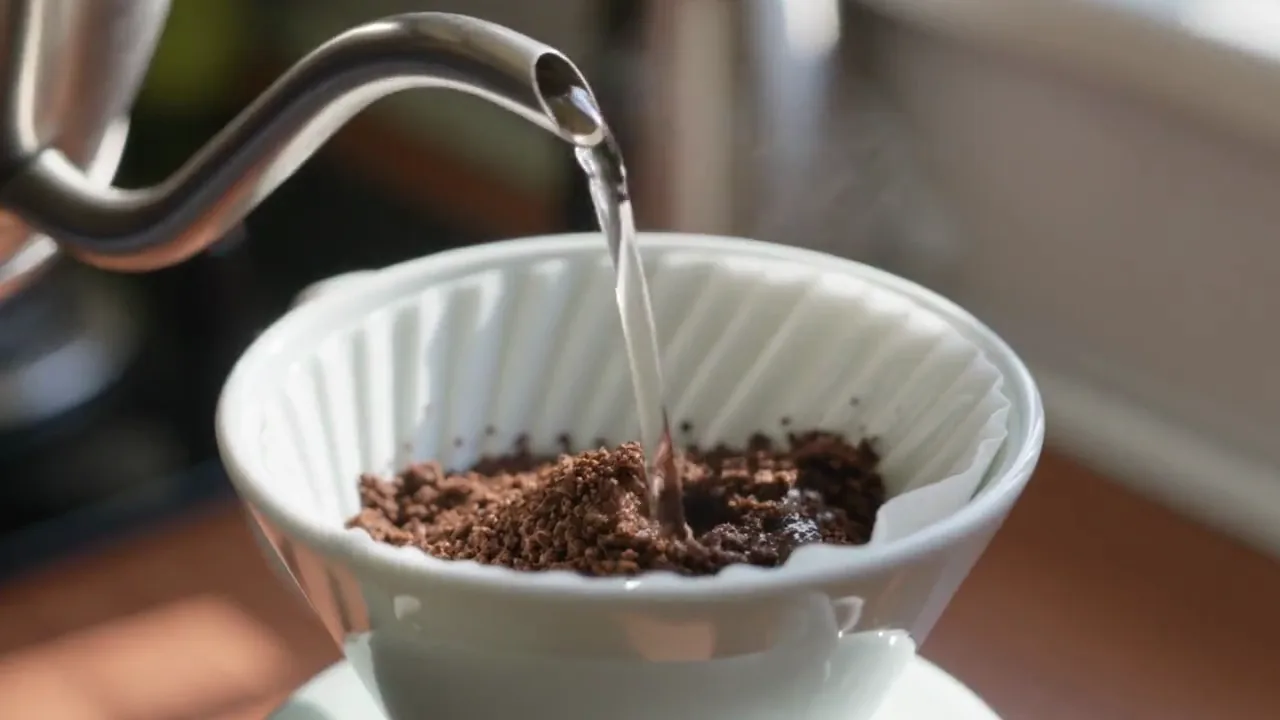
Spot the clip like a foley editor
Before writing a prompt, do what foley editors call spotting: watch the clip muted and list every sound it implies, with a rough time. For a ceramic storage jar that might read: hand enters frame, lid lifts at 0:02, lid set on wood at 0:03, jar slides a few centimetres at 0:05. Then sort the list into three layers. The main contacts carry the clip. Smaller material details, a fingertip on glaze or a soft scrape, add texture. Room tone, the faint sound of a quiet kitchen, holds everything together.
Take a shop selling linen dresses, with an eight-second clip of a model walking across a wooden studio floor and turning. The spotting list is short: four footsteps, the skirt swishing on the turn, a hand brushing the fabric at the end. No music, no voice, no street noise from outside. That list is already most of your prompt.
Decide what stays silent as well. A leather bag opening doesn’t need a metal clang, and a cream jar doesn’t need a splash. Every sound you leave out is one less thing that can drift out of sync, and the viewer’s attention stays on the product.
Hunyuan lines up best on one continuous shot. If your edit has three angles, export each shot as its own clip, generate foley per shot and join them afterwards, rather than sending the whole multi-angle edit in one go.
See the scene, hear the result
Visual references and model outputs come from earlier first-party runs. The writing examples below are not transcripts or guaranteed reproductions of these files.
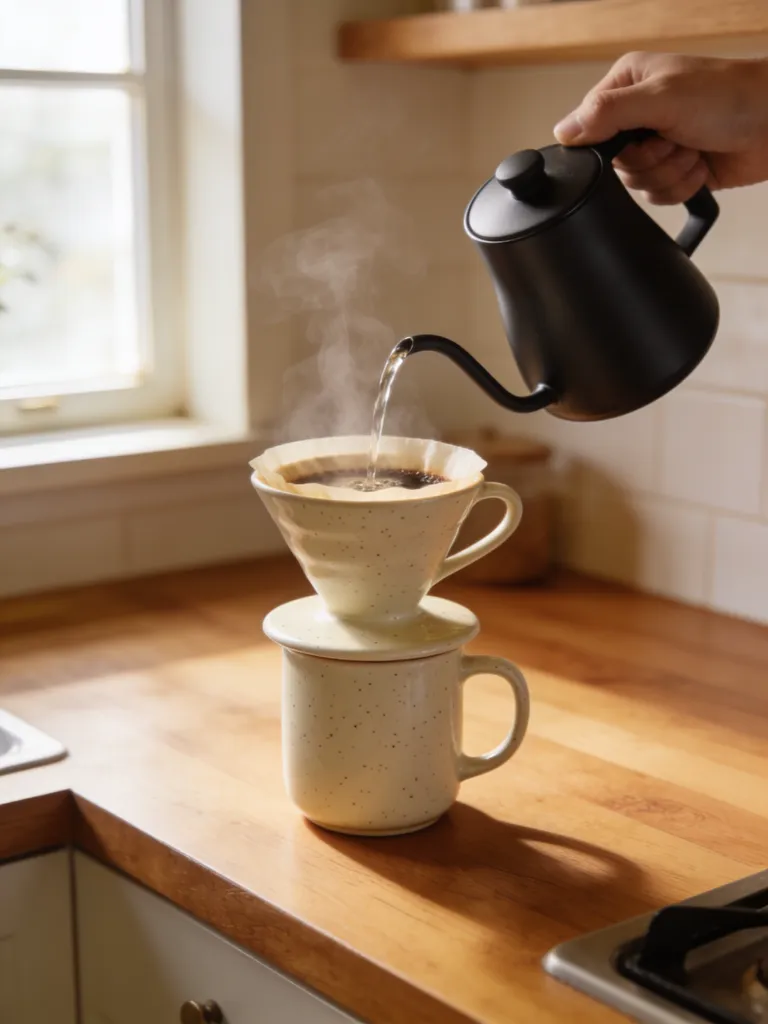
Pour-over coffee scene: water, ceramic and room tone
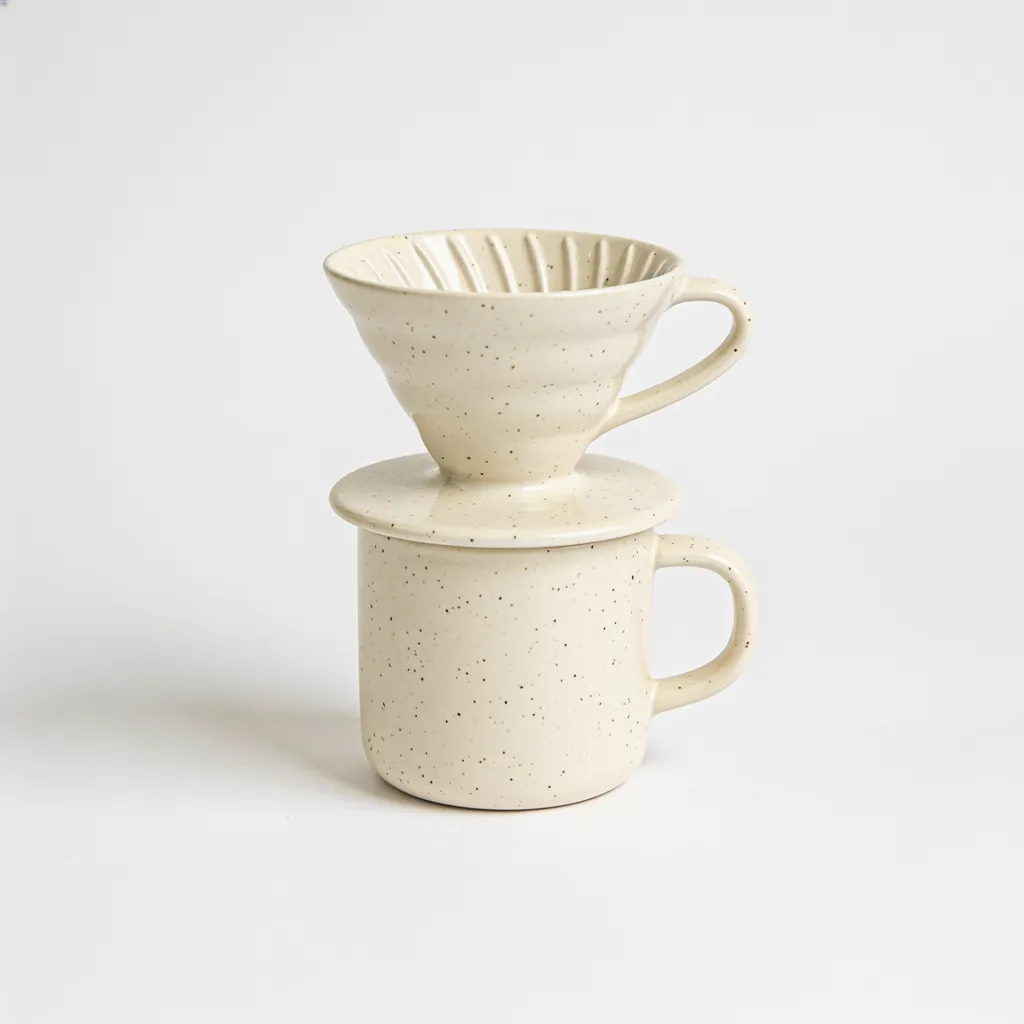
Ceramic product reference: inspect the material before prompting sound
Coffee pour: generated water and scene sounds
Listening to the coffee pour sample
The sample above is a pour-over coffee scene with generated water and scene sounds. Listen to it once without looking. Try to name what you hear, in order: a stream of water, the grounds taking it, any contact with the ceramic, the room around it. Then watch and check each sound against the picture. The question isn’t whether it sounds pleasant. It’s whether every sound you named has a visible cause, and whether anything you can see is silent.
The two stills beside it, the pour-over scene and the ceramic dripper on white, are there to make a point: look at the material before you prompt the sound. Thin ceramic touched gently gives a short, light tick, while a heavy mug set down hard gives a duller knock, and glass usually rings on longer than either. If your prompt says ceramic and the result sounds like glass or metal, the take is wrong however clean it is.
Use the same order on your own clips: water and contact sounds first, timing second, the weight of each impact last. A delicate clink played as a heavy impact makes a small, careful product feel clumsy.
Write prompts that name sounds, not the ad
Hunyuan needs a prompt, and the useful prompt describes sound sources: material, action and room. You can hear “ceramic lid gently set on a wooden countertop, quiet kitchen” in your head before you generate it. You can’t hear “a premium, luxurious product commercial”, because it says nothing about what touches what or whether the room echoes.
Be specific about materials that are easy to confuse. Cotton on cotton is soft and broad; a metal zipper is bright and ticking; nylon swishes. Name ceramic or glass rather than leaving the model to guess from the picture. Add scale words where they help, such as small, light, close or distant, because a tabletop splash prompted without them can come back sounding like a wave.
Keep the prompt short enough to read in one breath. Three or four sound events plus a room is plenty for a ten-second clip. A list of twelve invites sounds where there are no actions. On longer clips, write the sounds in the order they happen; order won’t guarantee placement, but it stops you forgetting an event and makes the result easier to check against your spotting list.
For footwear, name the floor as well as the shoe: rubber sole on polished concrete, leather heel on oak, trainers on a gym mat. The surface shapes most of what you hear, and the shoe adds the character.
Fix sync one event at a time
Judge sync on the frame where contact happens, not on the overall feel. Step through the clip in your editor, find the frame where the lid touches the counter and look at the waveform: the sharp start of the sound should sit on that frame or just after it. Sound that arrives early is far more noticeable than sound that arrives late, so a frame or two late is acceptable and a frame early usually isn’t.
Resist sliding the whole audio track to fix one event. If the clink is four frames early but the footsteps are right, a global shift swaps one error for another. Either cut the audio at a quiet moment and nudge only that section, or regenerate from a shorter clip that contains just that action. Watch for doubled hits as well: a contact can come back as two quick transients where the picture shows one, which reads as a fumble. Trim the extra one if it’s clean, otherwise regenerate.
When you’ve joined several shots, listen across the cuts. Separate generations may bring slightly different room tones, and a jump in background hiss at every cut gives the edit away. Lay one continuous room tone under the whole sequence and pull the generated rooms down until the joins disappear.
Where foley ends and music or voice begins
Foley doesn’t replace a score or a narrator. In a perfume reveal or a kitchen demo, foley makes the object real, music sets the pace and a voice explains the offer. Generate music separately with ElevenLabs Music or MiniMax Music and mix it in your editor, keeping the foley loud enough that the key contact is still heard over the bed.
A useful habit is to mix the foley first with no music, get it sounding right, and only then bring the music in underneath. Done the other way round, the foley tends to creep louder and louder until every touch sounds like a slam.
For product-page videos that loop, leave the clip a quiet tail. A contact sound in the last few frames repeats every few seconds and quickly starts to grate. Check the final mix at a modest volume and on a phone speaker, listen for clicks or noise at the edges, and go by the price the studio shows for the model and duration you chose.
Prompt and script examples
A ceramic lid is lifted from a small jar and gently placed on a wooden counter. One delicate clink, light surface contact, quiet kitchen room tone.
A linen sleeve brushes a cotton tote as an adult walks through a quiet studio. Soft cloth movement, restrained footsteps, no speech or music.