

Blurbly AI tutorial · about 20 minutes
How to make an AI ad pack from one product photo
An ad pack combines several creative assets for one product. Start with a clear photo, specify the posters and video you need, then review the proposed wording, formats and price. This guide follows our fictional candle test from the initial request to the reviewed files, including the failures.
These are owned source and output illustrations, not customer uploads or interface screenshots. The original pack failed: its video completed, but five posters needed manual recovery. Allow twenty minutes for preparation and review, excluding queues and corrections.
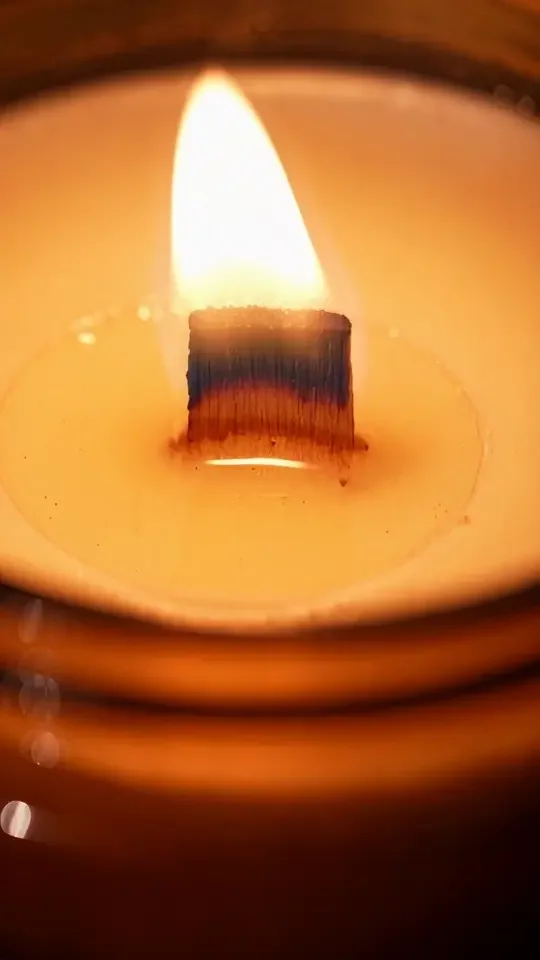
Recorded source and output files; illustrations are not interface screenshots · checked on blurbly.ai
This is the same box the steps below walk through. Keep this tab open and follow along with your own product.
What you need
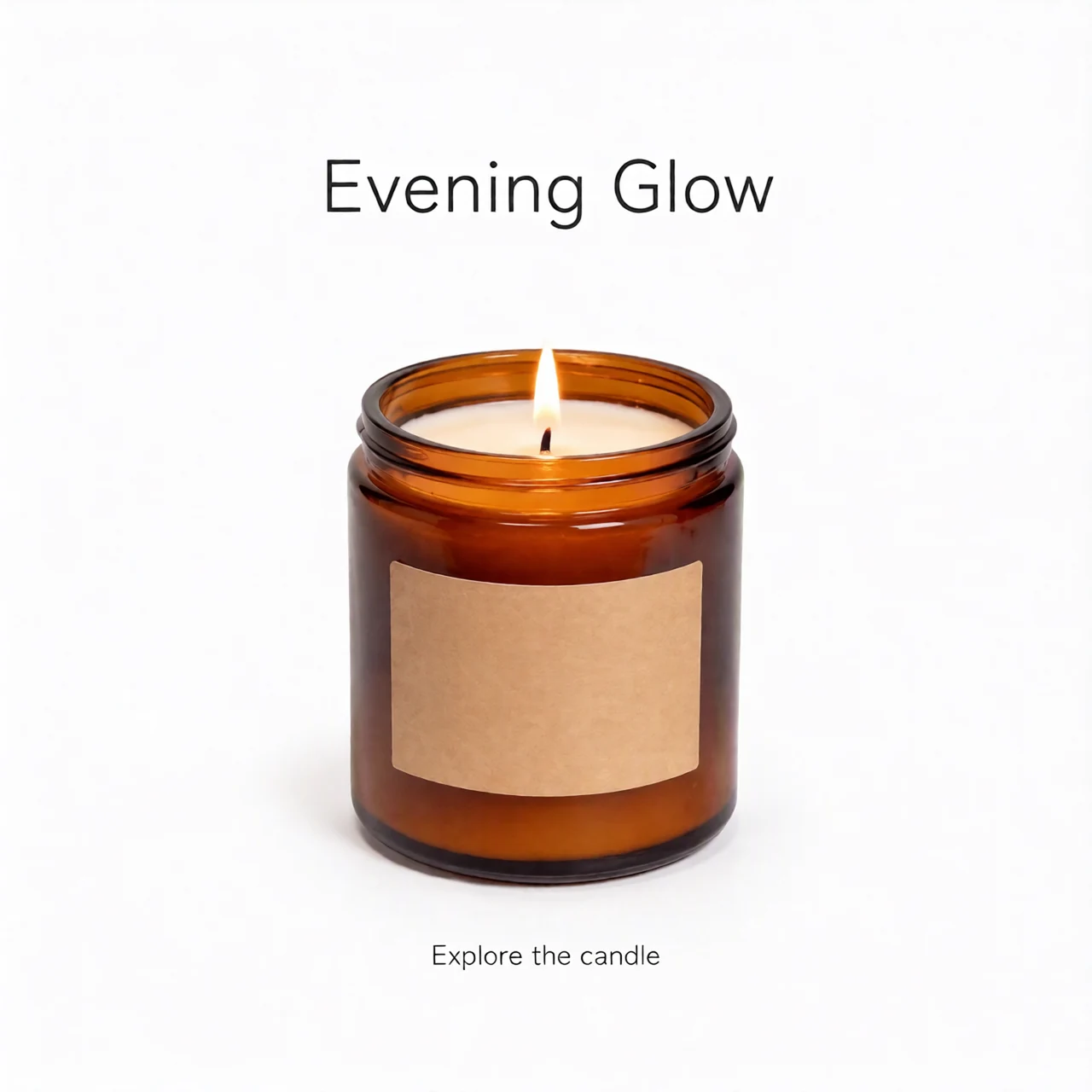
- A sharp product photo you may use. Show the complete item and important packaging details. We used an unbranded amber candle with a blank kraft label, cream wax and a wooden wick.
- Verified product facts, one purpose and exact permitted wording. Our test used no offer, price, scent, health or burn-time claim; it was a fictional creative demonstration.
- A requested image count, video length, target market and placement sizes. These are planning inputs, not proof that every generated file will have the requested dimensions.
- An eligible account and enough credits for the confirmed job. Read the current pricing and trial conditions; planning, image previews, video rendering and downloads have different eligibility rules.
Step 1 of 5
Choose the pack workflow and prepare your photo
Open the AI ad generator and use its ad-pack or Brand Pack workflow. Upload the product photo and wait for it to become available before submitting your brief. This task needs both images and video; a video-only plan is a different scope.
Request five posters and one fifteen-second video, US market, English, without a reference. A URL adds facts but cannot replace a photo. Our verbose first brief became a single-video plan; we stopped before rendering and restated the full scope.

Common problem: If the plan contains only a video, correct the requested scope before confirming. Do not pay for a different job and expect the missing images to appear later.
Step 2 of 5
Review every planned asset and correct the wording
Read the output list, not just the agent’s summary. Check the five poster slots and video, intended sizes, product identity, background and any captions or audio. A useful brief is: “Create five posters and one product video using this photo. Headline: Evening Glow. CTA: Explore the candle. Keep the label blank. No people, prices or unsupported claims. Show the plan and full quote first.”
We changed A Warm Corner to Evening Glow and removed inferred scent, newest and steady-burn wording before generation. Read each revised asset; a chat acknowledgment does not prove every copy field changed.

Common problem: A blank label and a short headline still need inspection. Do not invent scent, ingredients, discounts or performance claims to fill unused space.
Step 3 of 5
Check the full quote, then confirm once
Check the current total, chosen models, account eligibility and download access against the requested assets. Credits alone do not substitute for a required membership. Our funded test account had different video benefits from an ordinary retail purchase, so its historical debit cannot price your next pack.
Confirm the reviewed scope and quote once, then follow that task. Avoid duplicate paid submissions when progress is slow. Check each asset: here the video completed, but poster errors left the overall pack failed.
Common problem: An estimate, reserved credits, final debits and failure refunds are different amounts. Check the task and credit history before paying for a retry; do not assume that all failures are free.
Step 4 of 5
Separate provider errors from an incorrect image
Distinguish a provider failure from a completed image with bad text. We saw both errors and unwanted lettering. Inspect each file. Check the existing task and new quote before retrying; avoid duplicate submissions.
We manually regenerated five posters through the normal GPT Image 2 path with the same source and wording. This was not automatic fallback or a universal repair button. Verify available controls, model and quote before a separate image job; keep rejects separate.
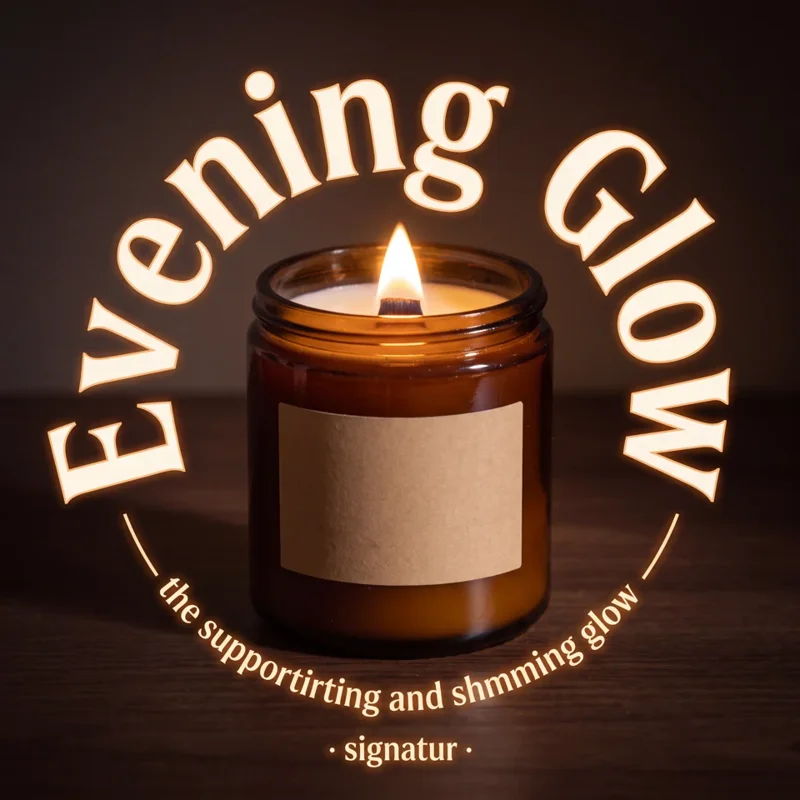
Common problem: Do not call manually recovered files a successful automatic pack. Recheck all five images individually; correcting one poster does not establish that the others are right.
Step 5 of 5
Download originals and review the entire set
Open the downloaded PNGs and MP4, not just thumbnails. Check product shape, label, full text, dimensions and ending. Play the complete video with sound. The fifteen-second request became about seventeen and a half seconds after captions and the end card.
Two recovered posters are 2:3 instead of the planned 4:5; the others are square or 9:16. Decide whether each placement needs a new size before publishing. The video export is 1080 by 1920, but that does not mean native 1080p generation. Keep a record of accepted files, rejected attempts and refunds. Platform approval and sales still depend on the actual ad and campaign.

Common problem: The candle’s proportions can vary between generated images. Compare against your real product; this test does not certify exact SKU geometry, ad approval or advertising results.
The recorded five-poster and video result
These are actual outputs of the recorded internal candle test. The video came from the original pack; all five poster files came from manual recovery. The overall original pack remains failed, even though the reviewed files can be inspected together.
Original PNG links below preserve generated dimensions. Download this run’s record for the initial request, revisions, models and reconciled consumption. It separates the estimate, refunds and net consumption; this is not a standard pack offer.
Download this run’s test record









Tips for better results
- Write the requested asset count explicitly and approve the revised plan only after reading every slot.
- Use exact headline and CTA wording. More words create more places for generated text to fail.
- Separate creative review from technical completion: a completed job can still produce an unsuitable file.
- Name accepted downloads by placement and revision so a rejected file cannot accidentally enter your campaign.
Troubleshooting
- The plan becomes a single video
- Stop before rendering. Restate that the task is a complete ad pack, with the requested poster count and video. Check the revised output list before accepting.
- The pack failed but one asset plays
- Review the remaining asset states and credit history. A completed video does not establish that posters succeeded. Avoid duplicate submissions while an existing task is still running.
- The poster has bad text or the wrong ratio
- Identify the specific file and defect. Confirm the proposed correction or separate generation quote. Check the downloaded replacement again; the recorded manual recovery also changed two planned ratios.